
Documentation Index

Fetch the complete documentation index at: https://docs.kameleoon.com/llms.txt

Use this file to discover all available pages before exploring further.

You can create and display fully customized forms on your website using the Kameleoon Widget Studio.

Use case example

Let’s say you want to encourage visitors to subscribe to your newsletter. Your goal is to collect email addresses and provide visitors with personalized offers.
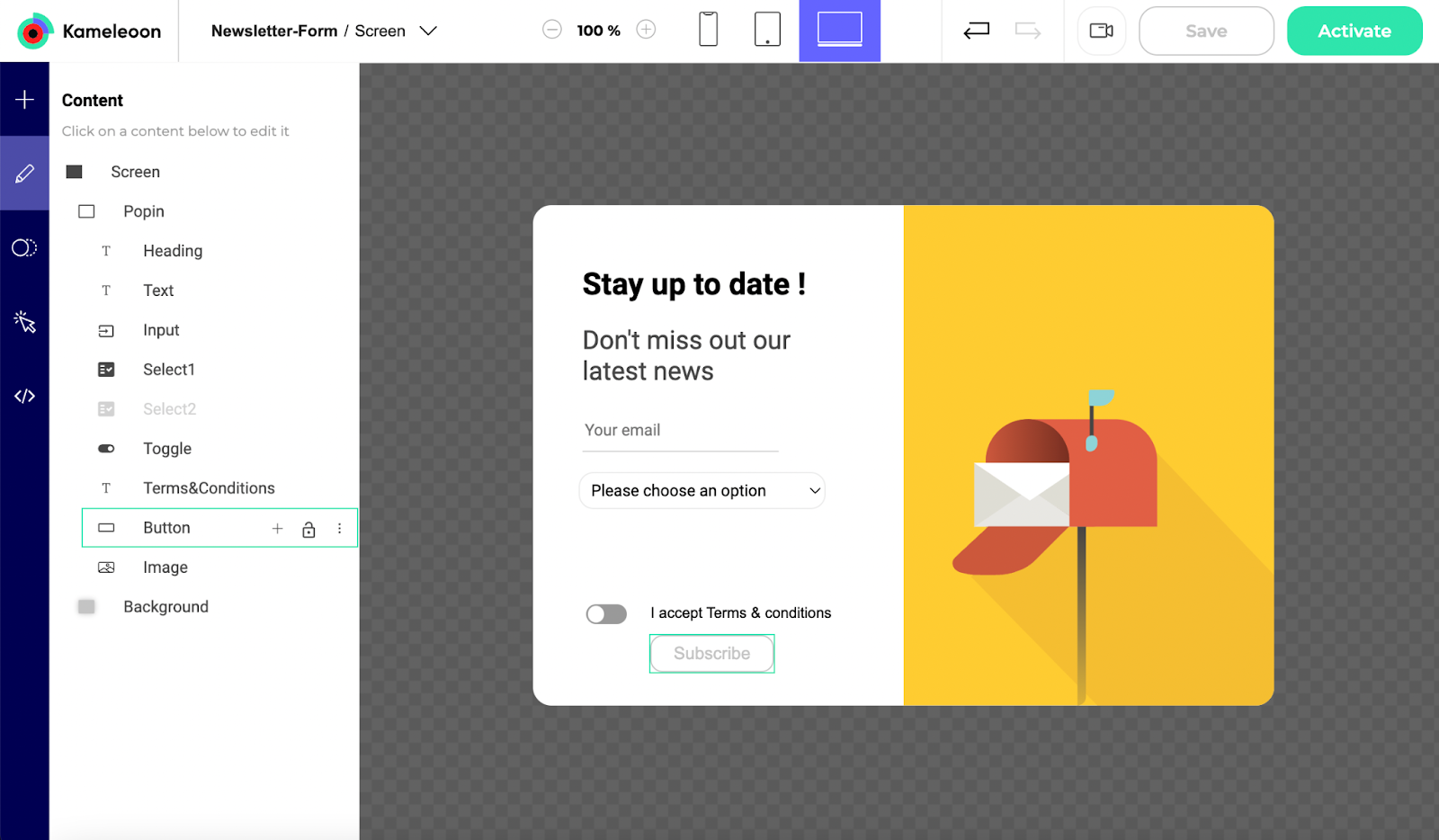
The widget must collect data, check if the data is in the right format, send it to the right destination, and react accordingly. To do this, you will create a widget containing a form with several elements:
  • an Email address field
  • two selection dropdowns, including conditional logic
  • a toggle to accept the Terms & Conditions
  • a screen for successful data sending
  • a screen for failed data sending
First, you need to create a new widget. Then, you can follow these steps to create your form on our Widget Studio.