Design your screen
To design your screen:- Click the name of your widget in the top left of the Widget Studio.
- Double-click Add screen to create a validation screen or an error screen.
- Design your screen as you wish.
Configure Events
After creating your screens, you must set up events to display the appropriate screen based on whether the visitor’s data submission succeeds or fails. To set up events:- Click Event > Add event.
- Select HTTP Response.
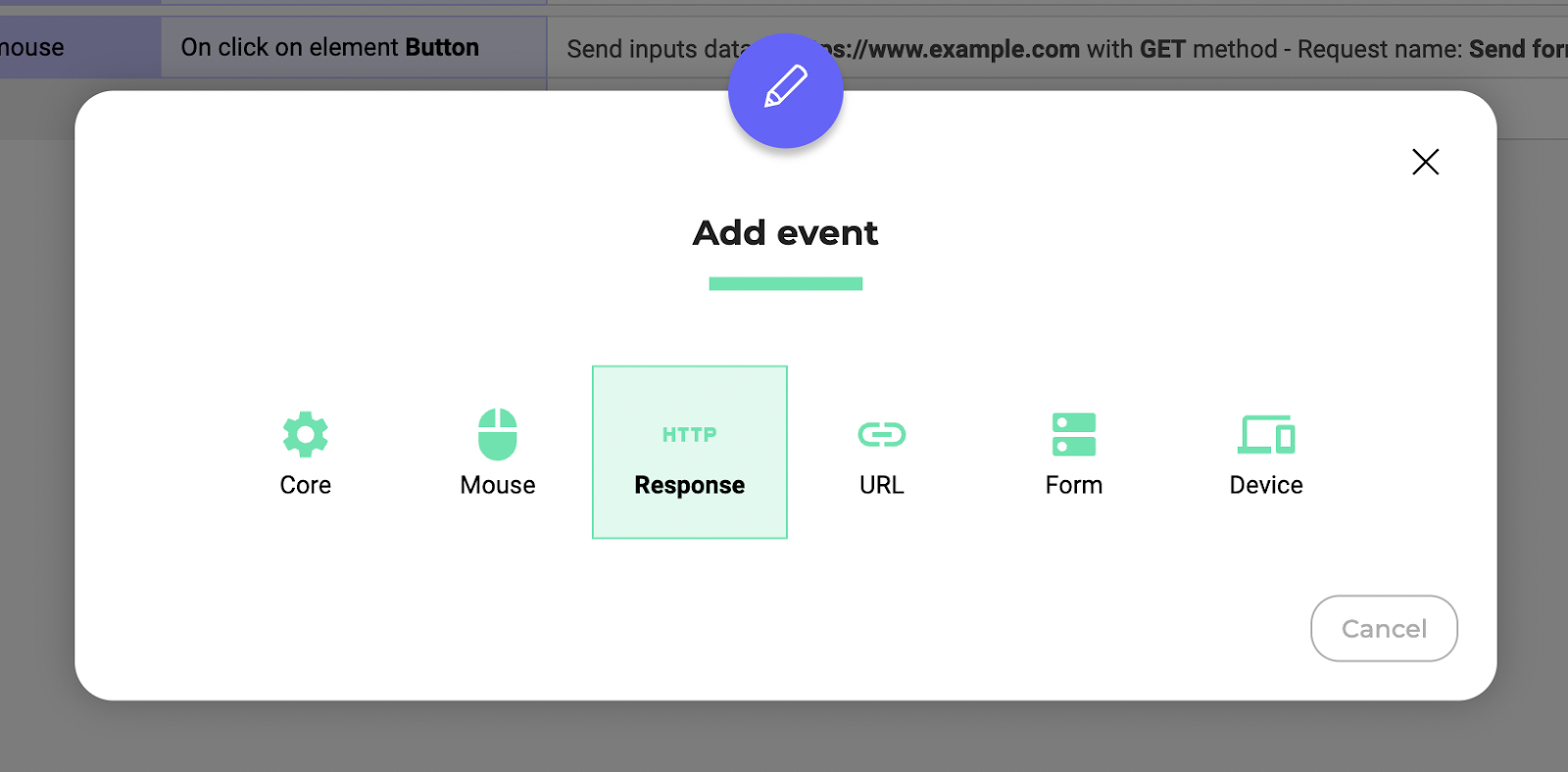
- Select On success or On error depending on the screen you want to display.
- Select the name of the request linked to your HTTP Response in the Response Name menu.
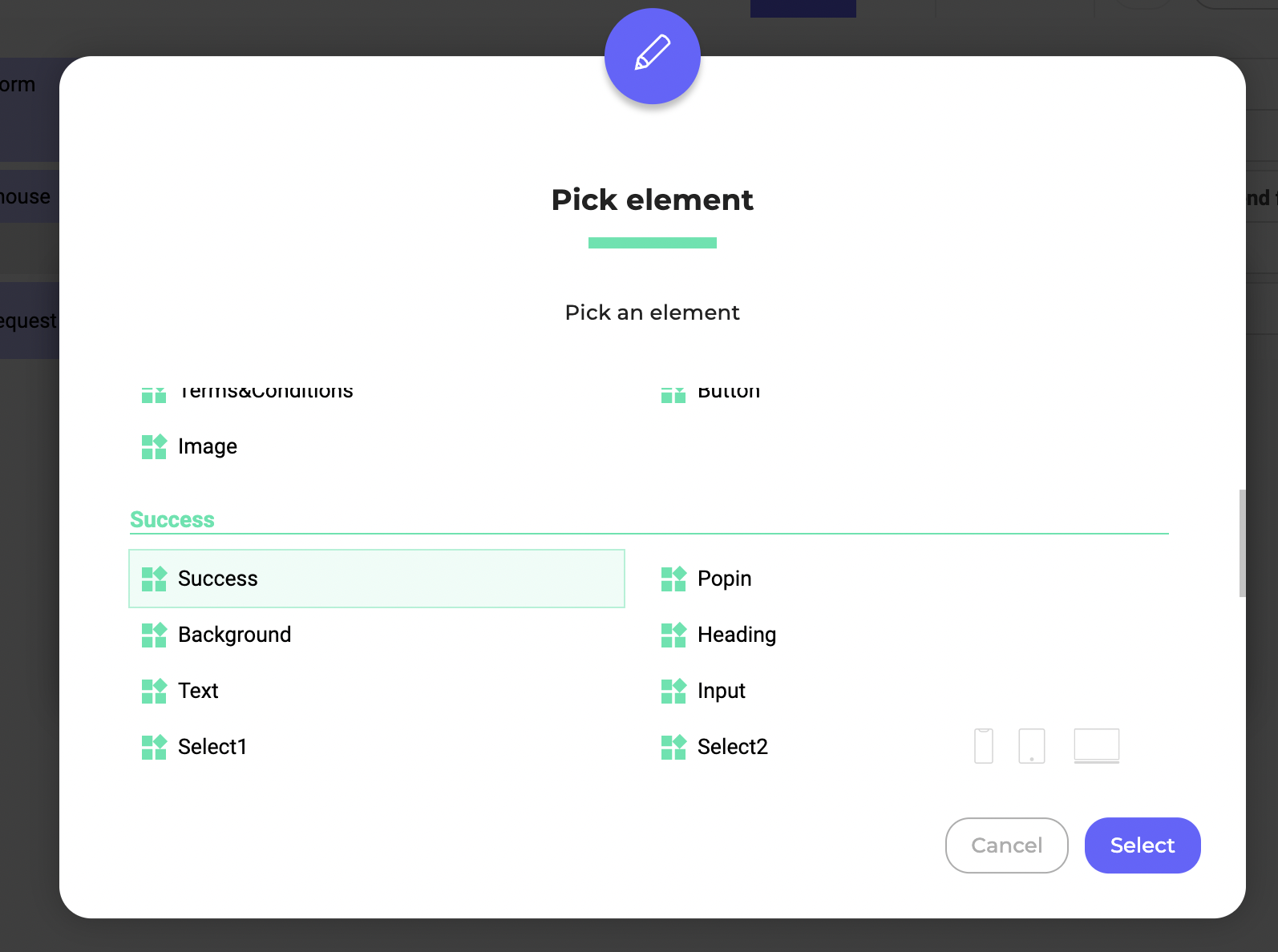
- Click Add action > Elements > Show element.
- Select either Success screen or Failure screen depending on the screen you want to display.