Show/hide an element based on visitors’ values
You can show or hide an element depending on the values visitors enter in forms. For example, if a visitor select a specific checkbox, a text field may appear for visitors to explain their choice in more detail.Use case example
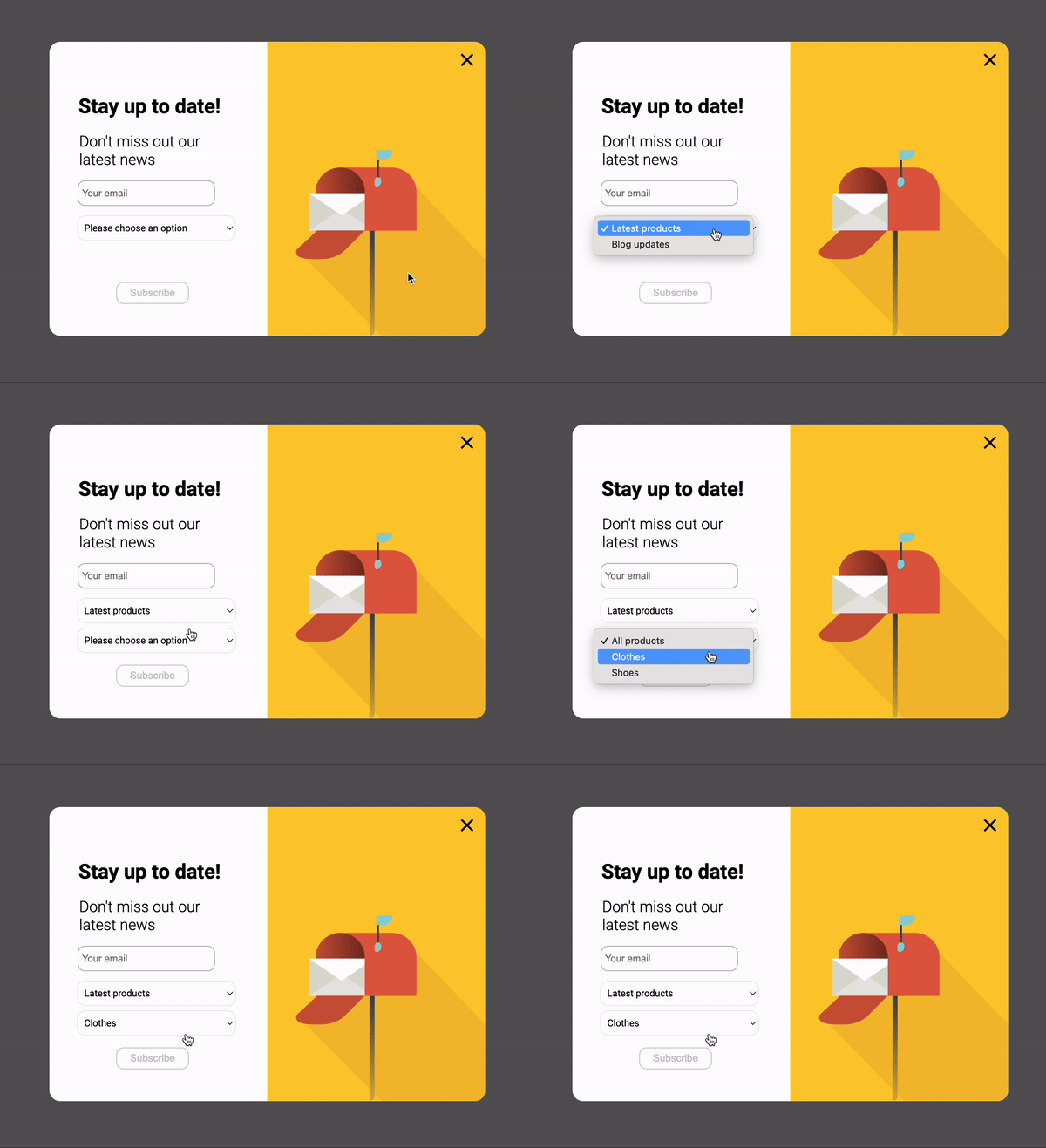
Suppose you create a select box and want to display a second one based on the visitor’s selected option. In the first select box’s settings section, indicate two options:- Latest products
- Blog updates

- All products
- Clothes
- Shoes

- Navigate to the Events section of the Widget Studio.
- Select Form > By element form value in the next screen.
- Select your first select box element.
- Choose the value you wish to associate with this event (for example, Latest products).
- Navigate to the Add action menu.
- Select Elements.
- Choose the second select box you created.