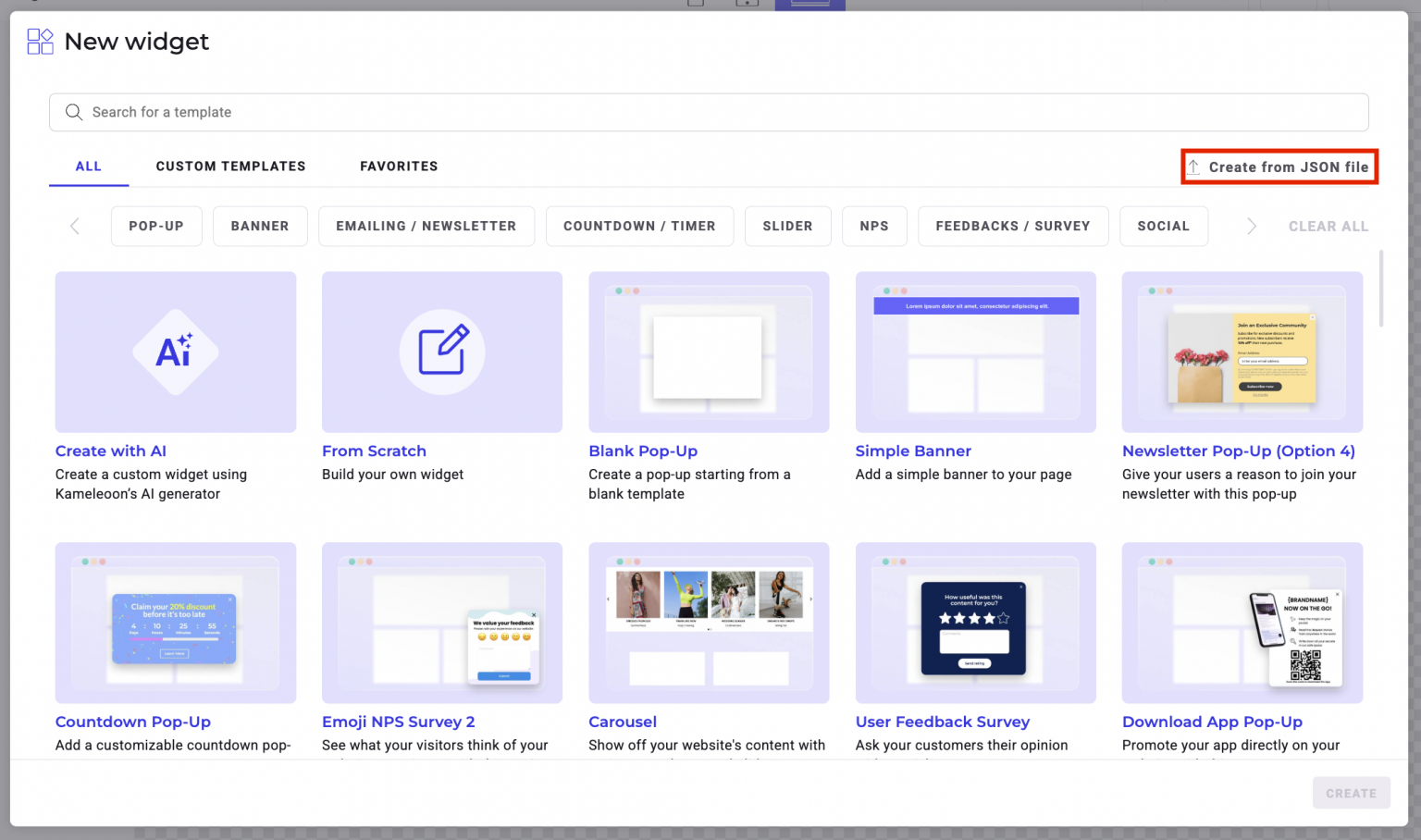
.json file from one account and import it into another account’s Widget Studio.
To export a widget:
- Click Studio > Widgets
- Navigate to a widget and click the three-dots menu > Export to
.json. - Open the Widget Studio to create a new widget.
- Choose Create from
.jsonfile.