To view a video tutorial on connecting an analytics solution, visit the Kameleoon academy.
The IP exclusion setting only filters Kameleoon events and the Results pages in the Kameleoon platform. It doesn’t apply to integration tracking, so excluded visitors can still appear in the data that Kameleoon sends to Google Analytics 4 and other integrations.
Access the Integrations page
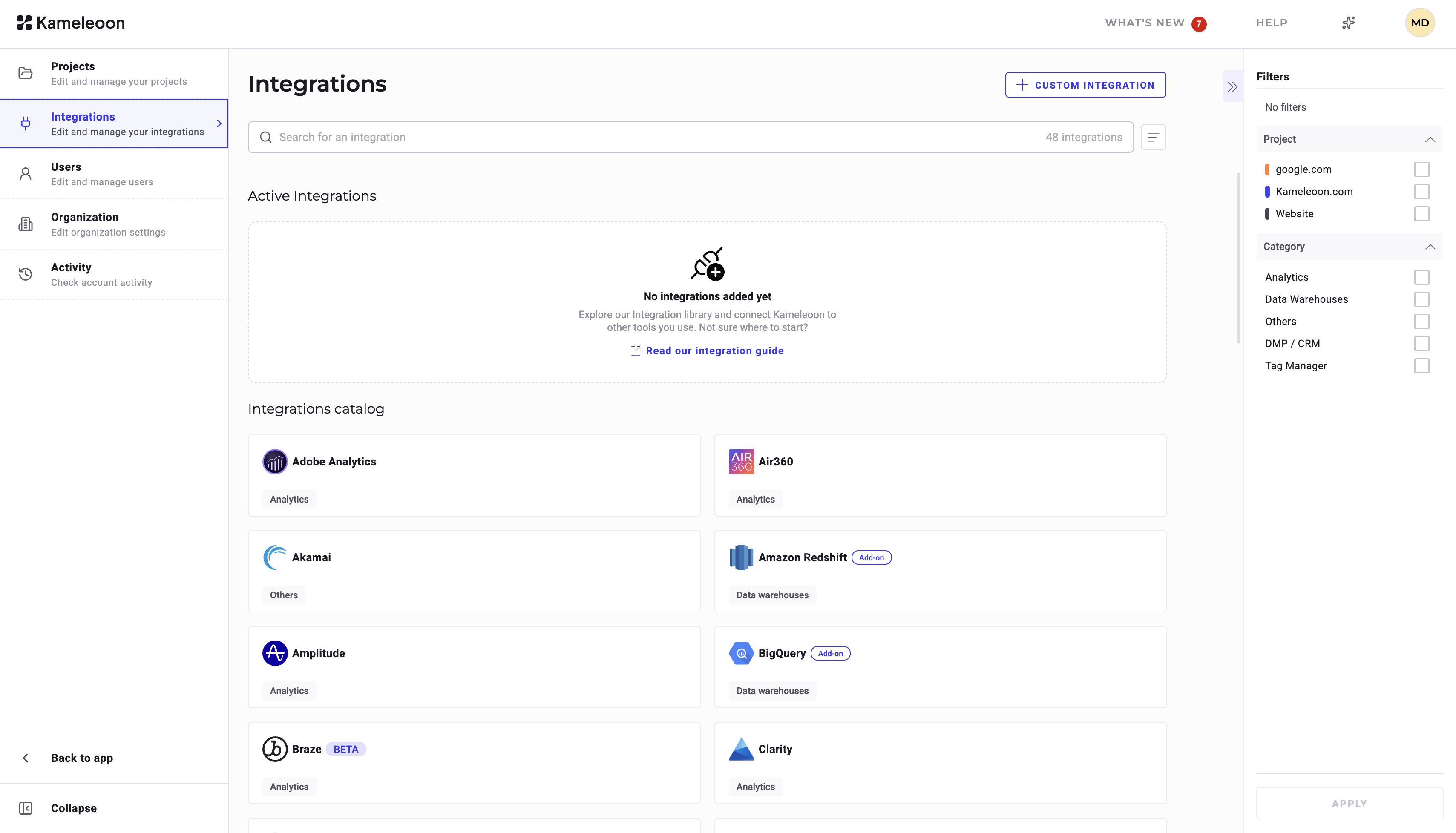
To access the Integrations page:- Log in to your Kameleoon App.
- Click Admin > Integrations.
Add a new reporting tool
To add a new reporting tool:- Click the tool of your choice.
- Click Install.
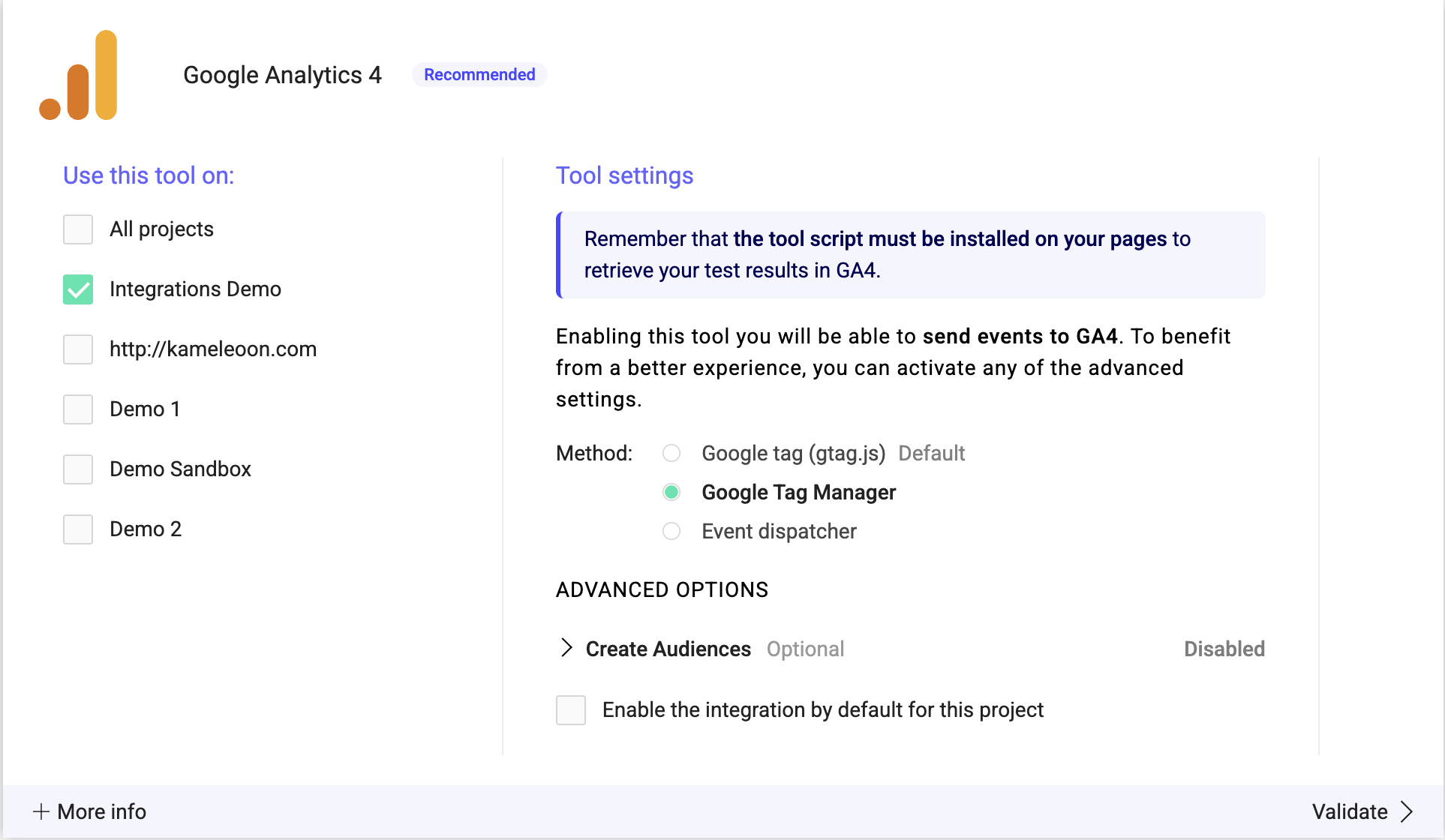
- Select the project on which you want to activate the tool.
- Click Validate.

Enable or turn off a reporting tool
To turn off a tool, deselect all websites where you configured it. To enable a tool, select the websites on which you want to configure it.Enable an integration by default
You can have an integration enabled by default on all campaigns in a project. Check the box next to Enable the integration by default for this project to automatically activate the integration for all campaigns and environments in the relevant project.