- Attention seekers
- Back entrances/exits
- Bouncing entrances/exits
- Fading entrances/exits
- Flip entrances/exits
- Rotating entrances/exits
- Special entrances/exits
- Zooming entrances/exits
- Sliding entrances/exits
Animate an element
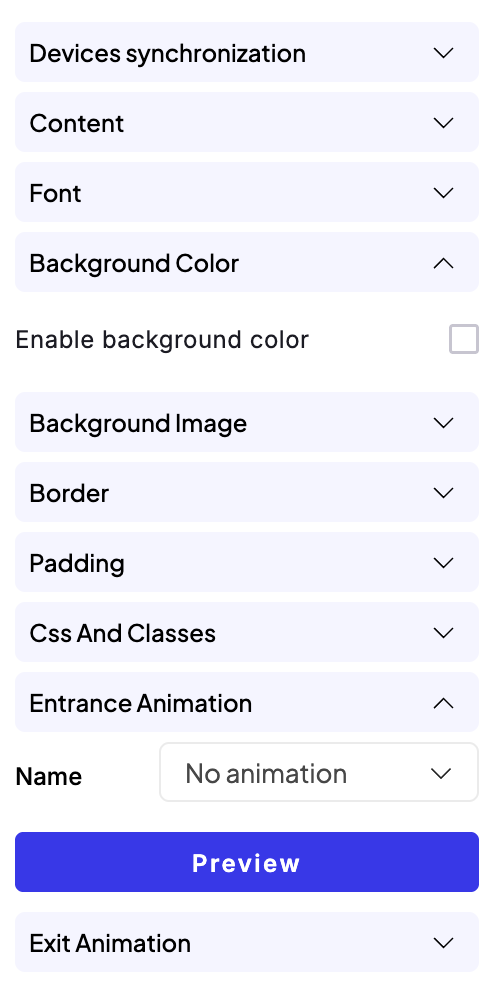
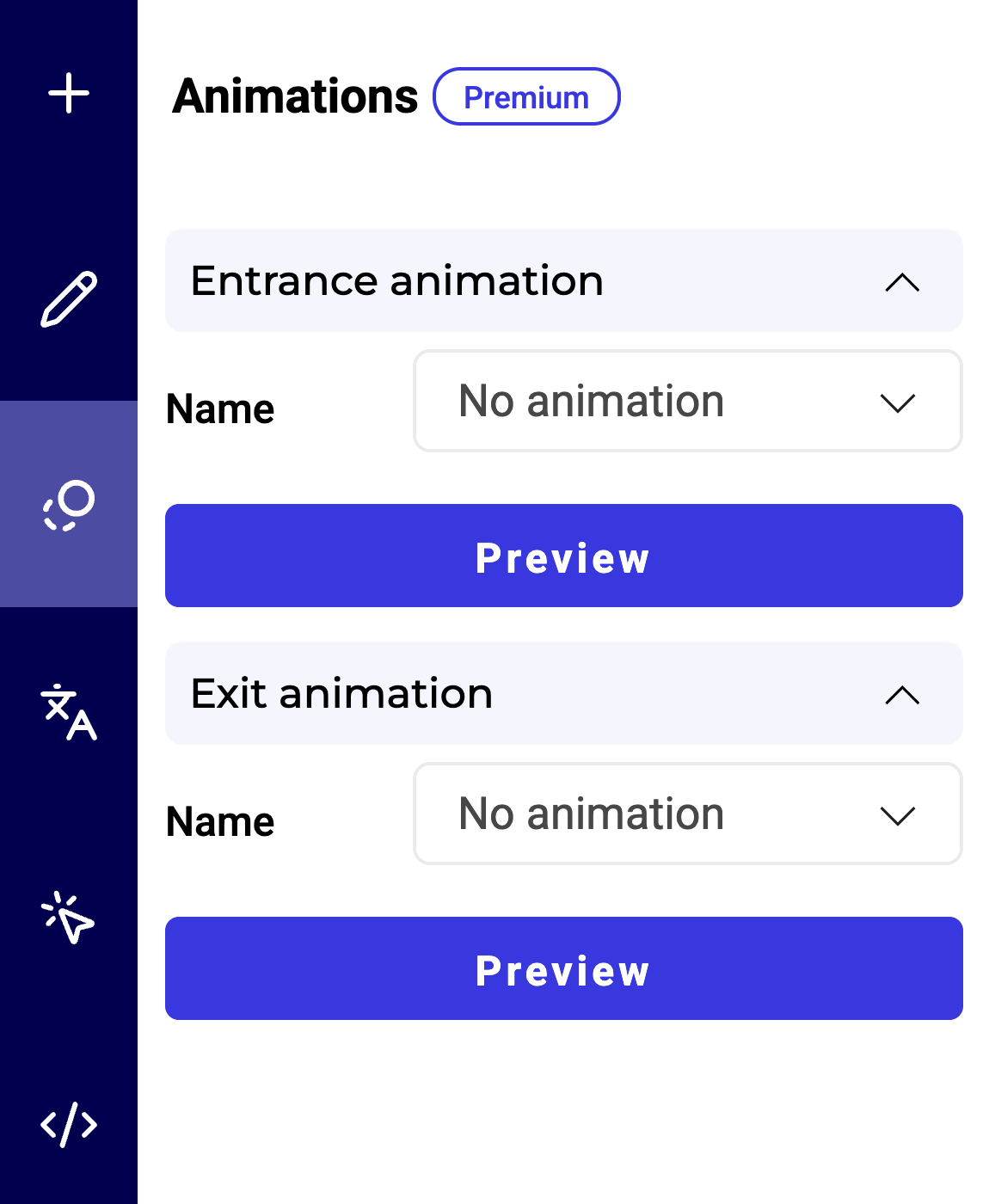
When an element is selected, you can set an entrance animation and an exit animation for it.- Select an element and open its settings.
- In the Entrance animation or Exit animation section, choose an animation effect and a duration. A delay is optional.
- Click Preview to view the animation effect.