

Activate approvals for a project
Only users with Admin rights can configure approvals. Read User roles to learn what each role can do. To activate flag approvals:- Click Features > Flags & Experiments in the left sidebar.
- Click the Settings tab, then select Approval settings.
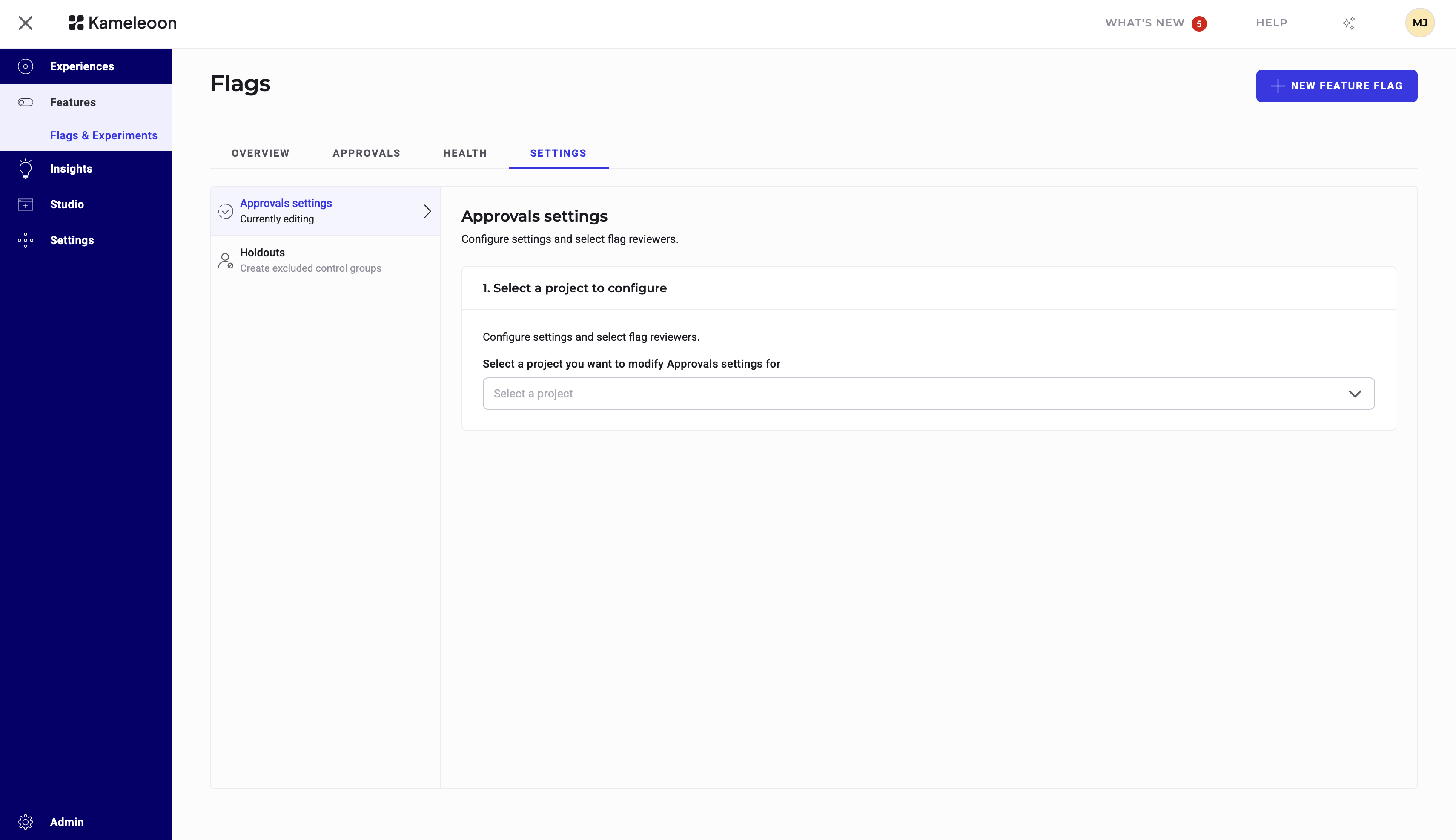
- Select the project for which you want to enable flag approvals from the dropdown.
- Select the users who can review requests, then click Save.
If you select the option to trigger approvals only for the production environment, Kameleoon applies the workflow only to the environment with the key
production. However, changes that indirectly affect the production environment, such as updates to variables, variations, or goals, also trigger the approval workflow.Approvals don’t control environments, integrations, or the flag toggle. Only users with Production permissions can change a flag’s state (on/off).
Request approval for flag changes
After you activate approvals for a project, non-reviewer users see an approval request popup when they save their changes. You can customize the title of the request and add a comment that the approver can see.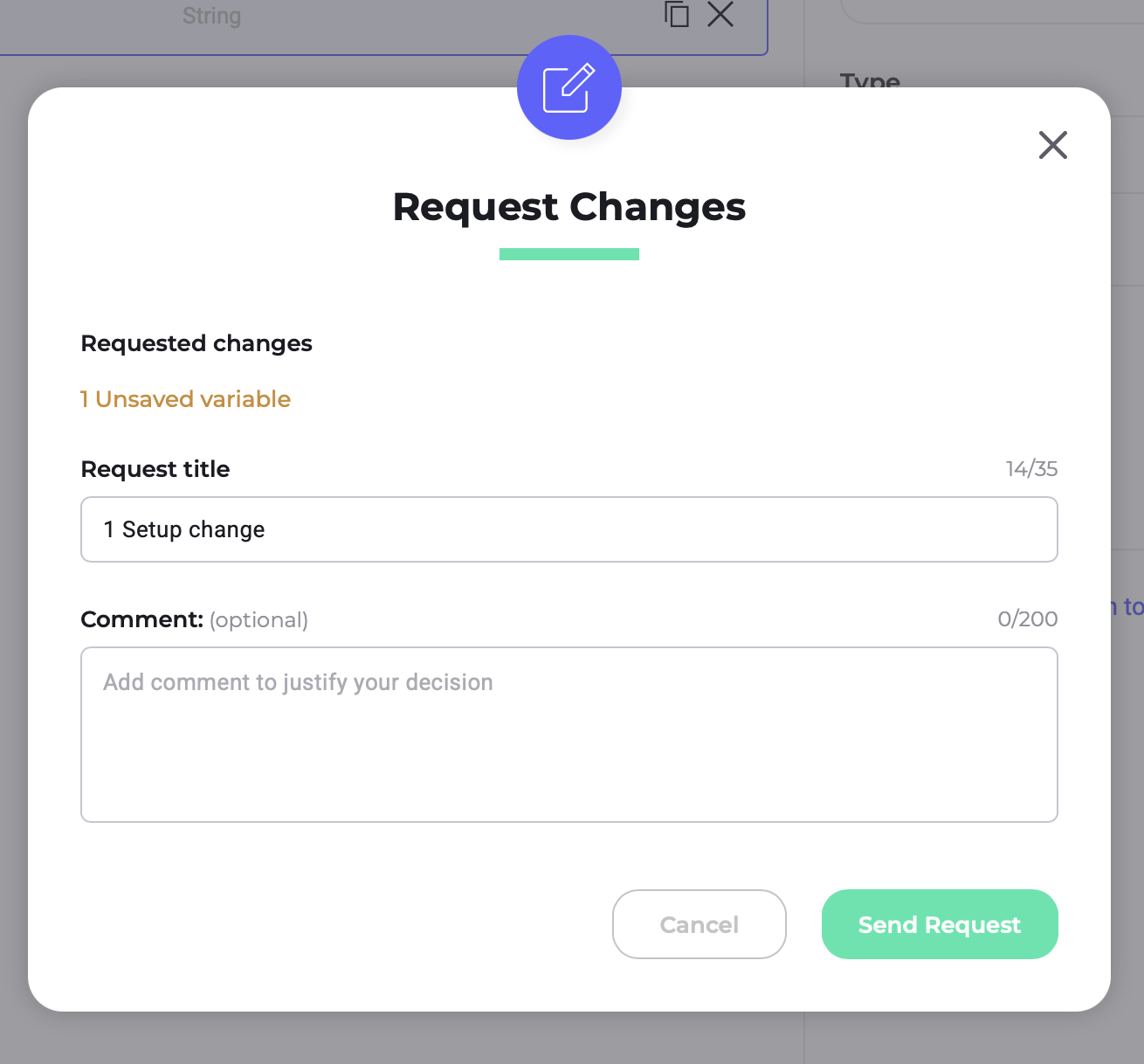
Approve change requests
On the main dashboard, approvers can see an overview of each flag’s review status:
- Pending: The flag has at least one pending request.
- Reviewed: An approver has approved or rejected every request.
- Pending: Awaiting review.
- Approved: Kameleoon approved and applied the change.
- Rejected: The approver declined the change.
- Invalid: A newer change makes this request no longer applicable. Kameleoon rejects it by default.
Approvers can only review requests in top-down order (newest request first).
FAQs
Can a flag be exempt from the approval process?
Can a flag be exempt from the approval process?
No. After you enable approvals, all flags in a project must go through the approval workflow. If the process seems too stringent, consider revising the list of approvers.
What happens to rejected requests?
What happens to rejected requests?
Kameleoon discards rejected requests, but requesters can always resubmit their changes.
What if users request conflicting changes or change the same value or entity?
What if users request conflicting changes or change the same value or entity?
A newest-first review process flags and ignores invalidated requests, eliminating any risk of data conflicts.