

Prerequisites
- Kameleoon API Credentials: Get your client ID and client secret. You can find them in your profile page.
Activate the Kameleoon integration in Skeepers
Ask your Skeepers account manager to set up the Skeepers x Kameleoon connection, and give them your Sitecode and API credentials. Then, create a test audience to make sure the integration works.Retrieve Skeepers segments in Kameleoon
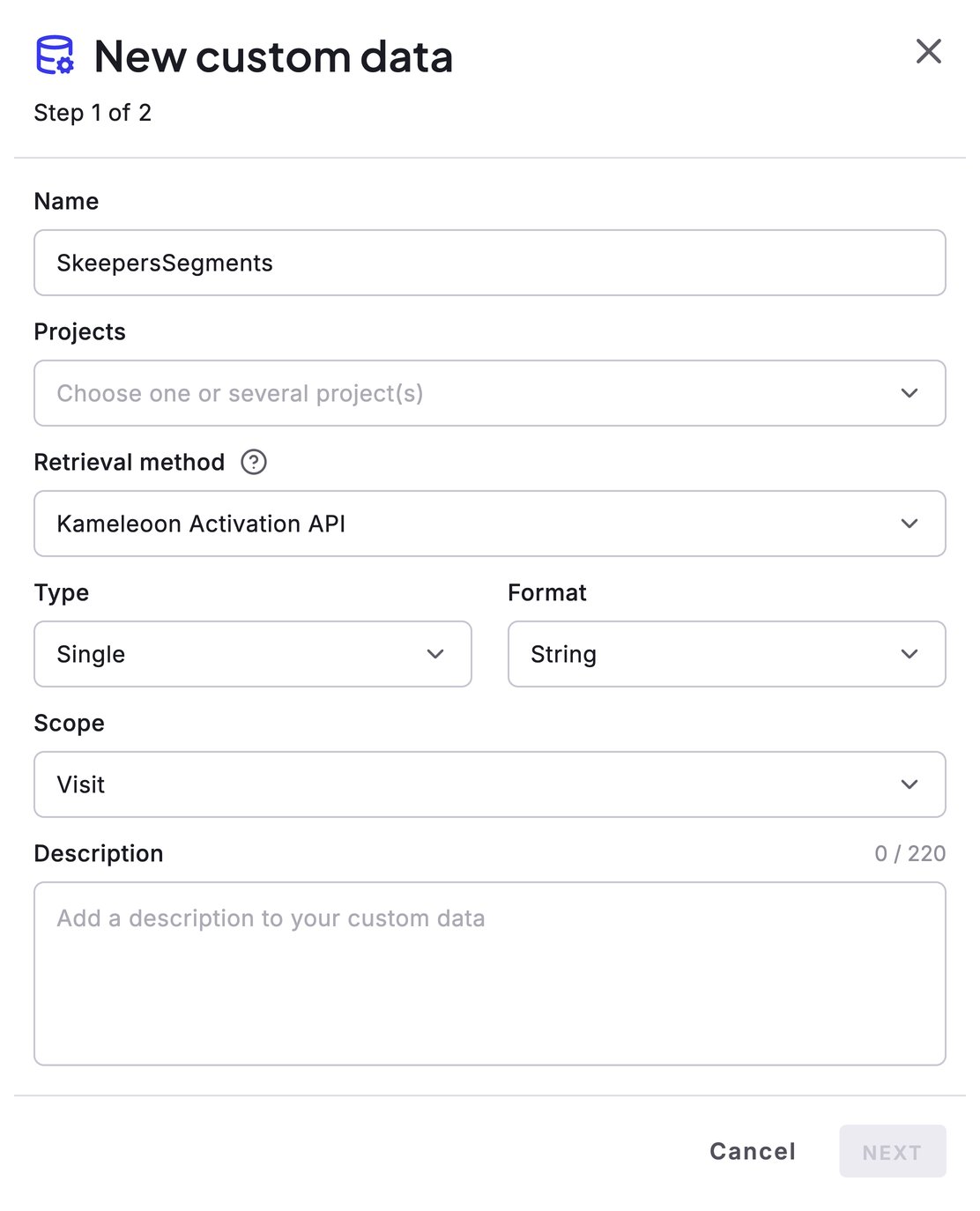
Create a custom data
- Create a custom data called SkeepersSegments
- Retrieval method: Kameleoon Activation API
- Type and format: Single and String
- Scope: Visit
- Insert the following code to set the
customDatain the global custom script of your project (Scripts tab):
Create a segment
Using the custom data created, create a segment with the condition “contains” and “name of the audience” (case-sensitive).