

Accessing the Reporting section requires the Marketing role. Learn more in User roles.
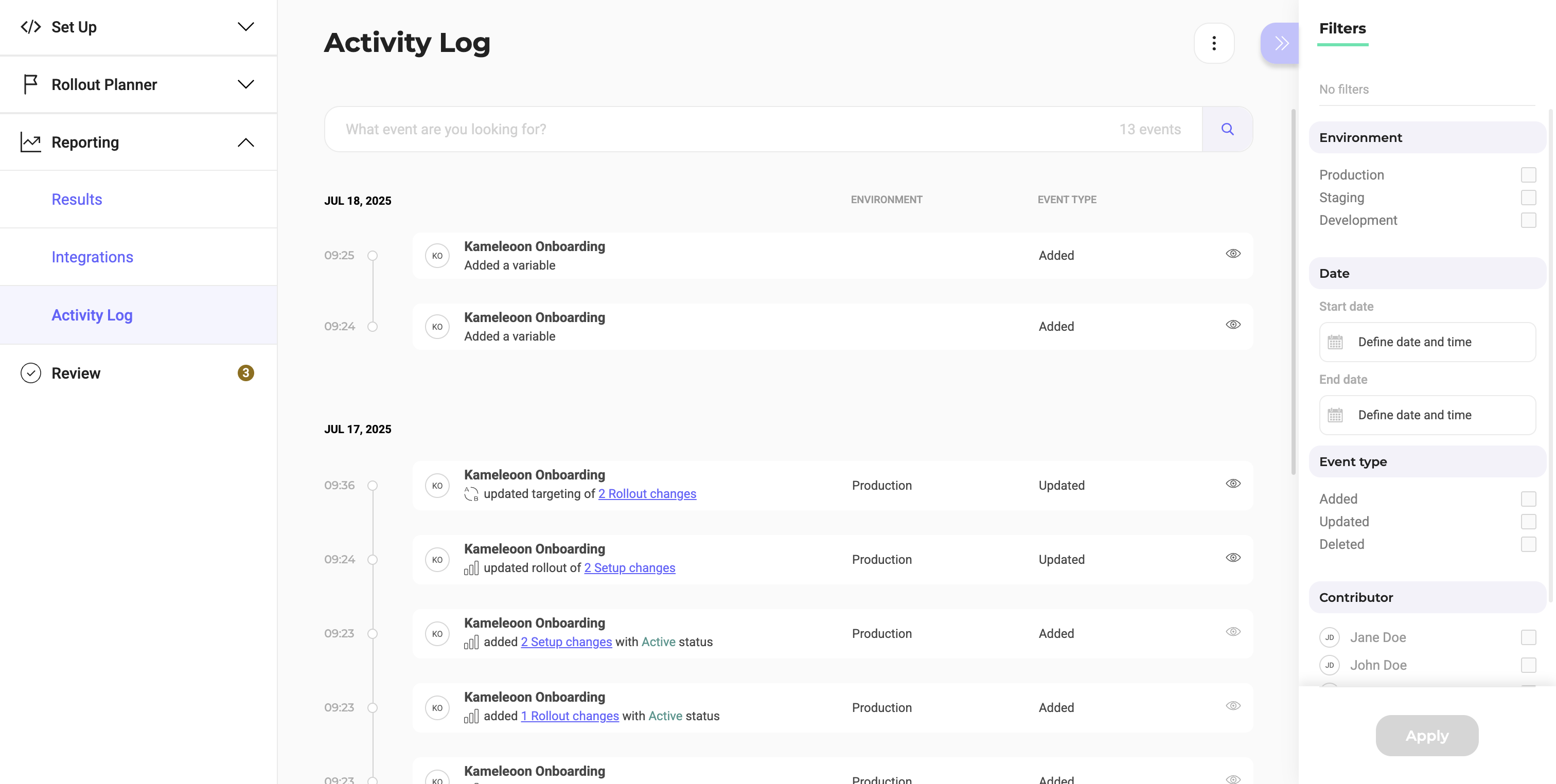
Filters
The available filters are on the right side of the screen:- Filter by environment
- Filter by date range
- Filter by event type
- Filter by flag contributor
Monitor and troubleshoot feature releases using the Activity Log’s chronological record of actions performed on a feature flag.