

Integrations for third-party tools are only compatible with web SDKs. They’re not available for mobile SDKs.
Accessing the Reporting section requires the Marketing role. Learn more in User roles.
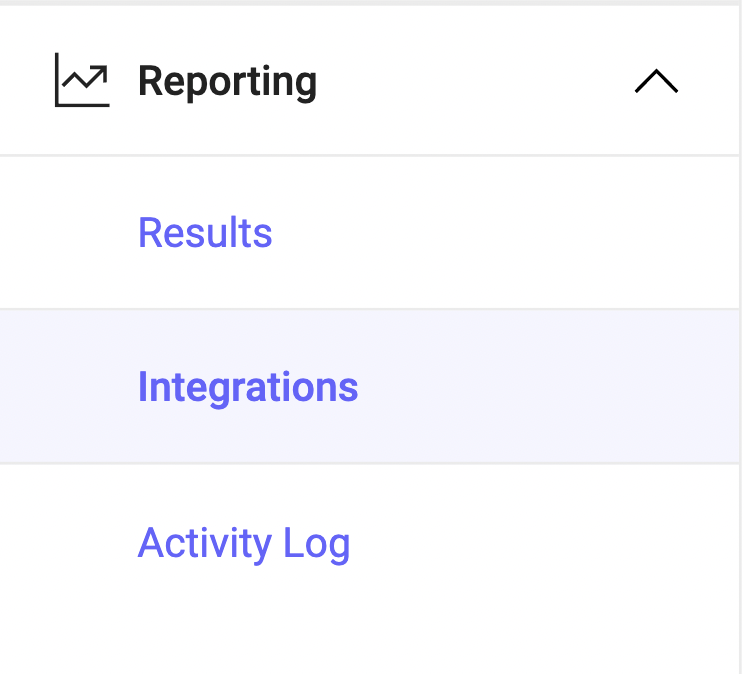
- Delivery rules: Sync data for Targeted and Progressive delivery rules only.
- Feature experiments: Sync data for Experiment rules only.
You must implement the Kameleoon SDK and Kameleoon JavaScript tag to use this feature. Kameleoon recommends implementing the Kameleoon Asynchronous tag, which you can install before closing the
<body> tag in your HTML page. Use the Asynchronous tag for tracking purposes only.All Kameleoon SDKs use the getEngineTrackingCode() method to return the JavaScript code, insert it in your page, and automatically send the exposure events to the analytics solution you’re using.