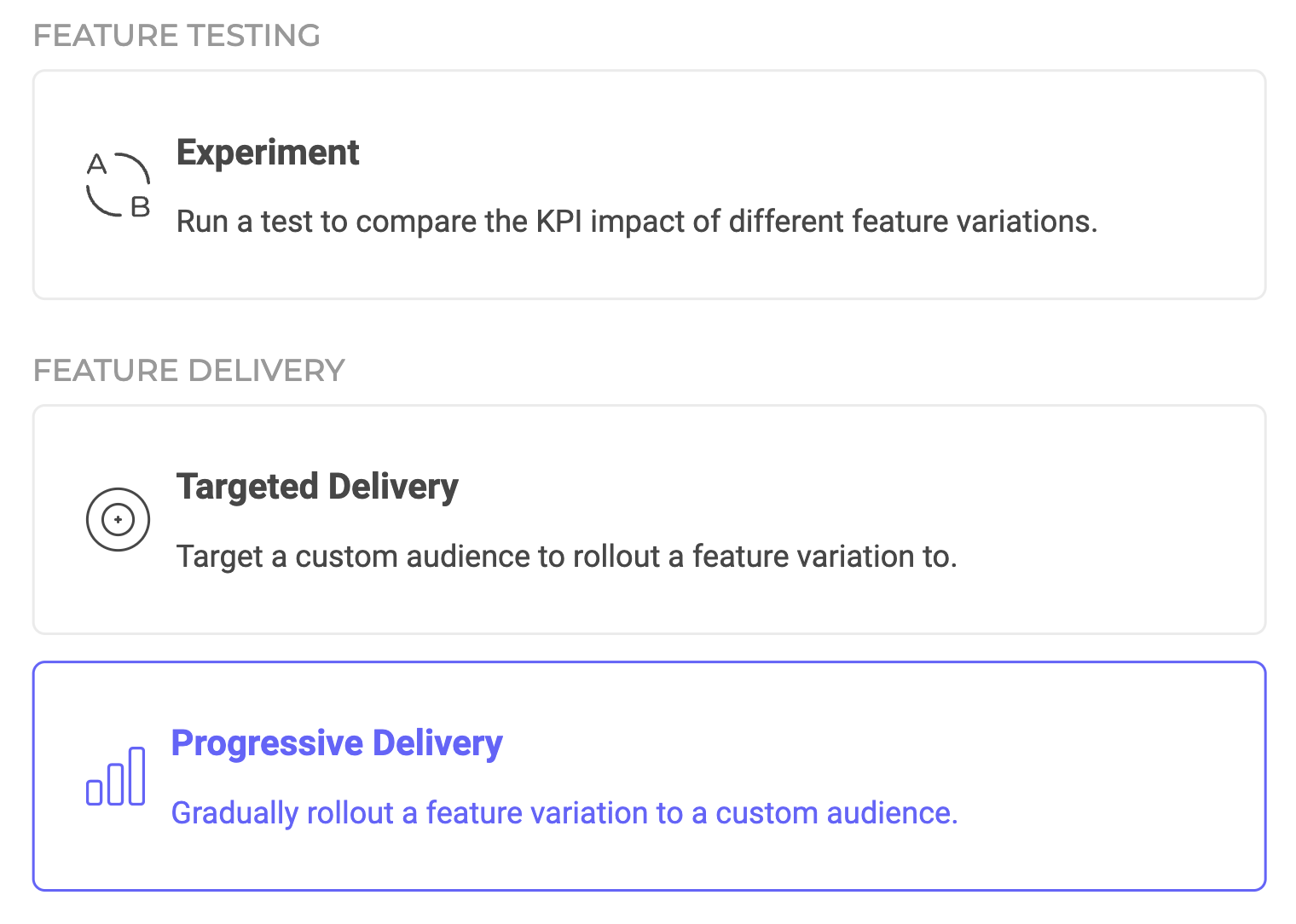
Progressive Delivery rule configuration
Progressive rollouts let you spread out large feature releases by gradually rolling them out to an increasing audience. You can customize the feature variation you want to roll out, the audience you want to target, and the interval and increment size of the ramp-up. When setting up the exposure for your Progressive Delivery rule, you can select from two types of ramp-ups: linear or custom.

Linear ramp-up

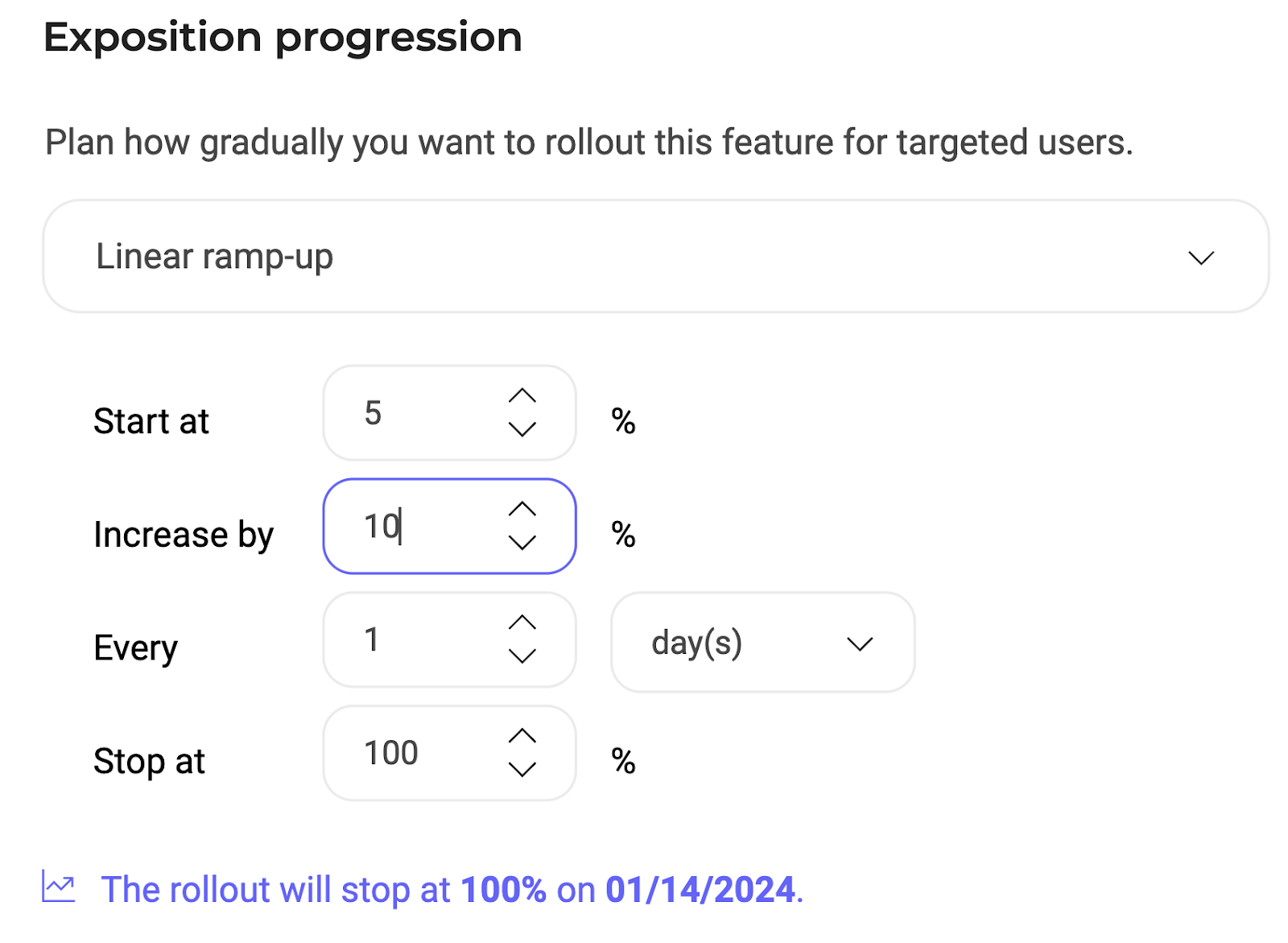
Linear ramp-up configuration for a Progressive Delivery rule
When configuring your linear ramp-up, you must define the following custom parameters:
  • The rollout’s start date.
  • Initial exposure (audience percentage immediately exposed to the feature).
  • Increment percentage for rollout audience.
  • Time interval between increments.
  • Final exposure limit: define the percentage at which you want the rollout to stop. Below this section, a confirmation shows when and at what exposure percentage the rollout stops.

Custom ramp-up
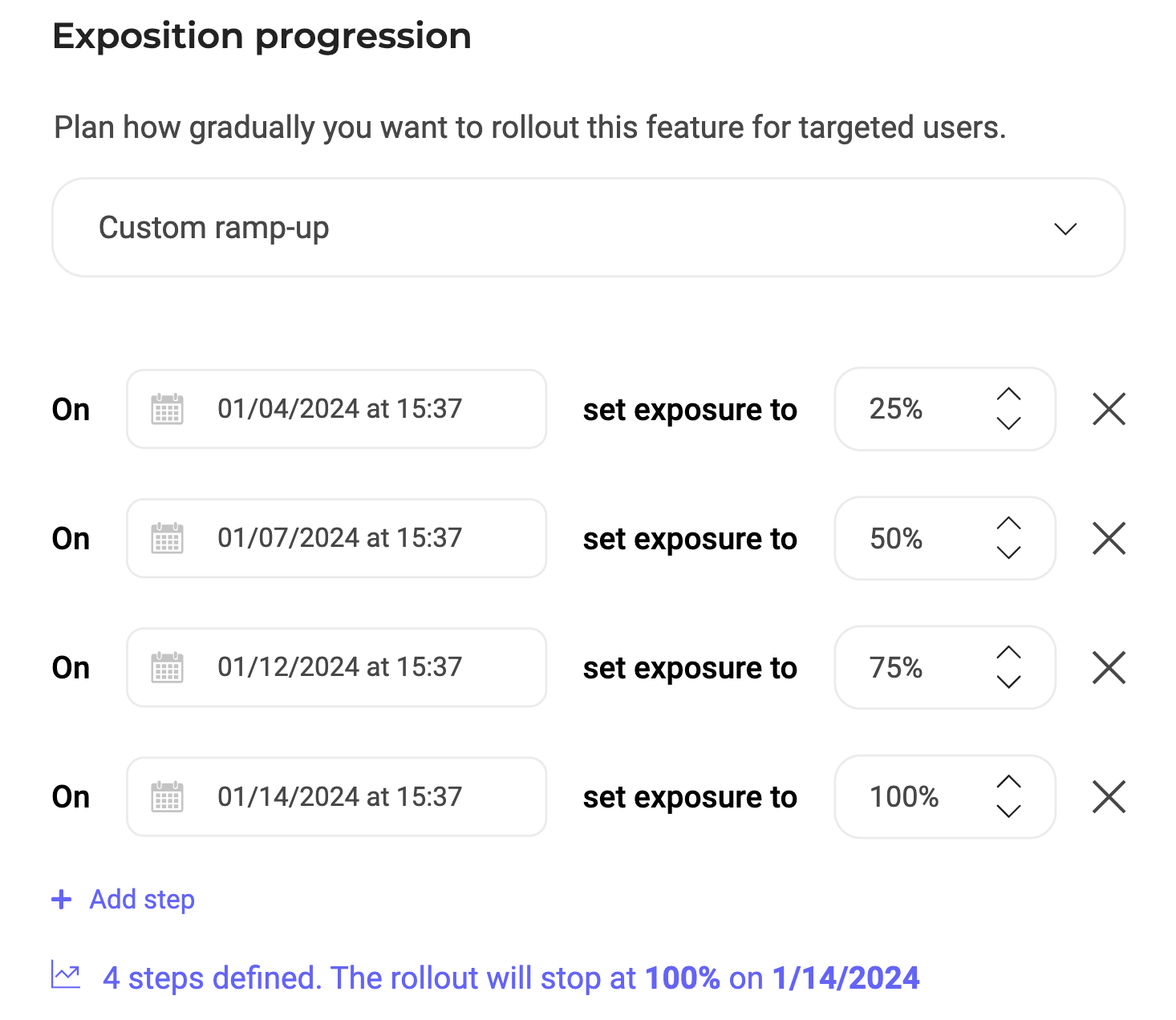
Custom ramp-up configuration for a Progressive Delivery rule
Click Add step to add a custom increment. You must select a date/time and an exposure rate for each step you add.