

Create a new key page
To create a new key page:- Click Settings > Advanced tools.
- Click New tool at the top right of the page.
- Click Key page.
- Select one or more projects, name your key page, and enter the URL of the page you want to target.
- Click Create.

Define a key page as targeting condition
To add a key page to a new segment, use the Key pages condition, available only in the Trigger Builder.- Navigate to the Conditions tab in the Trigger Builder.
- Select the Key pages condition in the Pages viewed tab.
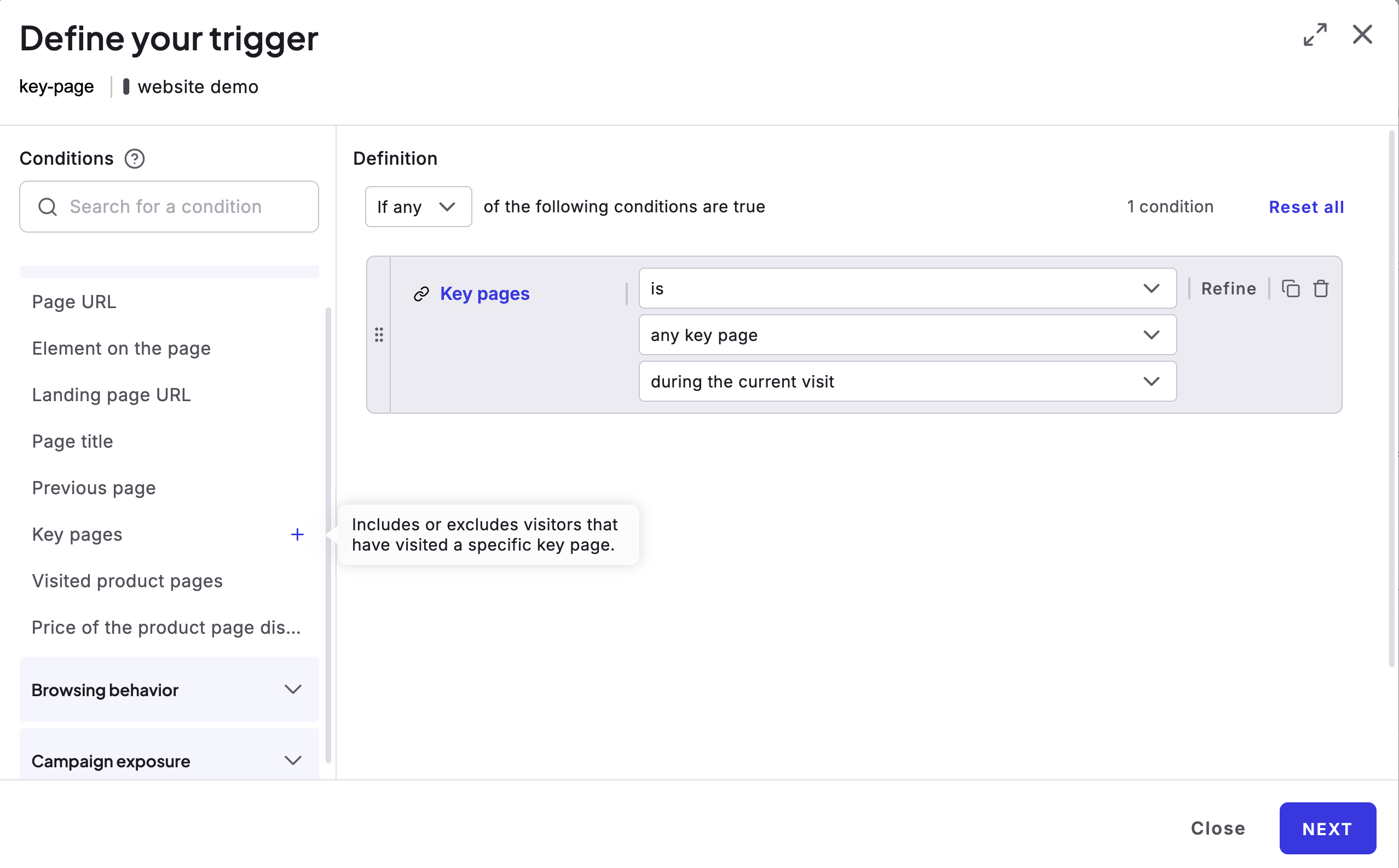
- Select the key page in the dropdown menu and include or exclude visitors meeting the key page’s criteria.