

- Enables accurate data collection, improving audience targeting for campaigns customized to meet specific audience needs and preferences.
- Configure Data Ingestion Tasks to extract data from Snowflake efficiently.
Data warehouse integrations are available as a premium add-on for the Web Experimentation and Feature Experimentation module. Contact your Customer Success Manager for more information.
- Activate the Feature: In the selected project’s configuration, check the checkbox labeled Use Snowflake as a source.
- Create Data Ingestion Tasks: With the feature activated, you can create Data Ingestion Tasks. These tasks regularly retrieve specific data from Snowflake based on your defined SQL queries and frequencies. To create a new Data Ingestion Task, click Add new task.
- Validate: After providing the required information for the Data Ingestion Task, click Confirm to create the task. You can create additional tasks by repeating the steps of naming the task, defining the SQL query, and setting the frequency. Once you’ve configured your tasks, click Validate to save and apply your configuration settings.
- Create a custom data: Now that you’ve created your Data Ingestion Task, Kameleoon collects data at the frequency you configured by executing the query on your Snowflake instance. To start using the collected data, you must create a custom data.
- Create a segment: The last step to target users based on the collected data is creating a segment based on your custom data.
Data Ingestion Tasks
Data Ingestion Tasks are essential components of the Snowflake integration within Kameleoon. You can use data collected by Data Ingestion Tasks as targeting conditions in your Kameleoon campaigns.Creating a Data Ingestion Task
To create a Data Ingestion Task:- Click Add new task.

- Complete the form:
- Name (Required): Give your task a unique and descriptive name to identify its purpose.
- Warehouse (Required): Specify your data warehouse’s name.
- Database (Required): Name of the Snowflake database containing the data you are ingesting.
- Frequency (Required): Specify how often you want the task to run and retrieve data from Snowflake (for example, per day).
- Query (Required): Provide the SQL query that retrieves the audience from your Snowflake database. The query must follow this specific format:
SELECT visitor_id, attribute_1, .. attribute_N FROM your_events_table. attribute_fields: These are optional, and you can use them for advanced targeting scenarios. Learn more about these advanced use cases here.visitor_id: This column represents your visitors’ unique identifier.

Column names can only contain letters, numbers, and underscores (
_). They can’t start with a number.Columns must appear in the exact order specified (visitor_id followed by optional attributes) for the integration to function correctly.- Once you’ve provided the information, click Confirm to create the Data Ingestion Task.
Run your query before ingestion
Before saving your ingestion task, you can test your query directly in Kameleoon. Testing allows you to:- Verify the connection in real time.
- Confirm your credentials and access rights are correct, which helps detect issues immediately, without having to wait for the first data import.
- Validate your data’s structure and accessibility.
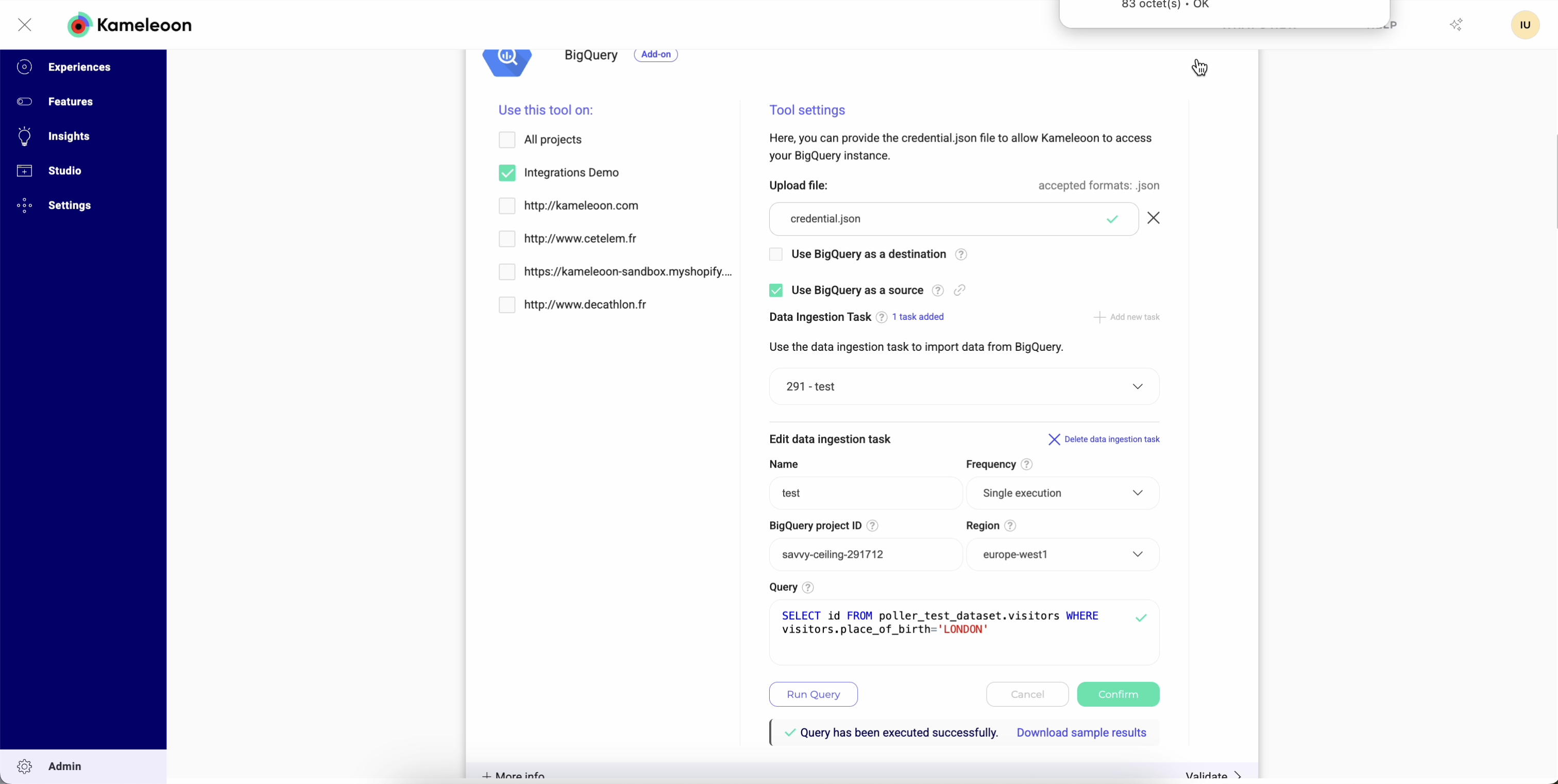
How audience polling works
Unlike conversion goal polling, a Data Ingestion Task reruns its full SQL query on every scheduled poll instead of tracking a starting point and pulling only new records. Kameleoon compares each poll’s result against the previous result and sends only the differences, the visitors added to or removed from the audience, to your Kameleoon project. Because every poll already returns the complete, current audience, your Snowflake query never needs to filter by timestamp.Ingestion timeframe
Some Snowflake polling, such as conversion goal polling, tracks a moving time window and allows a configurable delay for an event to become available in your warehouse before that window passes it by. Data Ingestion Tasks rerun the full audience query on each poll rather than tracking a time window, so they pick up whatever data exists in Snowflake at that moment and aren’t affected by this delay. Contact your Customer Success Manager if you have questions about how ingestion timing affects your audience data.Updating a Data Ingestion Task
To update a Data Ingestion Task:- Select the Task: Select a Data Ingestion Task from the dropdown menu.
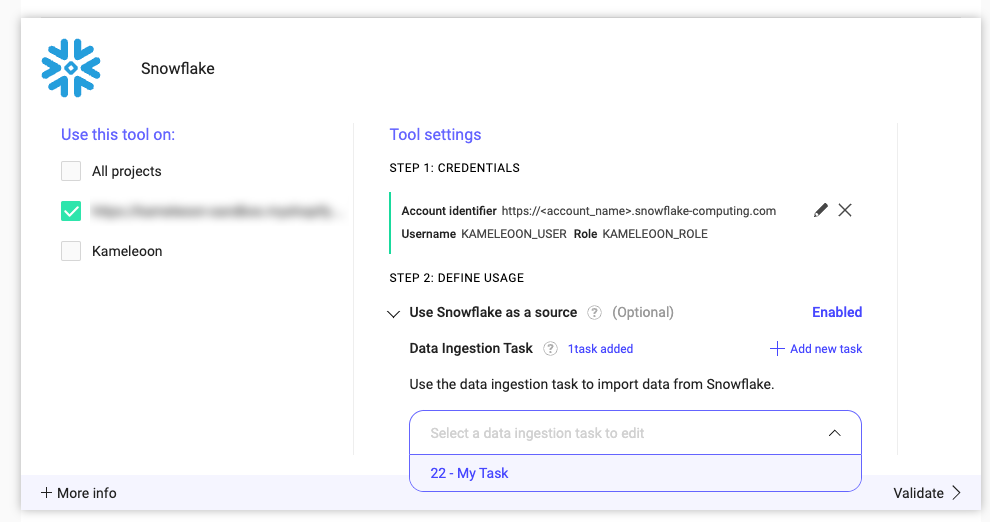
- Edit Task details: Modify the fields you want to update, such as the task’s name, frequency, warehouse, database, or query.
- Confirm changes: Click Confirm to save the changes to the Data Ingestion Task.
Deleting a Data Ingestion Task
To delete a Data Ingestion Task:
- Select the Task: Select a Data Ingestion Task from the dropdown menu.
- Initiate deletion: Click Delete ingestion task.
- Confirm deletion: Click Confirm to delete the selected Data Ingestion Task.