Data warehouse integrations are available as a premium add-on for the Web Experimentation and Feature Experimentation module. Contact your Customer Success Manager for more information.
- Allows for the definition and regular updating of specific data-driven goals, simplifying the decision-making process and ensuring campaigns align with objectives.
- Use BigQuery metrics as key performance indicators, providing a comprehensive view of campaign performance.
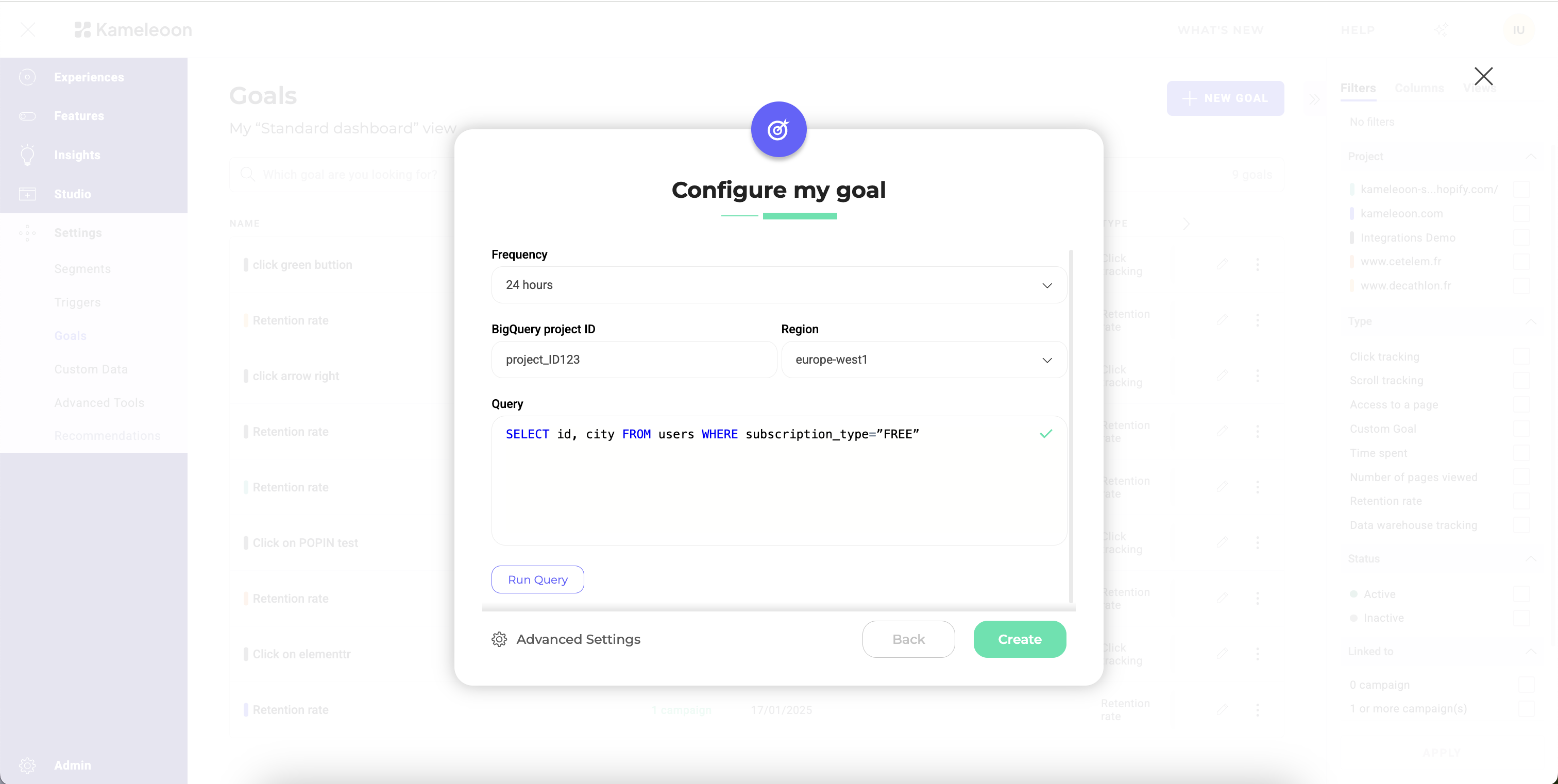
- Frequency: Define how often you want Kameleoon to update the goal data.
- BigQuery project ID: Enter your BigQuery project ID to direct the data to the correct location.
- Region: Select the appropriate region from the provided list.
- Query: Define the SQL query to retrieve the necessary data from BigQuery.
Query format
The query must adhere to a specific format:SELECT visitor_id, conversion_timestamp FROM your_events_table
Where visitor_id is the column representing the unique ID of your visitors, and conversion_timestamp is a column that represents the exact time at which the conversion took place. In BigQuery, the conversion_timestamp column must be a Timestamp type column.If you want to associate a revenue to each conversion, the query should adhere to an alternate format:
SELECT visitor_id, conversion_timestamp, revenue FROM your_events_table
Where revenue is a column containing the revenue for each conversion.
For more complex queries you can adhere to this format by formulating a sub-query as such:
WITH clause that filters by timestamps. Keep in mind that although Kameleoon collects conversions hourly, it only merges them into your experiment results once per day.
Run your query before ingestion
Before saving your ingestion task, you can test your query directly in Kameleoon. Testing allows you to:- Verify the connection in real time.
- Confirm your credentials and access rights are correct, which helps detect issues immediately, without having to wait for the first data import.
- Validate your data’s structure and accessibility.