- Enables accurate data collection, improving audience targeting for campaigns customized to meet specific audience needs and preferences.
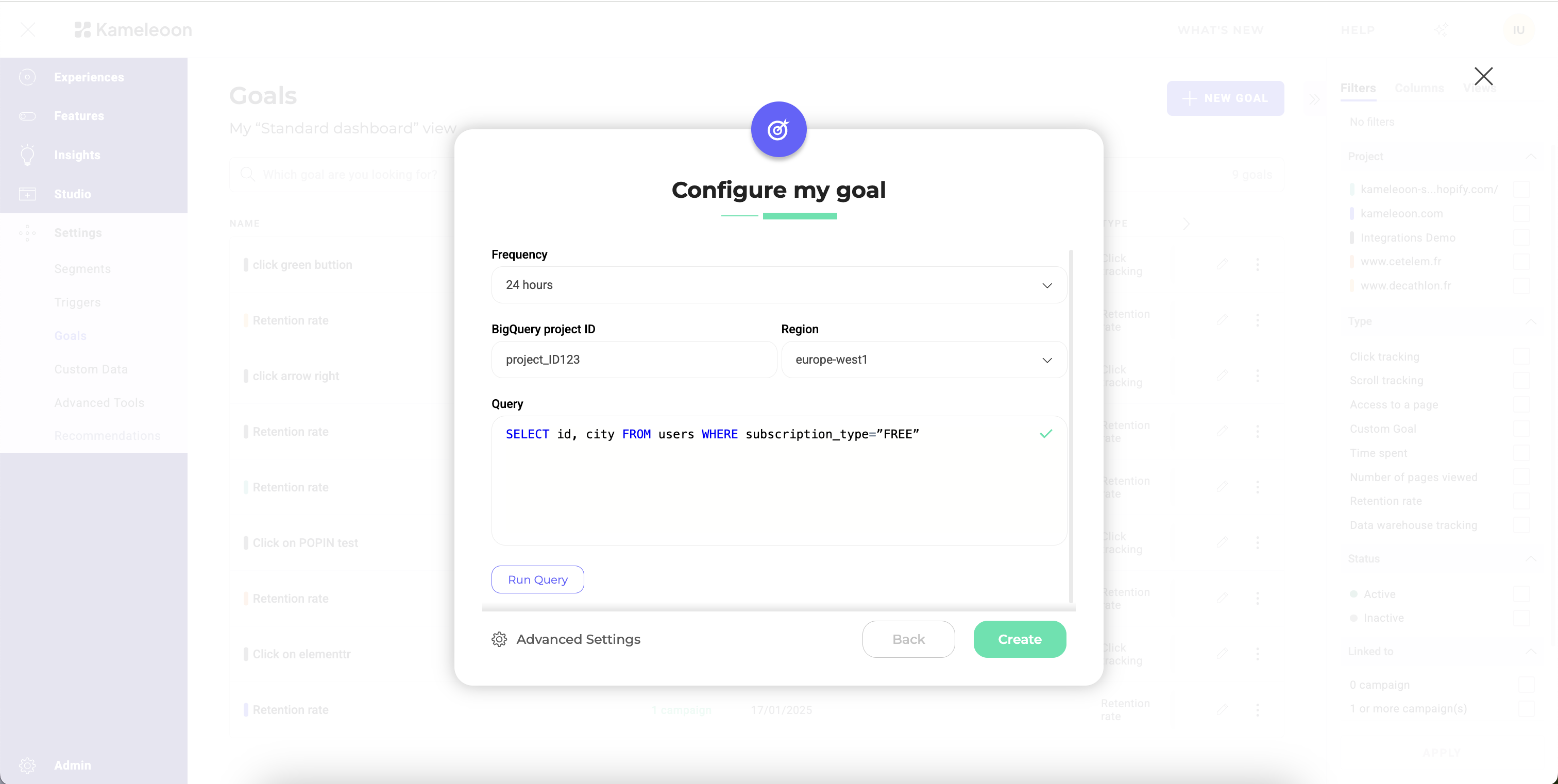
- Configure Data Ingestion Tasks to extract data from Redshift efficiently.
Data warehouse integrations are available as a premium add-on for the Web Experimentation and Feature Experimentation module. Contact your Customer Success Manager for more information.
- Redshift cluster type: Select whether your Redshift source uses a Provisioned cluster or a Serverless workgroup.
- Redshift cluster ID: Enter your Redshift provisioned cluster ID.
- Region: Enter the appropriate region.
- Database: Enter the database that contains your conversion data.
- Frequency: Define how often you want Kameleoon to update goal data.
- Query: Define the SQL query to retrieve the necessary data from Amazon Redshift.
Query format
The query must adhere to a specific format:SELECT visitor_id, conversion_timestamp FROM your_events_table
Where visitor_id is the column representing your visitors’ unique ID, and conversion_timestamp is a column that represents the exact time the conversion took place. In Amazon Redshift, the conversion_timestamp column must be a Timestamp type column.
If you want to associate a revenue to each conversion, the query should adhere to an alternate format:
SELECT visitor_id, conversion_timestamp, revenue FROM your_events_table
Where revenue is a column containing each conversion’s revenue.
For more complex queries you can adhere to this format by formulating a sub-query as such:
SELECT visitor_id, conversion_timestamp, revenue FROM ( {your_original_query} ) AS subquery
The query you input runs every hour in your Amazon Redshift warehouse, appended with a WITH condition that filters the timestamps. Kameleoon polls conversions every hour, but merges them into your experiment results only once a day.
Run your query before ingestion
Before saving your ingestion task, you can test your query directly in Kameleoon. Testing allows you to:- Verify the connection in real time.
- Confirm your credentials and access rights are correct, which helps detect issues immediately, without having to wait for the first data import.
- Validate your data’s structure and accessibility.