

IAB TCF V2.3 configuration for A/B testing and personalization
Vendors (such as Kameleoon) are responsible for providing up-to-date information on the purposes for which they collect and process personal data, the features they rely on in pursuit of such purposes, and the requirements regarding accessing a user’s device. The IAB holds a list of registered third-party vendors, which is accessible automatically by all CMPs. On the IAB TCF page for Global Vendor registration, here are the parameters that correspond to the experiments and/or personalizations launched via Kameleoon.
IAB TCF V2.3 integration with Kameleoon
Enable IAB TCF V2.3 on Kameleoon
Once you’ve activated IAB TCF V2.3 on your Kameleoon account, Kameleoon automatically reads the consent policy within IAB TCF V2.3 framework for both experimentation and personalization modules. To enable IAB TCF V2.3:- Open the Kameleoon app.
- Click Admin > Integrations.
- Search for the IAB TCF 2.3 integration and click it.
- Click Install.
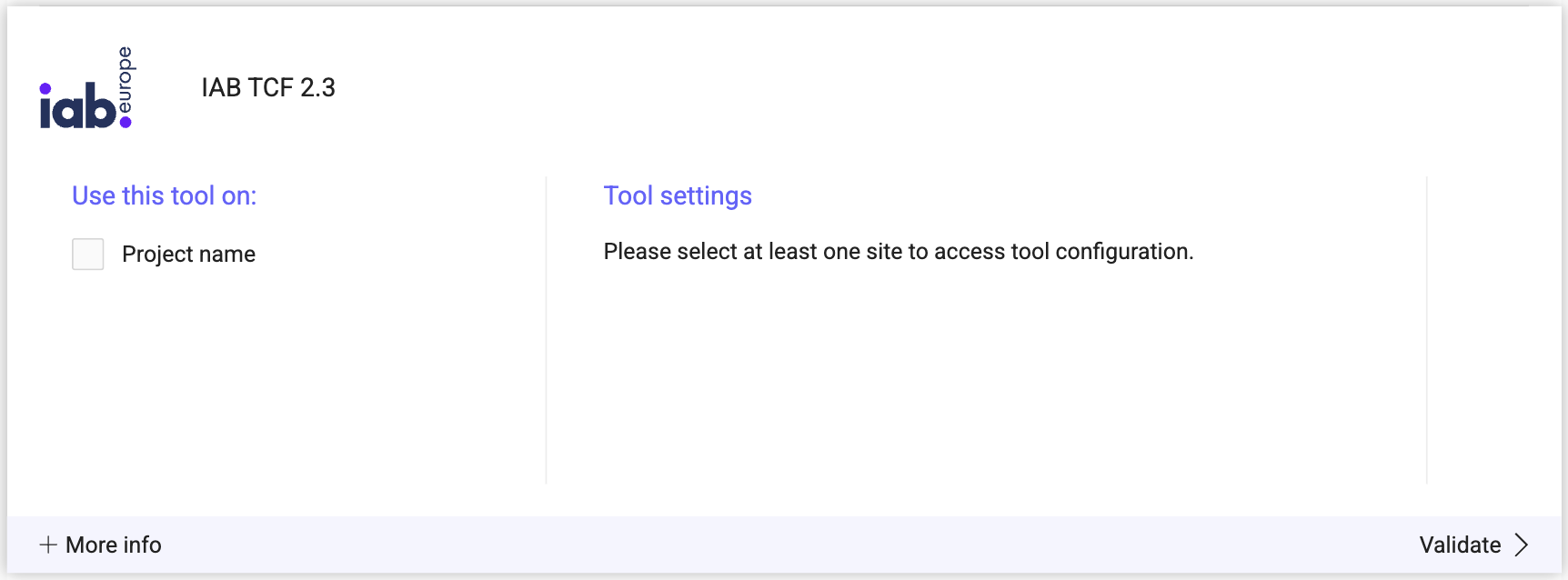
- Select the project on which you want to activate IAB TCF 2.3.
- Click Install.

Consent policy
To access the consent management details:- Click Admin > Projects.
- Click Configuration on your project card.

- Scroll down to the Experiment or Personalization section. In each section, you can select the IAB TCF option in the first dropdown.
- If you have left the option Choose IAB TCF as the default consent solution enabled, then Kameleoon selects IAB TCF by default. If not, the option is still available.

- Click Validate.