- Automatically manage user consent through Didomi CMP with no additional setup needed.
- Deploy different variants of the Didomi tag configuration through Kameleoon and automatically measure the difference in consent rates.
Integration with Didomi CMP
Kameleoon provides custom integration with Didomi CMP. Kameleoon automatically reads the consent policy within the Didomi platform for both Kameleoon’s experimentation and personalization modules. With Kameleoon’s integration, you can also run A/B tests to test a variant’s performance (for example, notice format, content, and banner versus pop-in).Enable Didomi in Kameleoon
First, you need to add Kameleoon as a vendor in Didomi’s CMP.Configure your Didomi notice
Follow this documentation provided by DidomiConfigure Didomi in Kameleoon
- Log in to your Kameleoon account.
- Click Admin > Projects.
- Navigate to your project’s card and click Configurations.
- Click General.

Global custom script

Consent policy
The last step is setting up your project’s consent management policy to Consent required for both Experiment and Personalization. Read this documentation to find out more.
- Unfold the Experiment and/or Personalization section of your configuration.
- Select Consent required in the dropdown.
- Click Validate.
A/B test different version of your consent notice
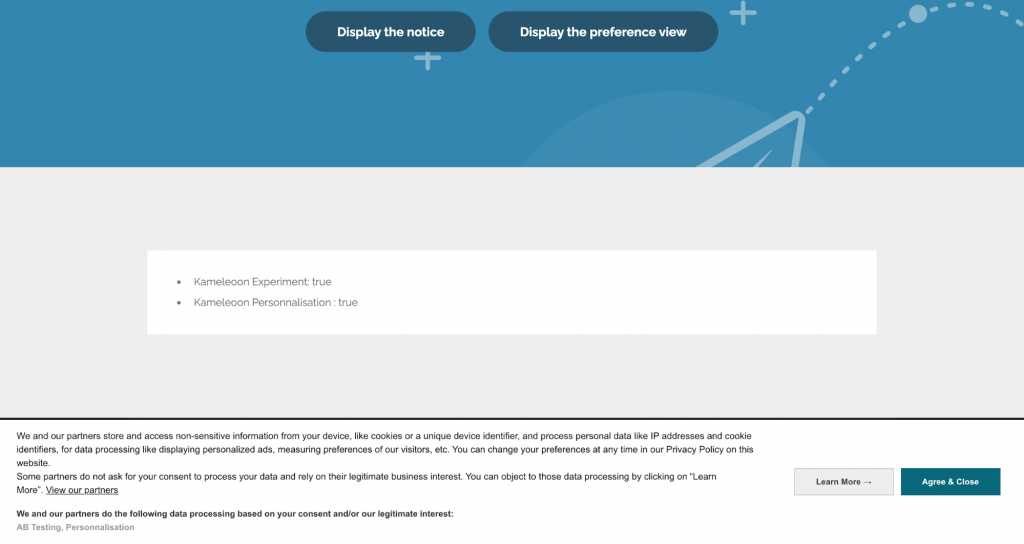
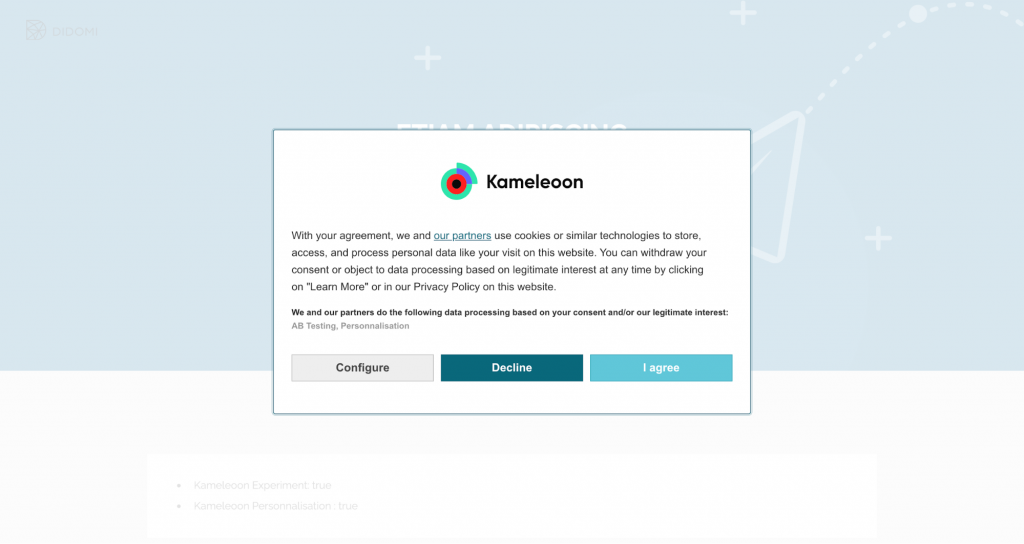
With Kameleoon’s integration with Didomi, you can run different versions of your consent notice by creating an experiment through Kameleoon. Follow these guidelines. You’ll have to run a technical experiment. This experiment lets us run the experiment while consent has not yet been provided (which is what we need if we want to A/B test several versions of Kameleoon’s consent pop-in). Note that you can’t analyze an experiment’s results in Kameleoon’s reporting tool as no data will be collected. However, Kameleoon will still send analytics data to your default analytics platform. Below, you’ll find an example of an experiment that A/B tests two versions of the consent notice: pop-in versus banner.Pop-in notice version

Banner notice version