- Automatically manage user consent through TrustCommander CMP with no additional setup needed.
- Deploy different variants of the TrustCommander tag configuration through Kameleoon.
- Increase brand loyalty and evaluate users trust with dashboards and reports.
Custom integration with TrustCommander
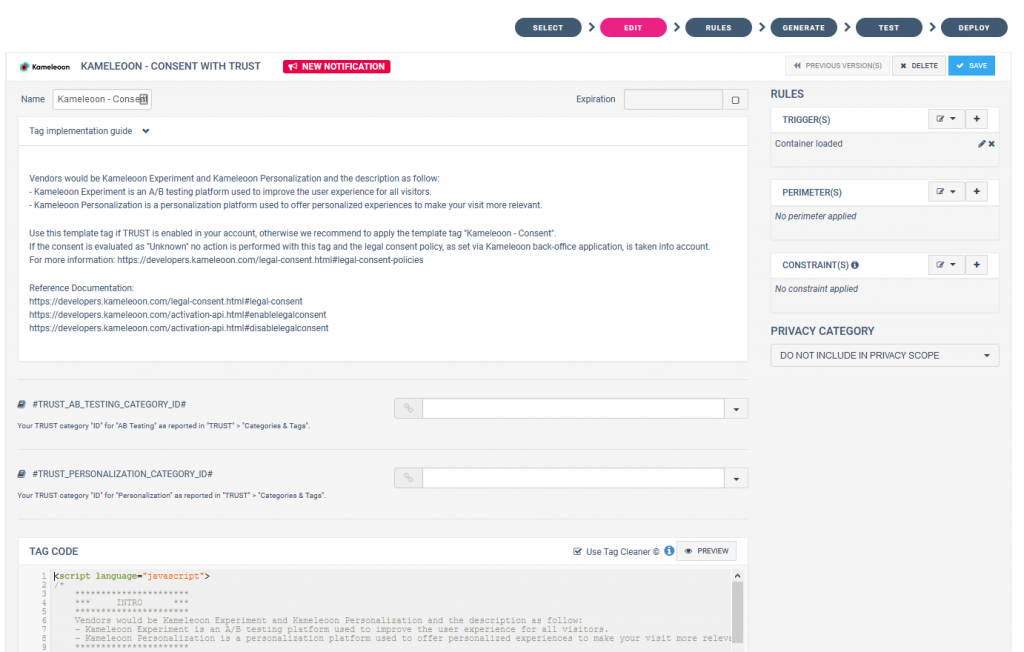
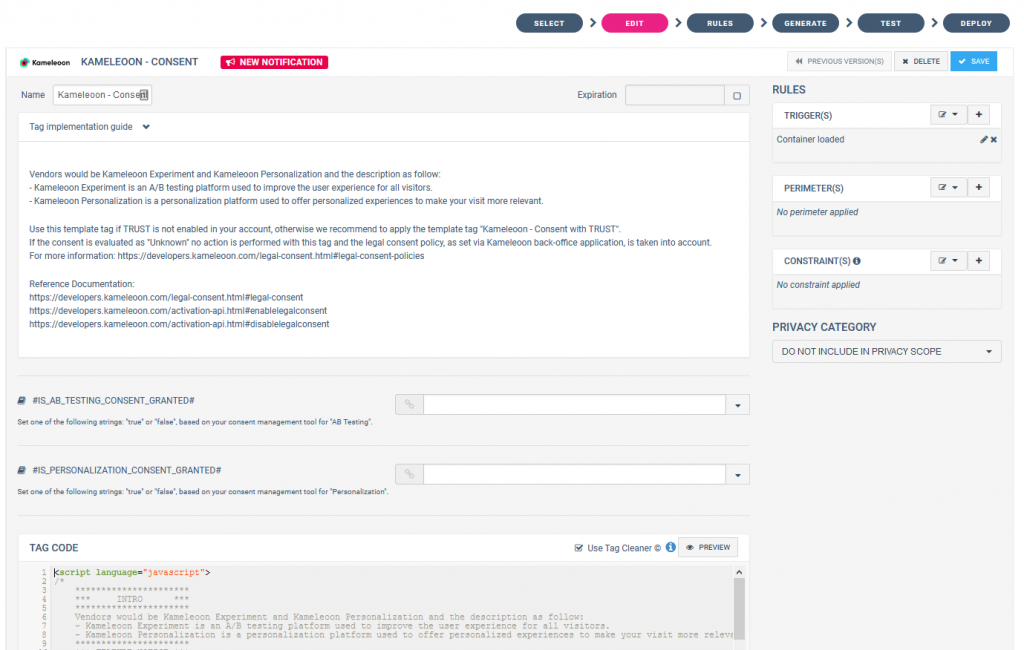
You need to add the Kameleoon Consent with TRUST tag in your container. Follow the steps detailed by Commanders Act to add a new tag Commanders Act provides two Kameleoon Consent tags. You need to use the “Kameleoon - Consent with TRUST” tag if TRUST is enabled in your account; otherwise, you can use the generic “Kameleoon - Consent” tag if you are using a different consent management tool.You can add it from the SELECT or EDIT step of Commanders Act interface.

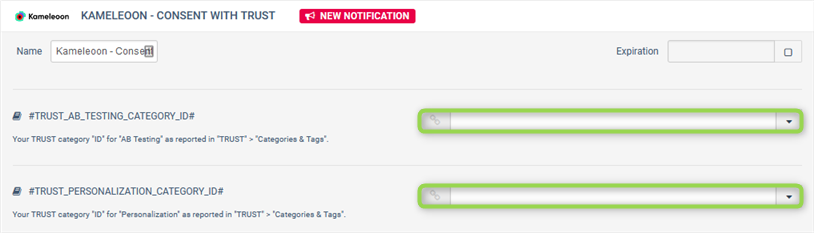
- TRUST_AB_TESTING_CATEGORY: Manages the consent for Kameleoon’s A/B testing platform. Used to improve the user experience for all visitors.
- TRUST_PERSONALIZATION_CATEGORY: Manages the consent for Kameleoon’s Personalization platform. Used to offer personalized experiences to make your visit more relevant.