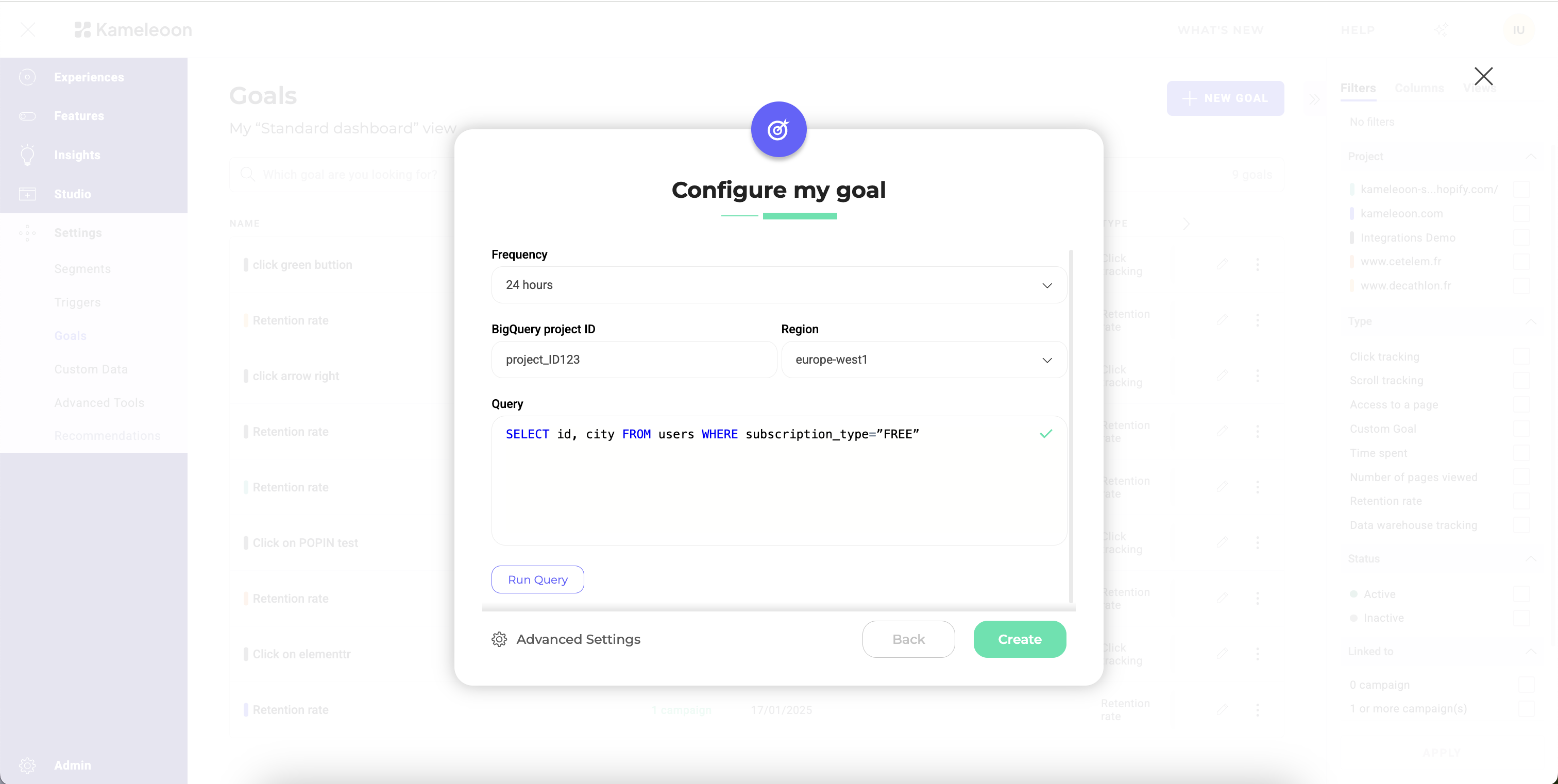
- Frequency: Select how often the task should run.
- Catalog: Enter the name of the Databricks catalog that contains the schemas you wish Kameleoon to read from.
- Schema: Enter the schema that contains your conversion data.
- Query: Define the SQL query to retrieve the necessary data from Databricks.
Data warehouse retention period: For Kameleoon to poll an event, it must remain accessible by your input query for at least 72 hours after the event occurred.
Query format
The query must adhere to a specific format:visitor_id is the column representing your visitors’ unique ID, and conversion_timestamp is a column representing the exact time at which the conversion took place. In Databricks, the conversion_timestamp column must be a Timestamp type column.
If you want to associate a revenue to each conversion, the query should adhere to an alternate format:
revenue is a column containing the revenue for each conversion.
For more complex queries you can adhere to this format by formulating a sub-query as such:
WITH clause that filters by timestamps. Keep in mind that although Kameleoon collects conversions hourly, it only merges them into your experiment results once per day.
Run your query before ingestion
Before saving your ingestion task, you can test your query directly in Kameleoon. Testing allows you to:- Verify the connection in real time.
- Confirm your credentials and access rights are correct, which helps detect issues immediately, without having to wait for the first data import.
- Validate your data’s structure and accessibility.