- Storing external user data using the POST Map endpoint.
- Reading user data using the GET Map endpoint. (Note: This step uses an activation API method for Web Experimentation that wraps the Data API. For Feature Experimentation, a similar method is available across Kameleoon SDKs, simplifying the process by avoiding manual API call logic).
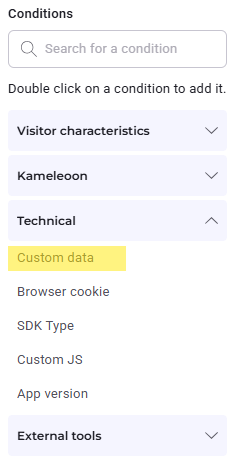
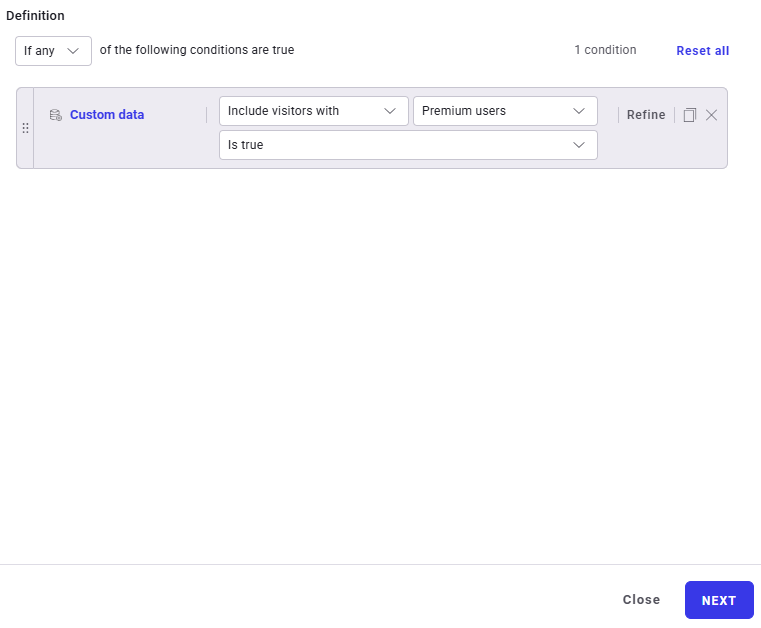
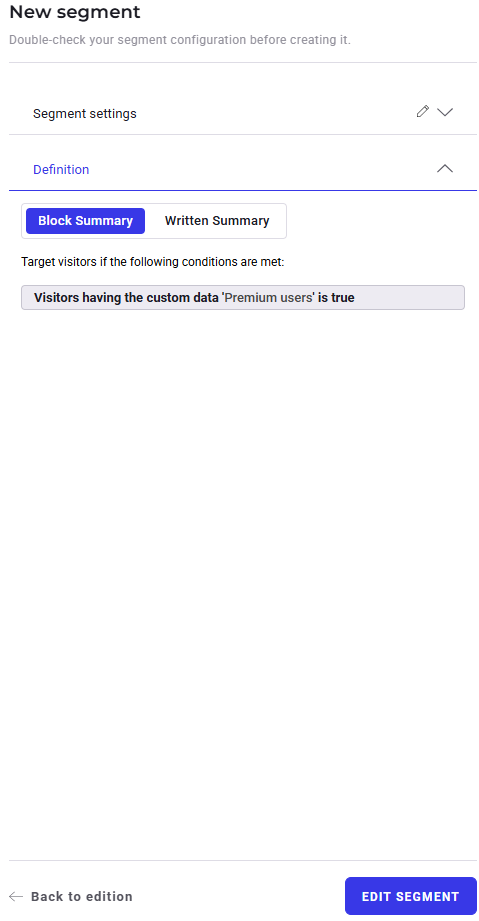
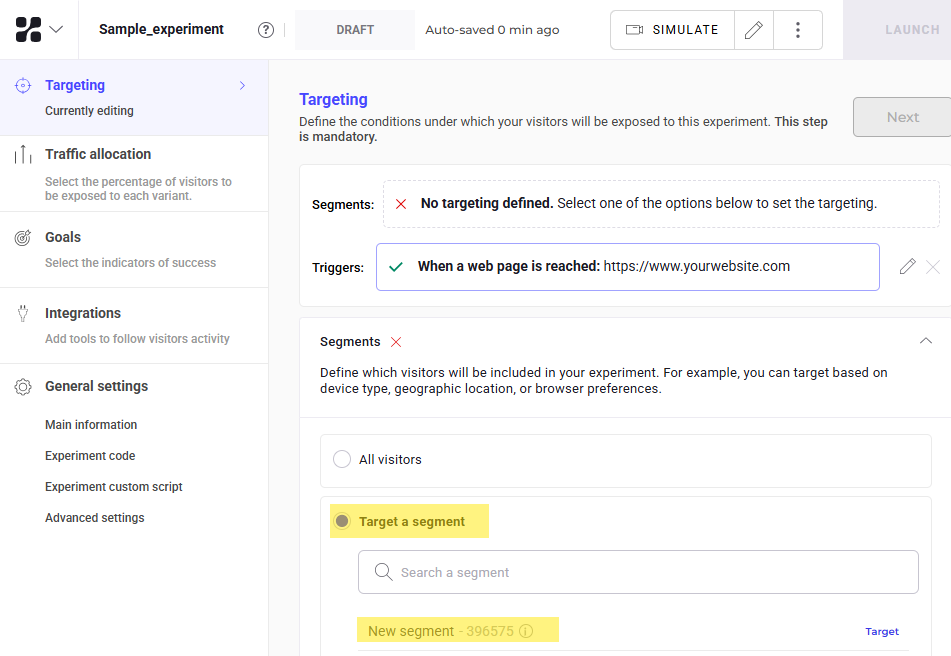
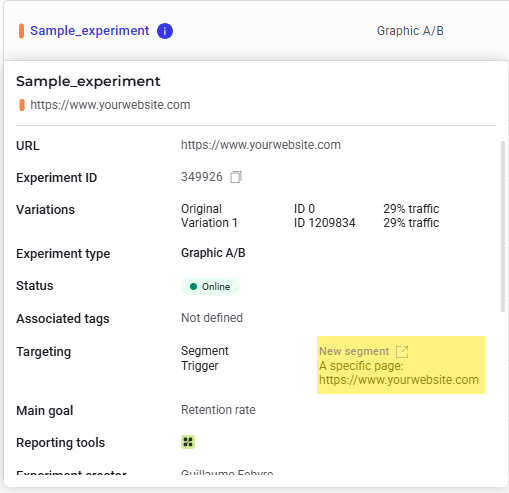
- Leveraging stored data in a targeting segment by utilizing custom data with experiments.
Post data using the DATA API’s MAP endpoint
Since the Data API is a REST API, a POST request to the MAP endpoint stores additional information linked to a specific key—usually representing a visitor code or an internal user ID provided when a user visits the website.You may obtain an authentication token to access the MAP endpoint following the same flow as the Automation API with JSON web tokens (optional). To learn more about authentication and rate limiting, see this article.
siteCode: A string of letters and numbers identifying the experiment project. See this article to learn how to retrieve it.- JSON object: The request body contains an object consisting of a list of keys and relevant user data.
User-Agent: Requests identified as bots or spiders are rejected according to IAB/ABC user-agent filtering rules. Kameleoon uses a single-pass method, meaning no action is required for requests from standard web browser libraries (like XHR). However, set a customUser-Agentvalue to override the library default in other cases.
A processed request returns no content. To verify success, send a request to this endpoint using the following URL:
https://eu-data.kameleoon.io/map/map?siteCode=f17c21u1ag&key=myUserID1Fetch data using retrieveDataFromRemoteSource (Activation API)
With data stored on Kameleoon servers, use custom data to access information for individuals visiting the site. Custom data serves as a targeting condition within experiment segments.
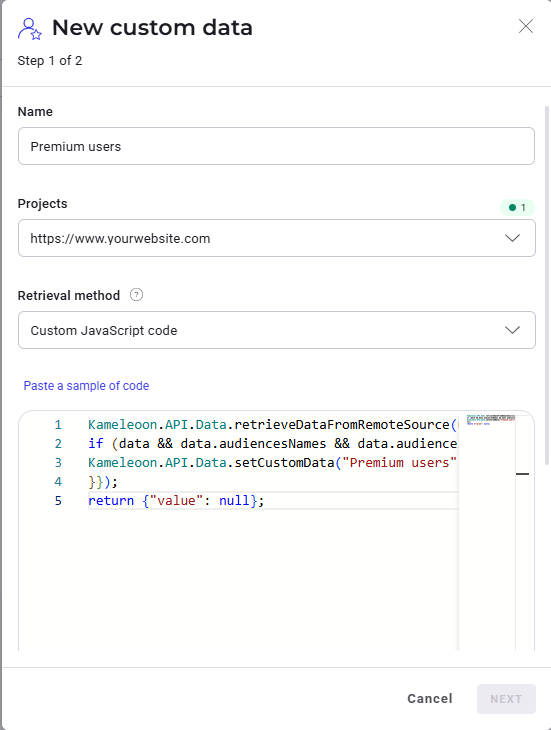
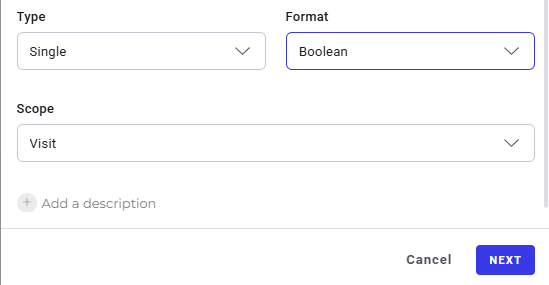
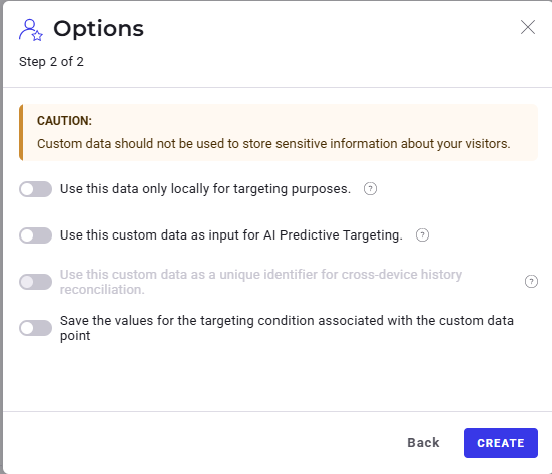
First, create and configure custom data in Kameleoon.
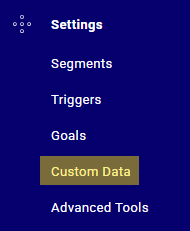
From the left-hand menu of the Kameleoon dashboard, click Custom data under Configure:

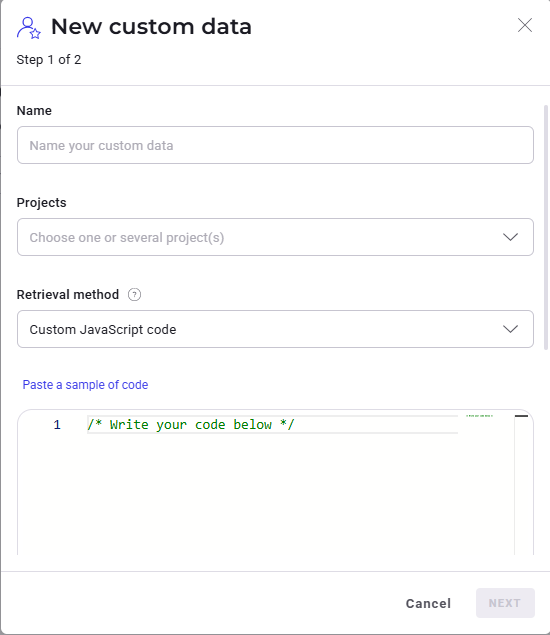
true. This information was saved in the earlier step.
true, adjust the retrieval method to Custom JavaScript and insert the following code for the retrieveDataFromRemoteSource method under Paste a sample code:
user_id contains the unique ID of the user.
Projects utilizing Kameleoon Feature Experimentation can use the SDK method
getRemoteData() within the feature flag code to retrieve data.