

Goal
Next, create a segment to target visitors who browse a specific URL, such aswww.site-test.com.
See the segment creation guide for details.
Requirements
access token
-
siteId-
Retrieve the
siteIddirectly in code with thesiteCodeby calling the get a site by code endpoint. - Alternatively, log into the Kameleoon account, navigate to the bottom-left corner, and select Projects under the Admin section:
Click Edit on the project: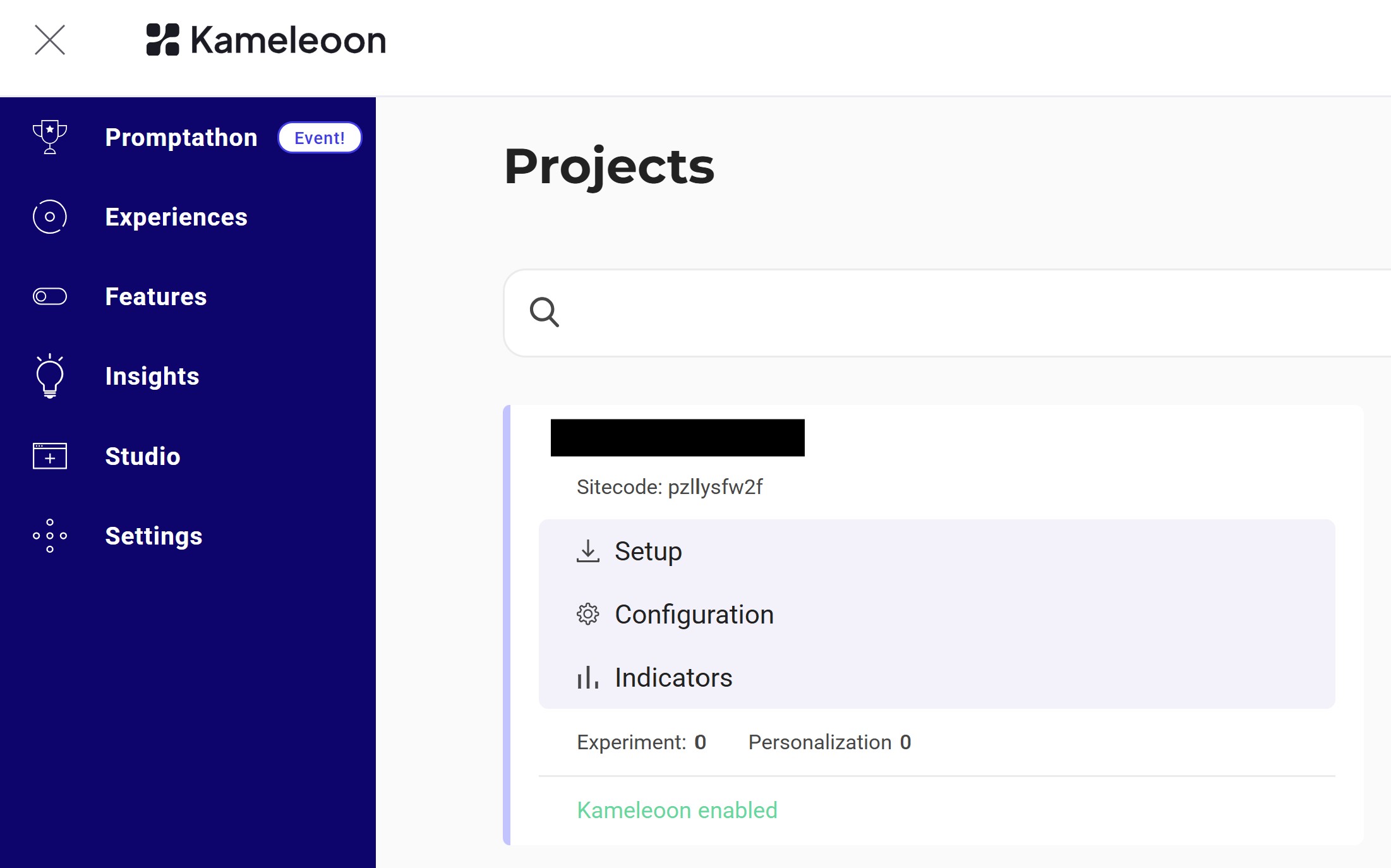 The
The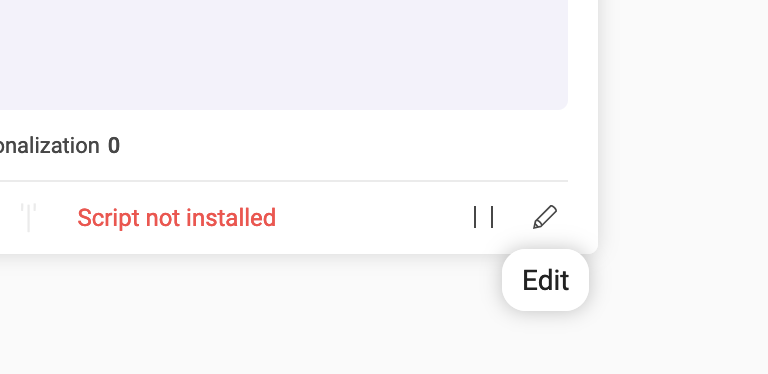
siteIdis the five-digit number in the URL (for example, 29353):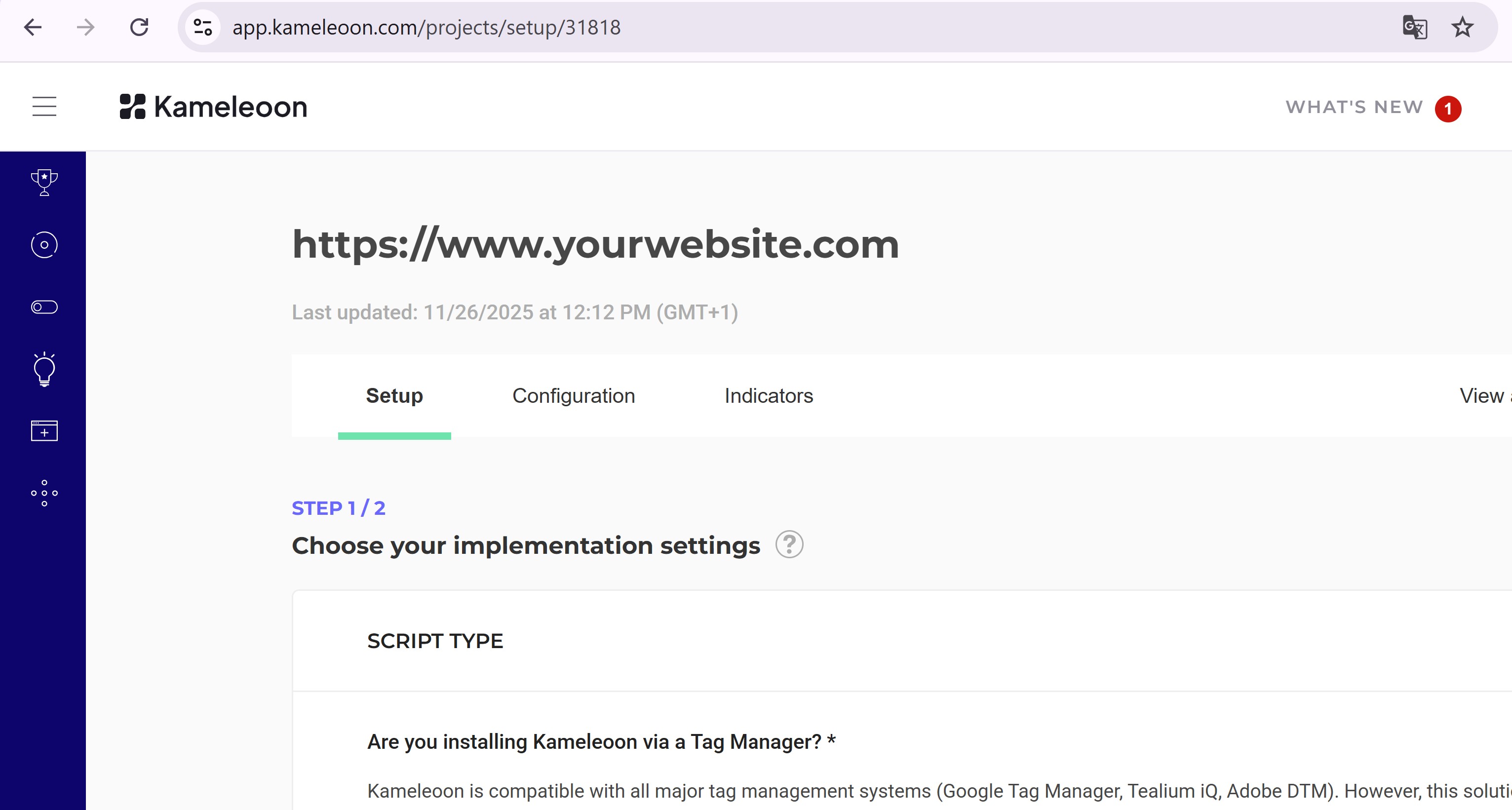
-
Retrieve the
Create the Segment
Endpoint:
Example:
Create a goal for the experiment
Goal
Goals are metrics to track campaign success. This section creates a Click goal to count clicks on the.cta-button element.
See the goal creation guide for more information.
Steps
Create the goal
Endpoint:
Example:
Add a goal and segment before launching an experiment
Goal
Link the goal and segment toExperiment_1 and activate the experiment.
Steps
1. Link and launch
Endpoint:
Example:
2. Verify launch
Refresh the dashboard.Experiment_1 should now display Online status:

Creation, configuration, and launch of an experiment using the Automation API are now complete.