Goal
Create a new experiment,Experiment_1, as explained in the graphic editor guide using the Automation API Create Experiment endpoint.
This tutorial creates a code-based (
DEVELOPER) experiment. For a multivariate test (type: MVT), Kameleoon applies equal traffic allocation to every variation on creation, regardless of any values submitted in mvtAllocationSettings. To set custom traffic allocation, follow Create a multivariate experiment instead.Requirements
access token
-
siteId-
Retrieve the
siteIddirectly in code with thesiteCodeby calling the get a site by code endpoint. - Alternatively, log into the Kameleoon account, navigate to the bottom-left corner, and select Projects under the Admin section:
Click Edit on the project: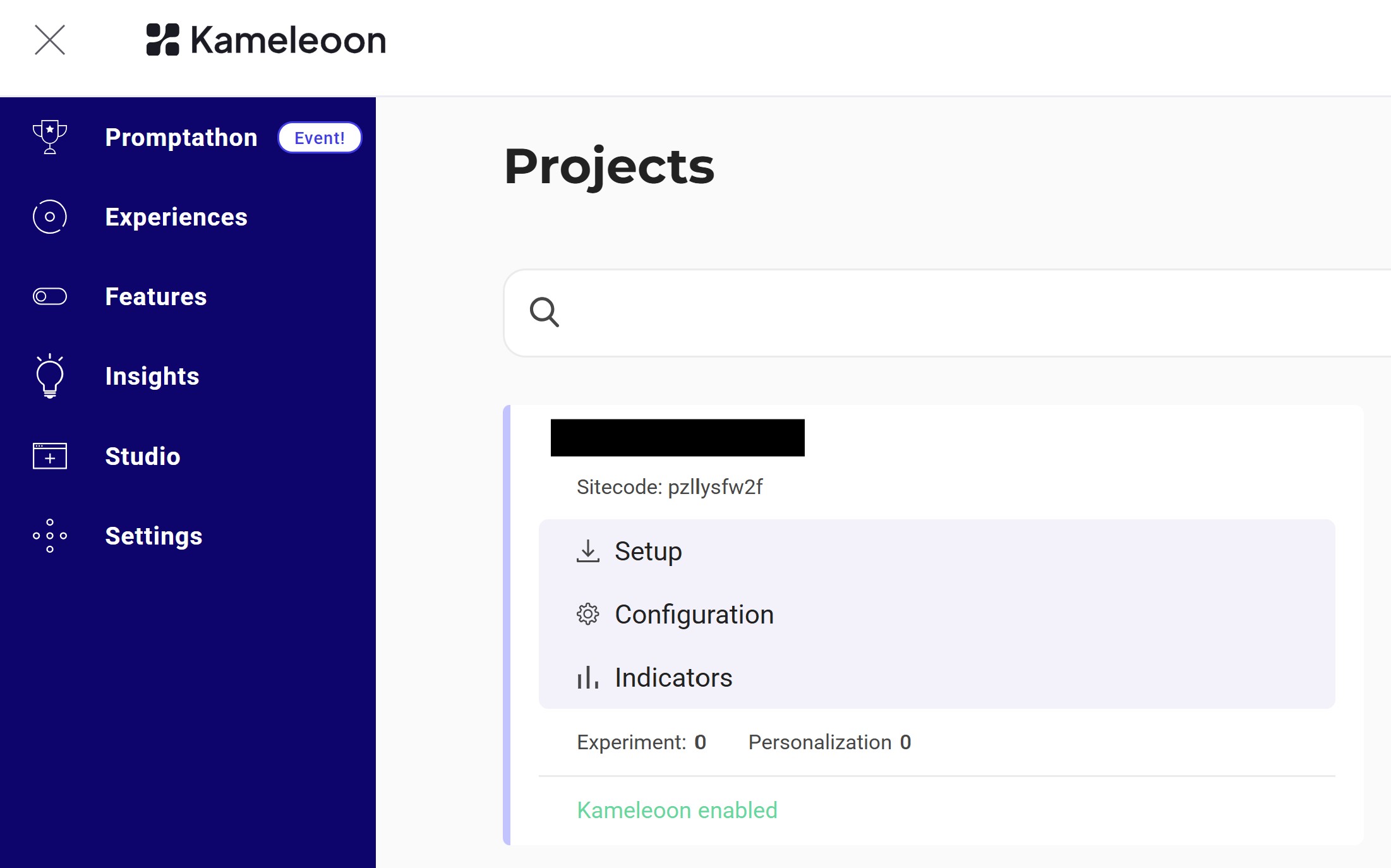 The
The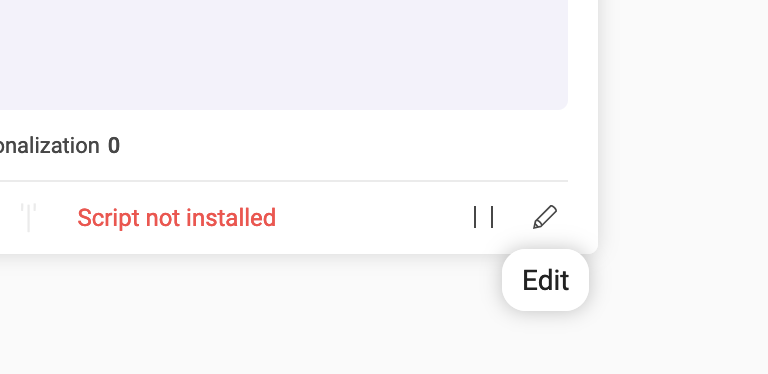
siteIdis the five-digit number in the URL (for example, 29353):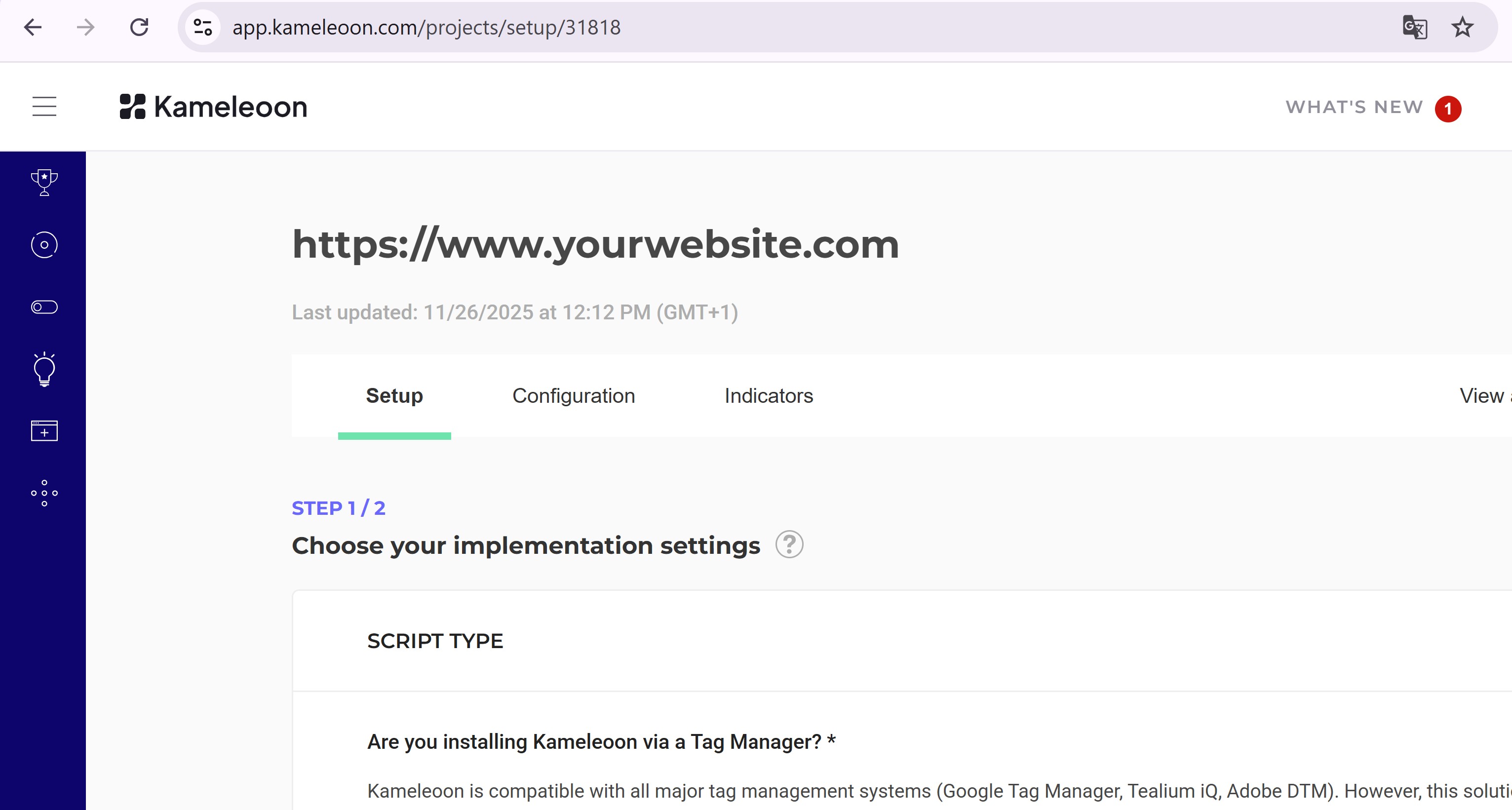
-
Retrieve the
Steps
1. Create the experiment
Endpoint:
Example:
2. Verify the experiment
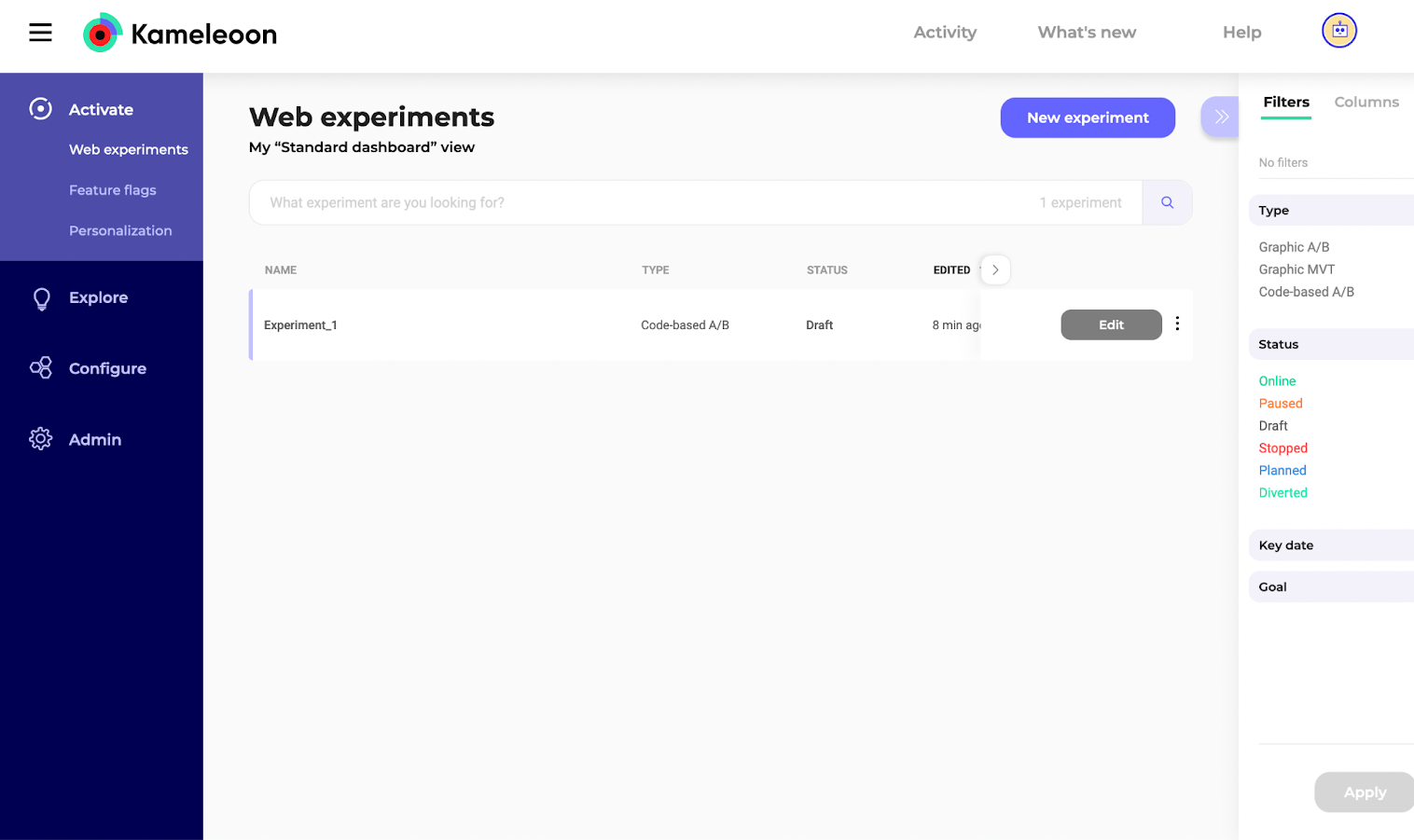
Go to the Experiments Dashboard and refresh the page.Experiment_1 should now appear: