Documentation Index
Fetch the complete documentation index at: https://docs.kameleoon.com/llms.txt
Use this file to discover all available pages before exploring further.
Requirements
The Automation API requires an access token.
Retrieve the token programmatically by following the instructions in the obtaining an access token section.
Goal
Update the variation (Variation 1) of the created experiment with:
Kameleoon.API.Core.runWhenElementPresent("#bloc-567, .cta-button, #bloc-789", function(elements) {
  document.querySelector(".cta-button, #bloc-789").innerText = "More new text";
});
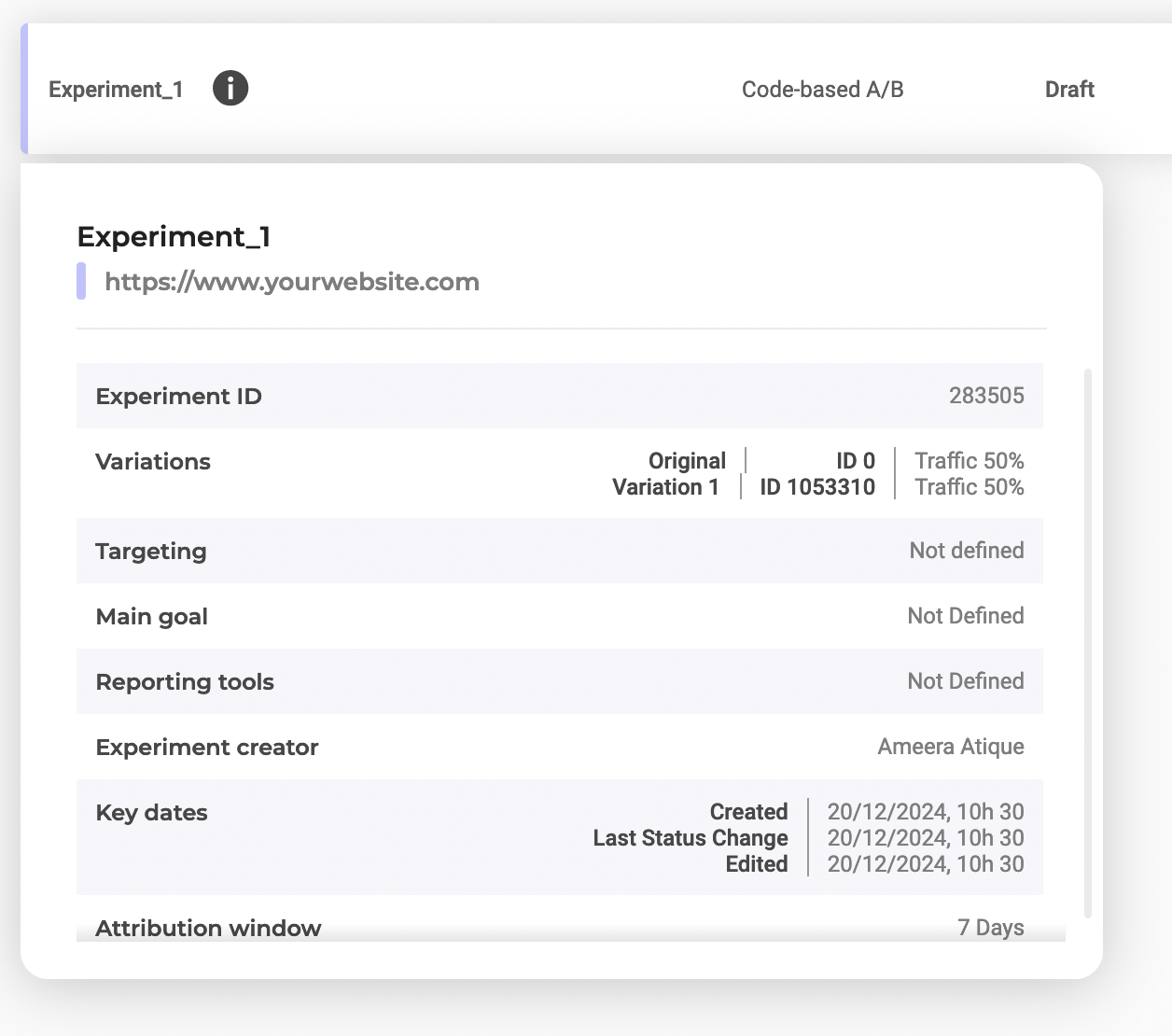
variationId and experimentId
Find the IDs by selecting Experiment_1 in the dashboard:
Steps
1. Inject the JavaScript code
Endpoint:
PATCH https://api.kameleoon.com/variations/{variationId}
| Name | Type | Description |
|---|
| jsCode | String | JavaScript code to update. |
| name | String | Variation name. |
| experimentId | String | The experiment ID associated with the code. |
curl -L -X PATCH 'https://api.kameleoon.com/variations/1053310' \
-H 'Content-Type: application/json' \
-H 'Authorization: Bearer <ACCESS_TOKEN>' \
--data-raw '{
  "experimentId": 283505,
  "jsCode": "Kameleoon.API.Core.runWhenElementPresent(\".cta-button, #bloc-789\", function(elements) { document.querySelector(\".cta-button, #bloc-789\").innerText = \"Text\";});"
}'
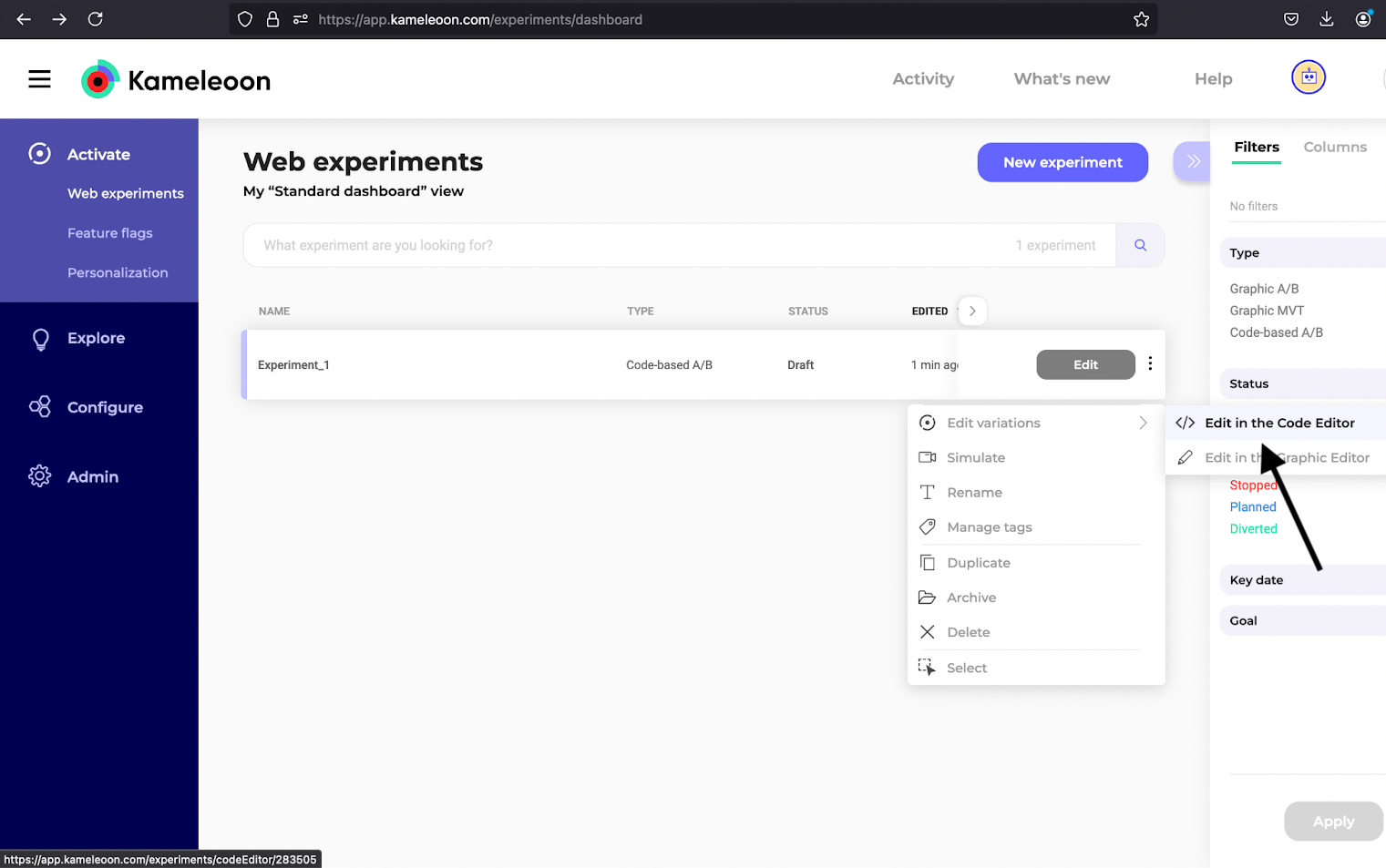
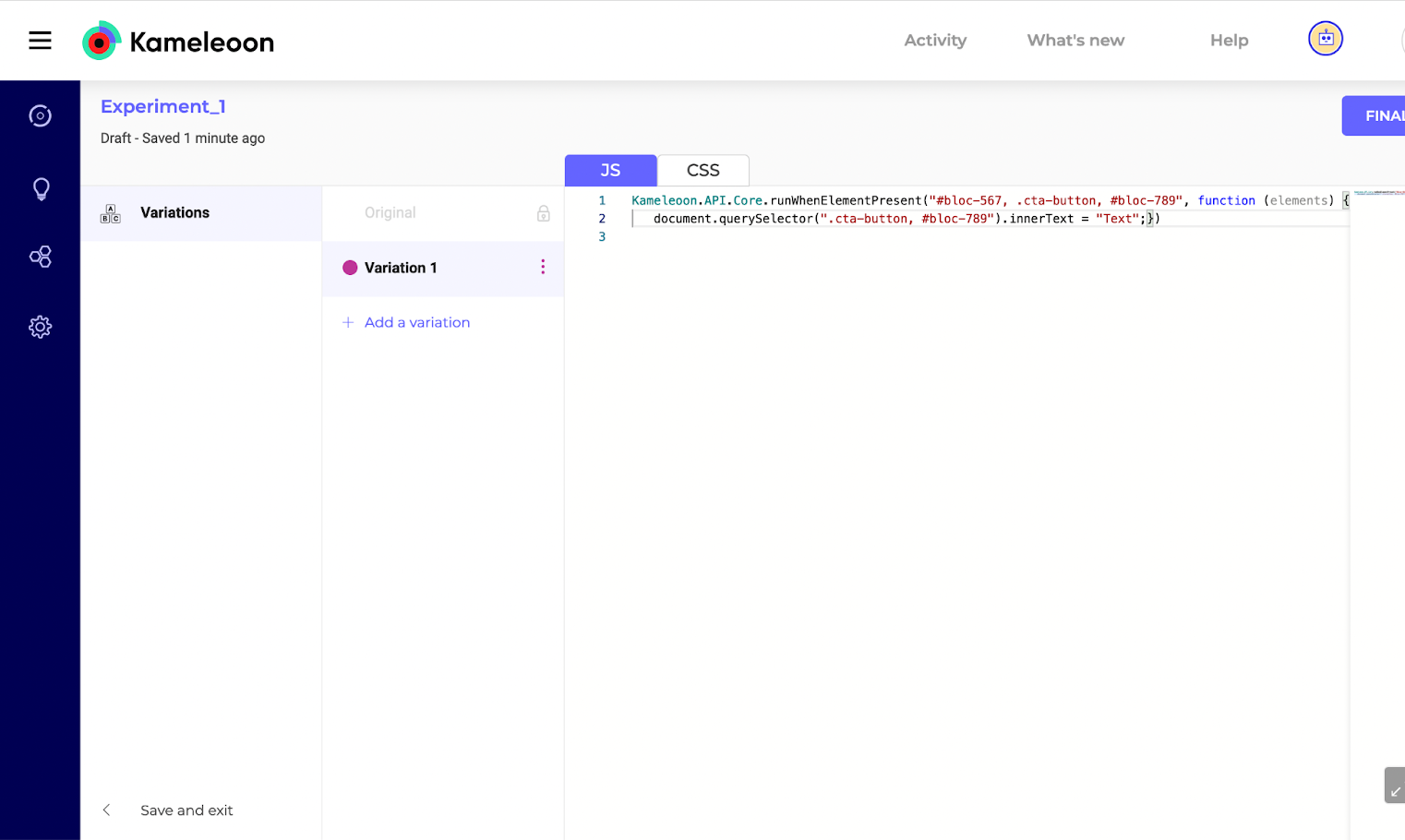
2. Verify the code injection
Check the Code Editor for Variation 1:
3. Update the code
Change the text to “Updated Text”:
curl -L -X PATCH 'https://api.kameleoon.com/variations/1053310' \
-H 'Content-Type: application/json' \
-H 'Authorization: Bearer <ACCESS_TOKEN>' \
--data-raw '{
  "experimentId": 283505,
  "jsCode": "Kameleoon.API.Core.runWhenElementPresent(\"#bloc-567, .cta-button\", function(elements) { document.querySelector(\".cta-button, #bloc-789\").innerText = \"Updated Text\";});"
}'
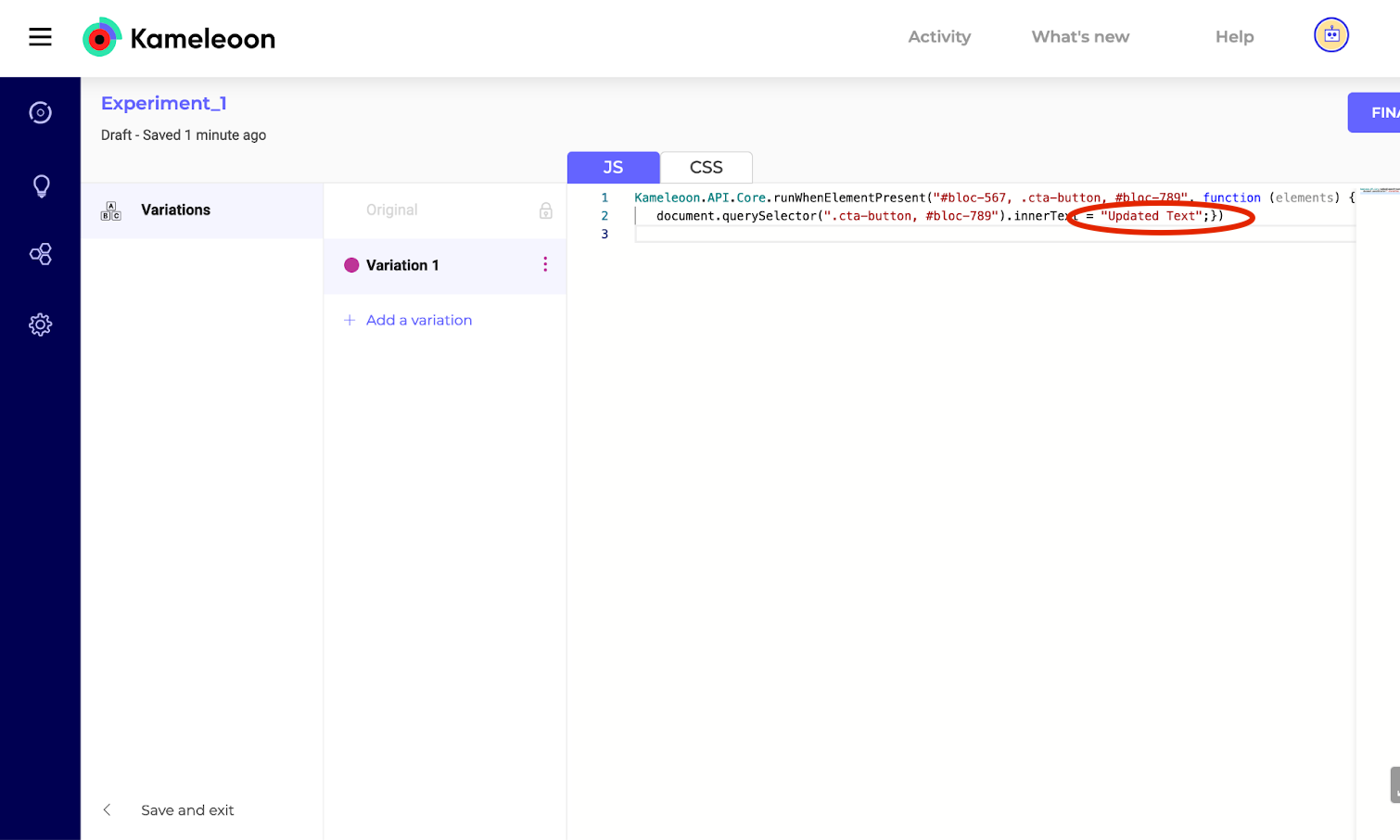
4. Verify the update
Refresh the editor to confirm the update: