Documentation Index
Fetch the complete documentation index at: https://docs.kameleoon.com/llms.txt
Use this file to discover all available pages before exploring further.
Goal
Create a new experiment,Experiment_1, as explained in the graphic editor guide using the Automation API Create Experiment endpoint.
Requirements
access token
-
siteId-
Retrieve the
siteIddirectly in code with thesiteCodeby calling the get a site by code endpoint. - Alternatively, log into the Kameleoon account, navigate to the bottom-left corner, and select Projects under the Admin section:
Click Edit on the project: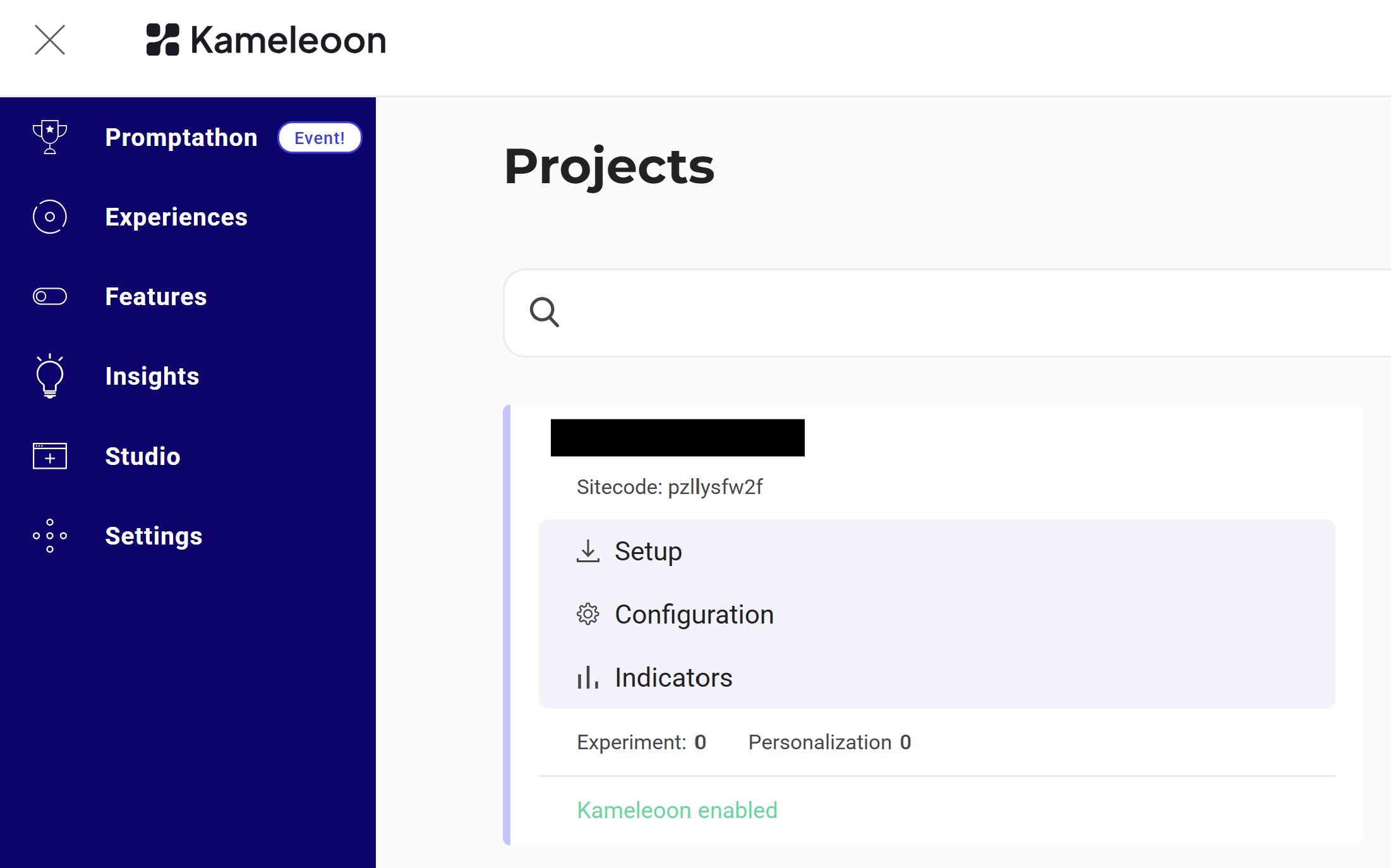 The
The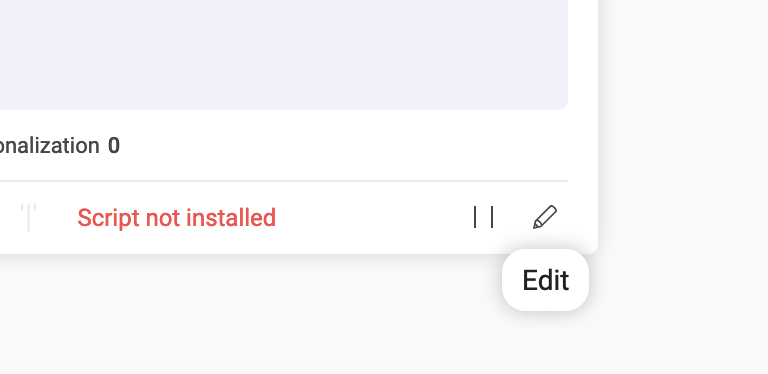
siteIdis the five-digit number in the URL (for example, 29353):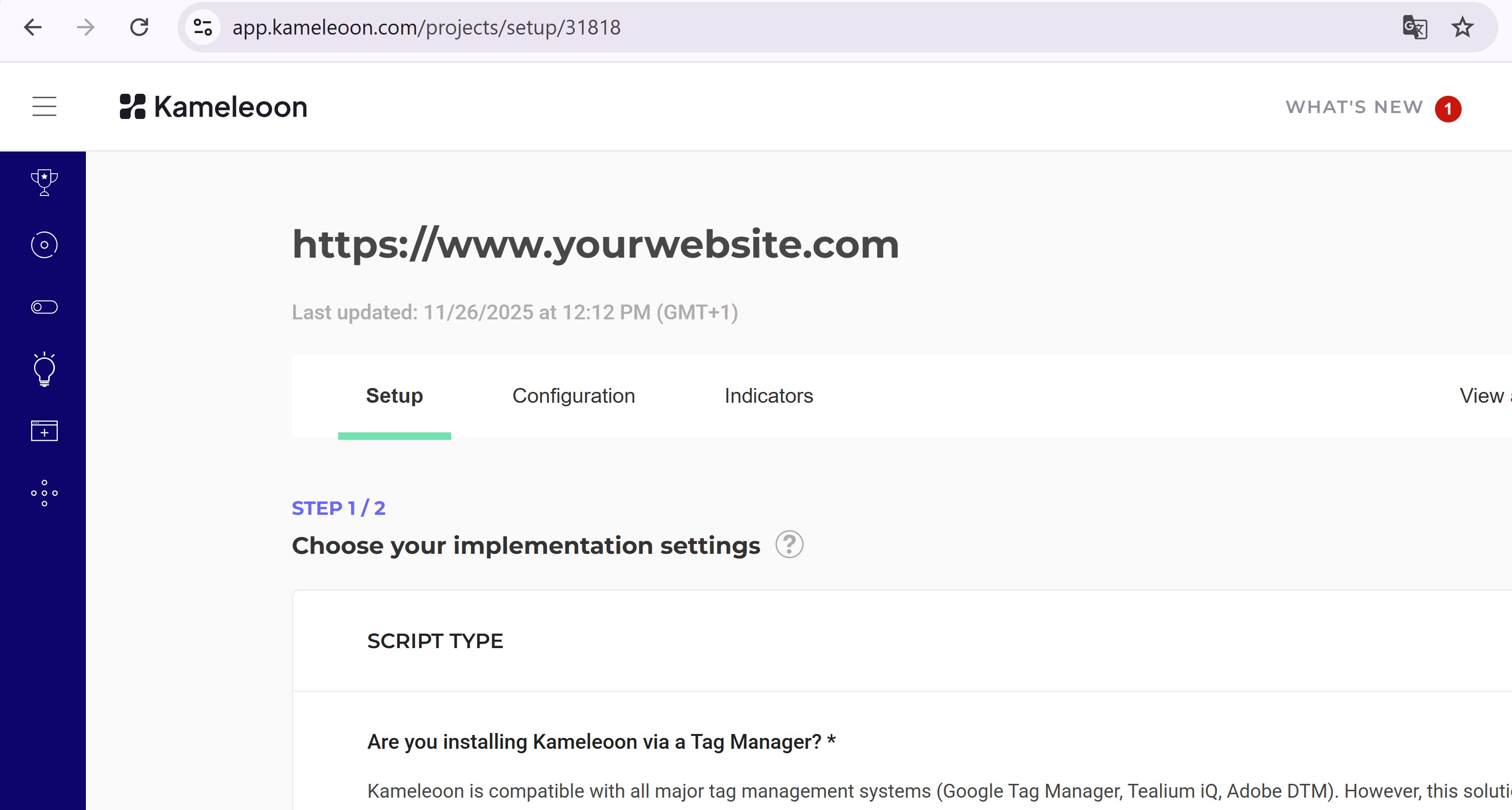
-
Retrieve the
Steps
1. Create the experiment
Endpoint:| Name | Type | Description |
|---|---|---|
| baseURL | String | URL of the page to load in the Graphic Editor. |
| name | String | Experiment name. |
| siteId | String | The project’s siteId. |
| type | String | Type of experiment (for example, DEVELOPER for code-based experiments). See API reference. |
2. Verify the experiment
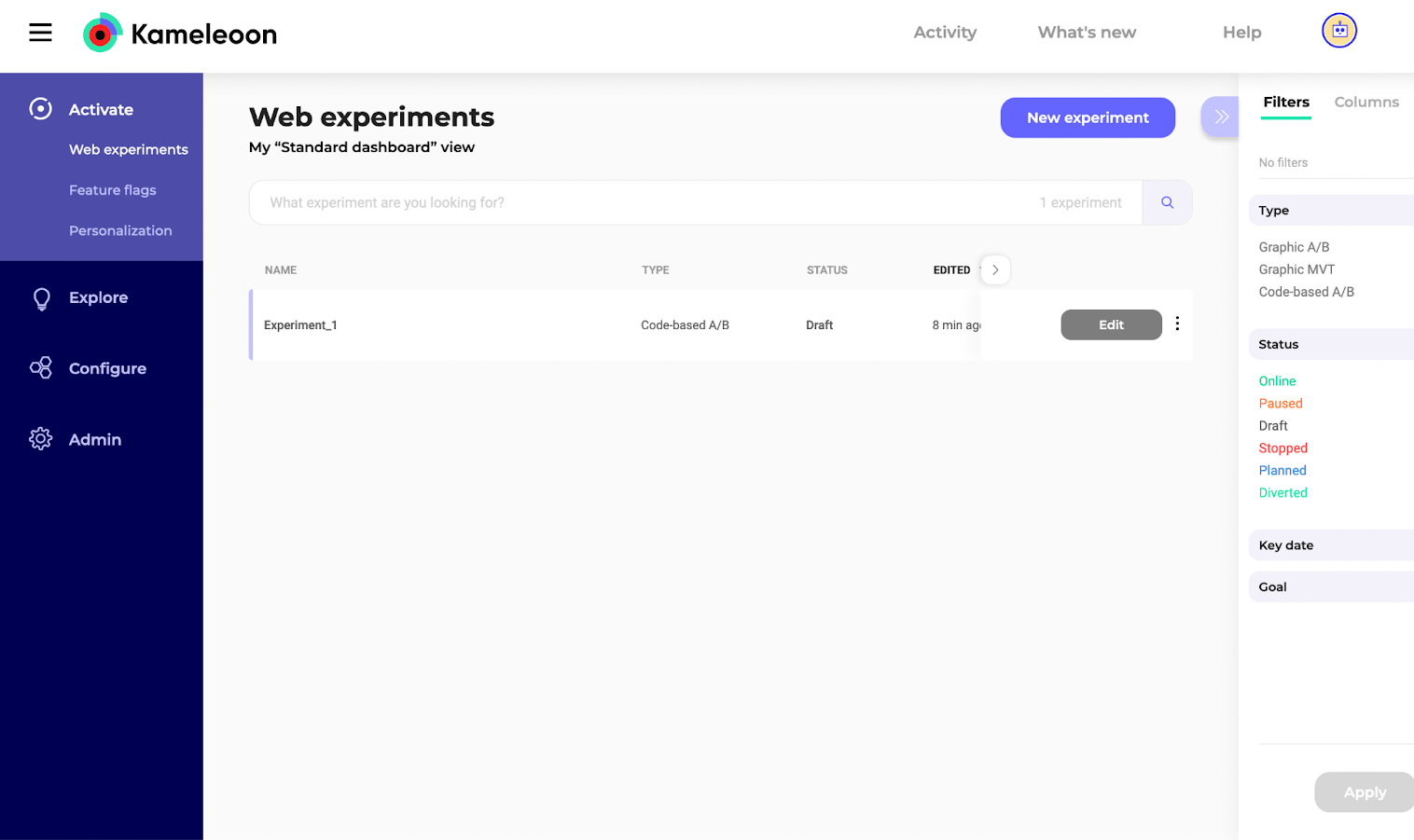
Go to the Experiments Dashboard and refresh the page.Experiment_1 should now appear: