

Add the connector
- In Claude.ai, go to Customize > Connectors.
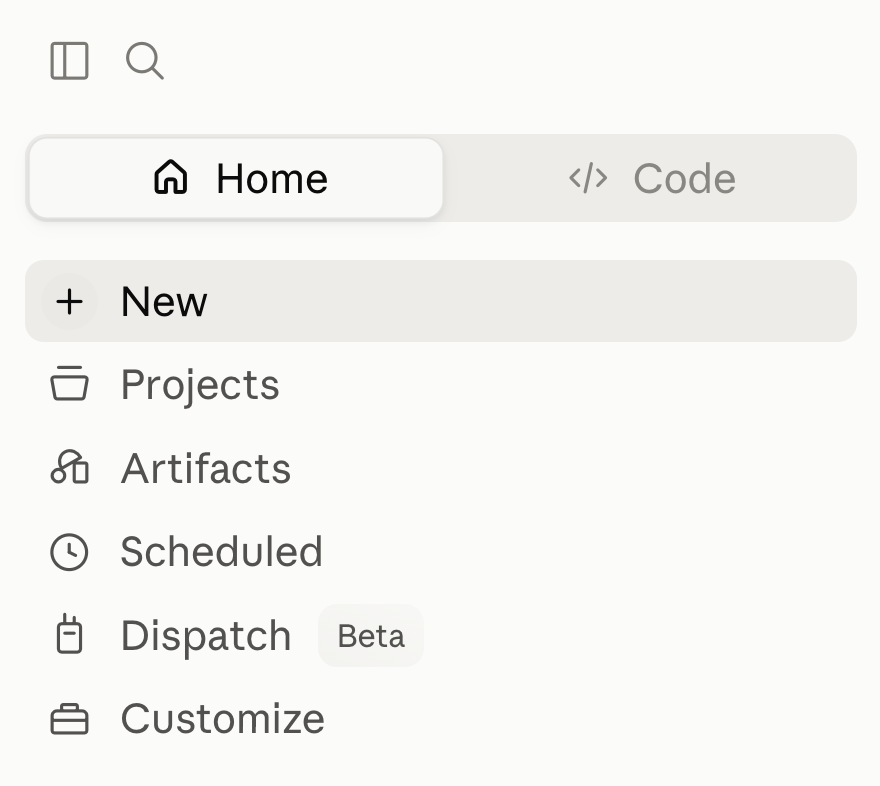
If your Claude.ai account is part of a Team or Enterprise plan, you might not see the Add custom connector option, and searching the connector list for “Kameleoon” won’t surface it either. On Team and Enterprise plans, only the organization’s Owner or Primary Owner can add a custom connector. Ask them to open Organization settings > Connectors in Claude.ai, add a custom connector named
Kameleoon with the server URL https://mcp.kameleoon.com/mcp, and turn the connector on for the organization. Members can then connect and authorize individually, starting from step 4 below.- Click Add custom connector.
- Enter a name (for example,
Kameleoon) and the server URL:https://mcp.kameleoon.com/mcp. - Click Connect, then log in to your Kameleoon account and click Authorize to grant access.

- Start a new conversation so Kameleoon’s tools appear in the chat.
After you authorize, your browser briefly shows a confirmation screen before returning you to Claude.
What you can ask
- “List feature flags for site X.”
- “What experiments are active right now?”
- “Summarize the results of experiment Y.”
- “Create a feature flag called
new_searchand roll it out to 20% in production.”