> ## Documentation Index
> Fetch the complete documentation index at: https://docs.kameleoon.com/llms.txt
> Use this file to discover all available pages before exploring further.
# Integrations overview
> Connect Kameleoon with major web analytics platforms such as Google Analytics, Adobe Analytics, and Piano Analytics to track and analyze your campaigns.
To view a video tutorial on connecting an analytics solution, visit [the Kameleoon academy](https://academy.kameleoon.com/how-to-plan-your-first-experiment/162260?utm_source=user_manual\&utm_medium=online).
Several systems are available to analyze and track your campaigns. Kameleoon integrates all major Web Analytics solutions (Google Analytics, Piano Analytics, Webtrends, Adobe Analytics, Eurelian).
## Access the Integrations page
To access the Integrations page:
1. Log in to your Kameleoon App.
2. Click **Admin** > **Integrations**.
You will find all the solutions you can integrate with Kameleoon on the Integrations page.
Kameleoon's reporting tool is configured by default, so it does not appear on this list.
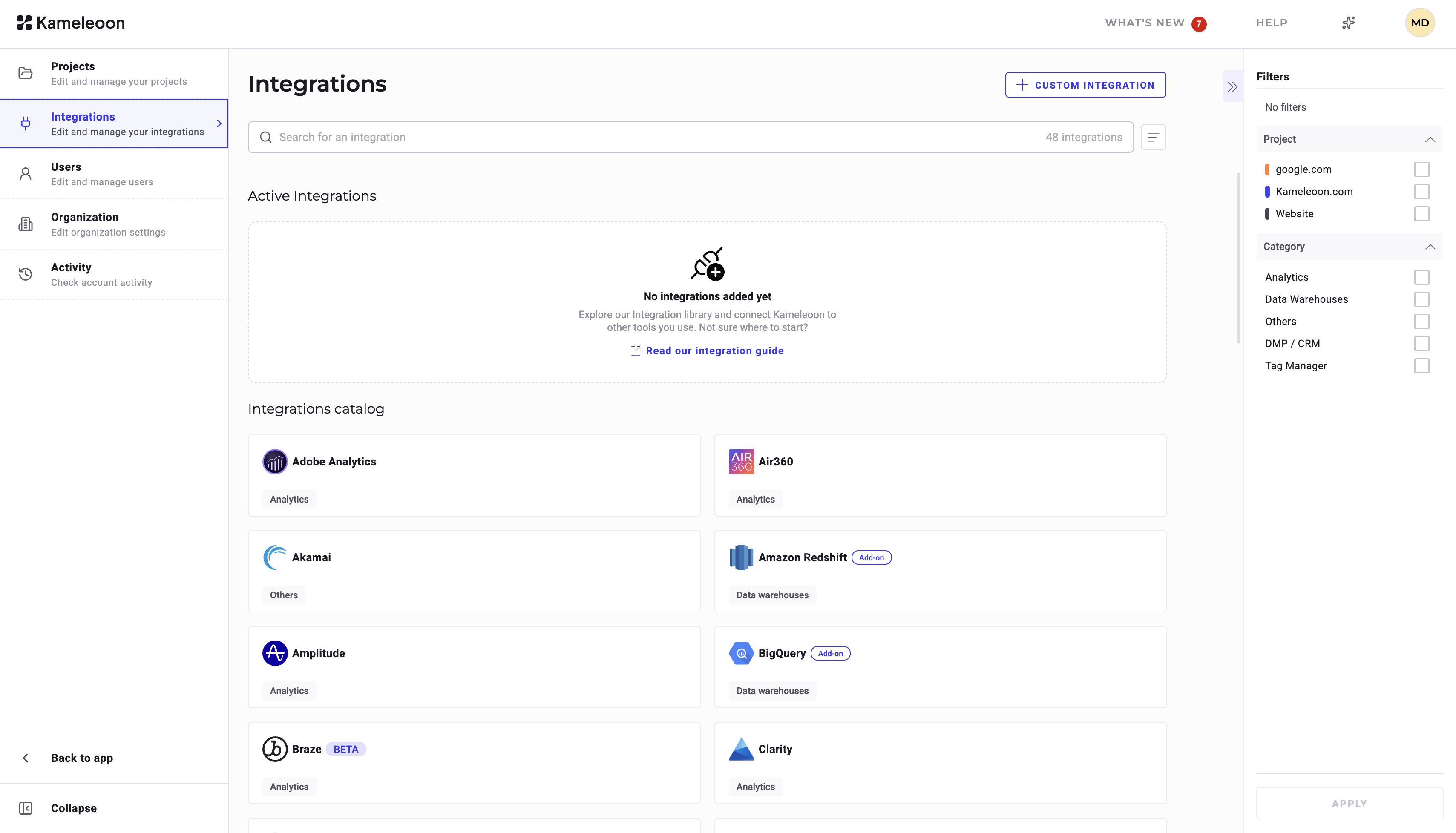
For each tool, **Status** indicates if the solution has been set up:
* If an **Install** icon is displayed, the tool has not been set up, and it cannot be selected.
* If **OFF** is displayed, the tool is set up but disabled, and it cannot be selected.
* If **ON** is displayed, the tool is set up and enabled, and it can be selected.
* If a padlock is displayed, your package does not give you access to this tool.
## Add a new reporting tool
To add a new reporting tool:
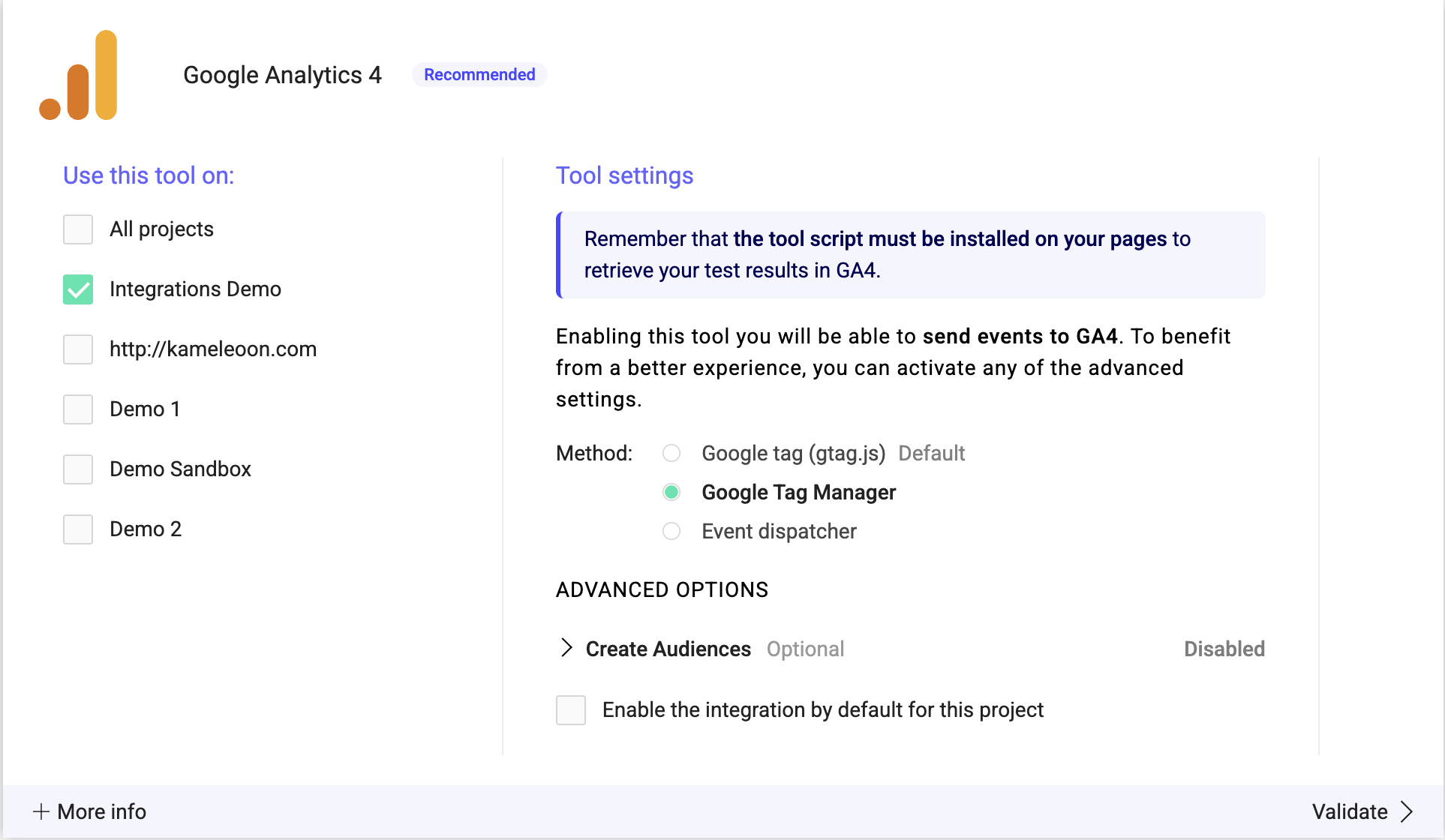
1. Click the tool of your choice > **Install the tool**.
2. Select the website on which you want to use the tool.
3. Enter the setting specific to the selected tool if needed.
4. Click **Validate** to add the tool.

## Enable/Disable a reporting tool
To disable a tool, deselect all websites on which the tool is configured.
To enable a tool, select the websites on which you want to configure it.
## Enable an integration by default
You can have an integration enabled by default on all campaigns in a project. Check the box next to **Enable the integration by default for this project** to automatically activate the integration for all campaigns and environments in the relevant project.