> ## Documentation Index
> Fetch the complete documentation index at: https://docs.kameleoon.com/llms.txt
> Use this file to discover all available pages before exploring further.
# IAB Transparency and Consent Framework
> Enable IAB TCF V2.3 in Kameleoon to automatically read visitor consent and control experimentation and personalization modules accordingly.
IAB Transparency and Consent Framework (TCF) is a common standardized framework designed to help all parties in the adtech industry (CMPs, publishers, vendors) ensure that they are GDPR-compliant.
IAB TCF V2.3 has a strong presence in the media industry and is considered a must-have by some of our customers. All major CMPs, such as [Onetrust](https://www.onetrust.com/), [Didomi](https://www.didomi.io/products/consent-management-platform), [Usercentrics](https://usercentrics.com/), provide IAB compliance out of the box.
This guide walks you through how to set up an integration with IAB TCF V2.3.
## IAB TCF V2.3 configuration for A/B testing and Personalization
Vendors (such as Kameleoon) are responsible for providing up-to-date information on the purposes for which they collect and process personal data, the features they rely on in pursuit of such purposes, and the requirements regarding accessing a user's device.
The IAB holds a list of registered third-party vendors, which is accessible automatically by all CMPs.
On the IAB TCF page for Global Vendor registration, here are the parameters that correspond to the experiments and/or personalizations launched via Kameleoon.

The selected parameters have an automatic impact on Kameleoon. For example, if you disable only the IAB purpose dedicated to personalization, it disables Kameleoon Personalization.
## IAB TCF V2.3 integration with Kameleoon
### Enable IAB TCF V2.3 on Kameleoon
Once you've activated IAB TCF V2.3 on your Kameleoon account, Kameleoon automatically reads the consent policy within IAB TCF V2.3 framework for both experimentation and personalization modules.
To enable IAB TCF V2.3:
1. Log in to your Kameleoon account.
2. Click **Admin** > **Integrations** > **Install the tool**.
3. Select the projects on which you want to configure IAB TCF.
4. Click **Validate**.
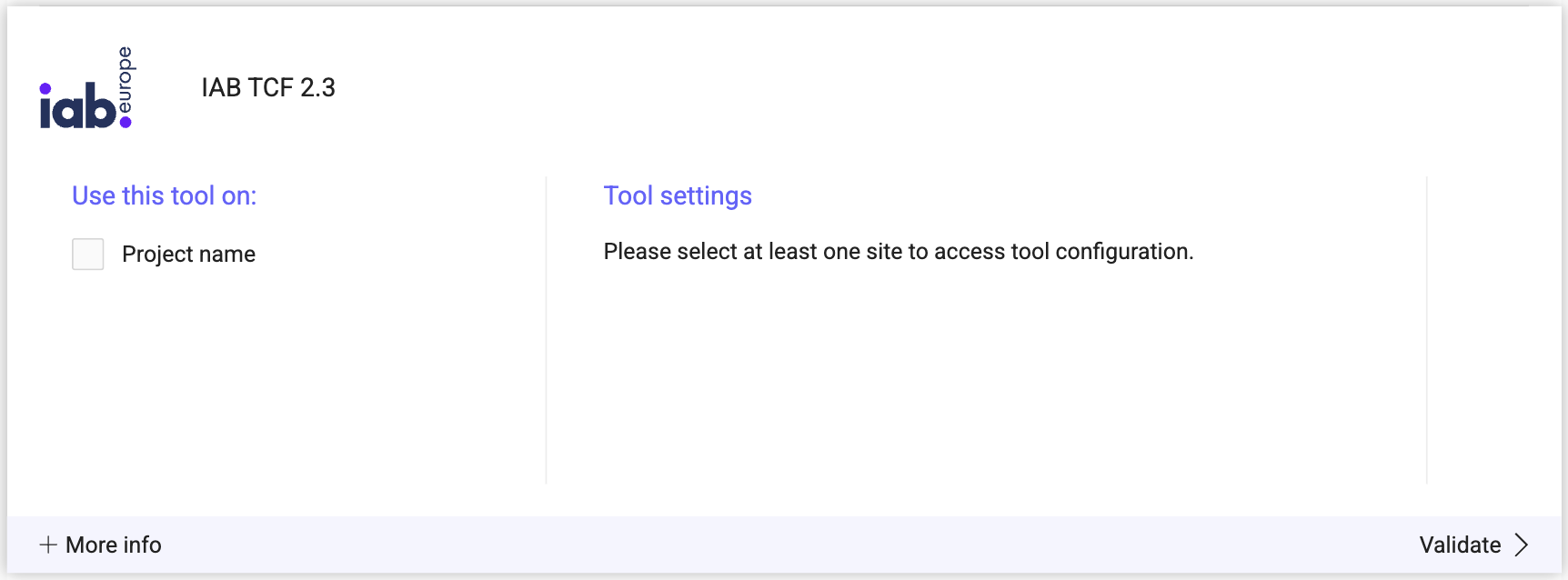
The option **Choose IAB TCF as the default consent solution** is selected by default, meaning that, in the Configuration page's consent management section, IAB TCF will be selected by default.
You will see an **ON** toggle on the right of the tool's line, and the number of projects the tool is configured on.

### Consent policy
To access the consent management details:
1. Click **Admin** > **Projects**.
2. Click **Configuration** on your project card.

3. Scroll down to the **Experiment** or **Personalization** section. In each section, you can select the IAB TCF option in the first dropdown.
* If you have left the option **Choose IAB TCF as the default consent solution** enabled, then IAB TCF will be selected by default. If not, the option is still available.

4. Click **Validate**.
When IAB TCF is enabled on one product (A/B or Personalization), it is automatically enabled on the other. You cannot apply different consent management in this case.
Read [this documentation](../../../project-management/consent-management-policy) to find out more about consent management.