> ## Documentation Index
> Fetch the complete documentation index at: https://docs.kameleoon.com/llms.txt
> Use this file to discover all available pages before exploring further.
# Braze
> Send Kameleoon experiment and personalization exposure data to Braze as custom events to improve targeting, segmentation, and user communication.
This feature is in open beta and active development. Join the [Kameleoon Beta Program](../../../account-and-team-management/organization-settings/join-beta-program) to start using this integration.
[Braze](https://www.braze.com/) is a customer engagement platform that helps deliver personalized messaging campaigns across multiple channels, including push notifications, emails, in-app messages, and more.
With this integration, you can use your Kameleoon experiment and personalization data in Braze to improve targeting, segmentation, and communication with your users.

## Activate Braze in Kameleoon
First, you must enable Braze.
1. Log in to Kameleoon.
2. Click **Admin** > **Integrations** (for more information on this page, refer to [this](../../integrations-overview) article).
3. Click **Install the tool** and select the projects you want to activate Braze on.
4. Click **Validate**.
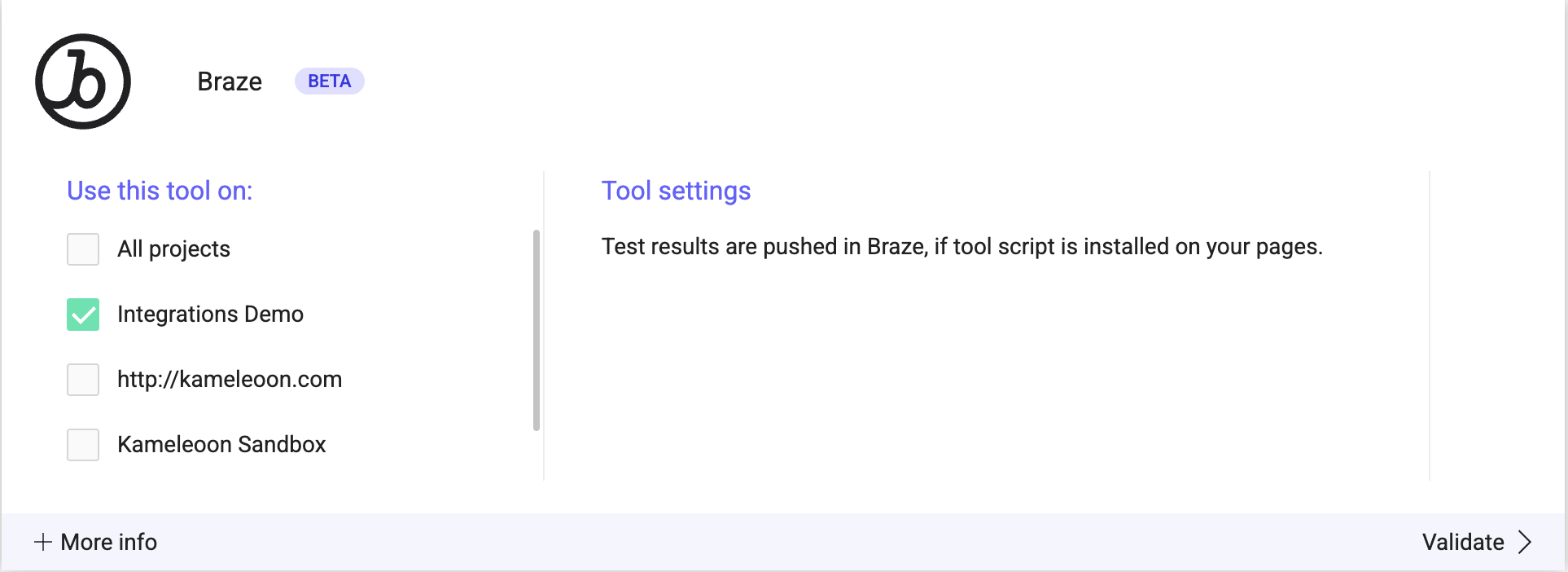
You will see an **ON** toggle on the tool's card and the number of projects Braze is configured on.

You can now send campaign data from Kameleoon to Braze by linking the integration when you finalize your campaigns.
## Associate Braze with a Kameleoon campaign
### In the Graphic/Code editor
When finalizing your experiment, click **Integrations** to configure Braze as a tracking tool. Select **Braze**.
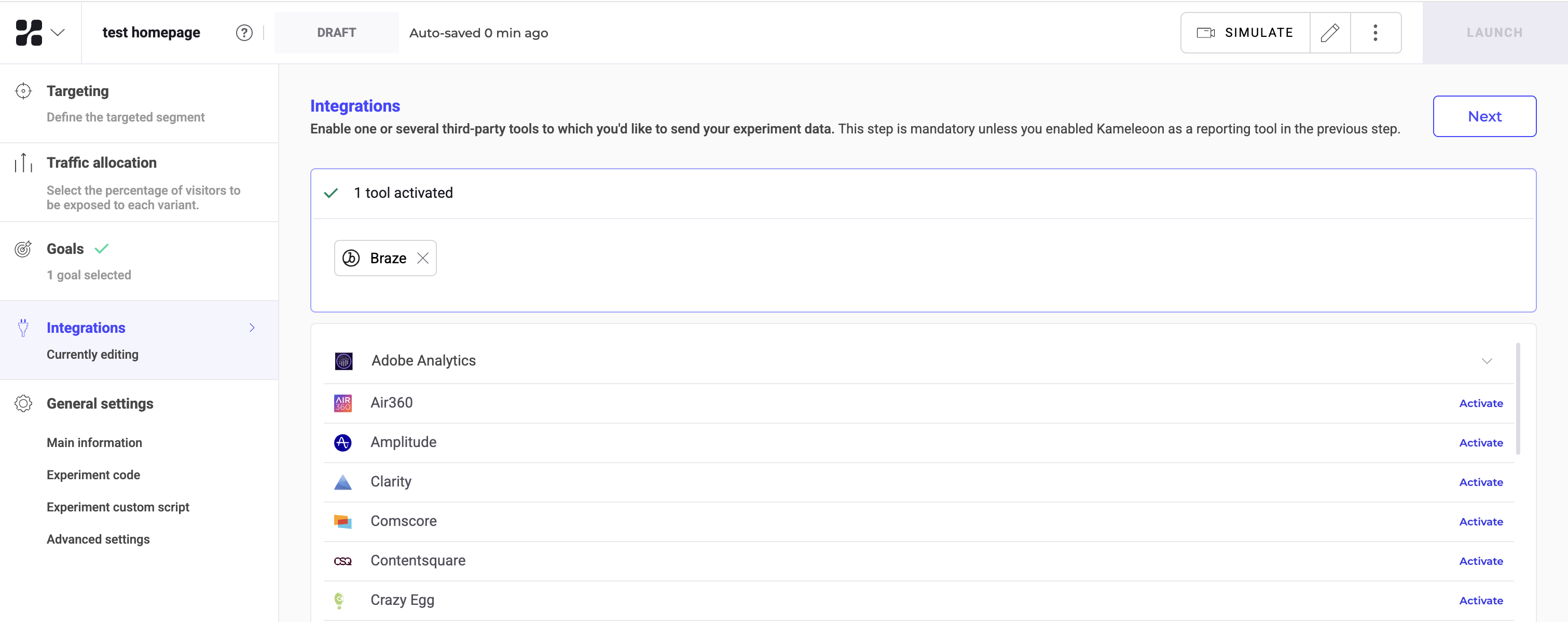
Braze will be mentioned in the summary before your experiment goes live. Kameleoon will automatically transmit data to Braze, and you can use it for analysis and segmentation in Braze's interface.
## On the personalization creation page
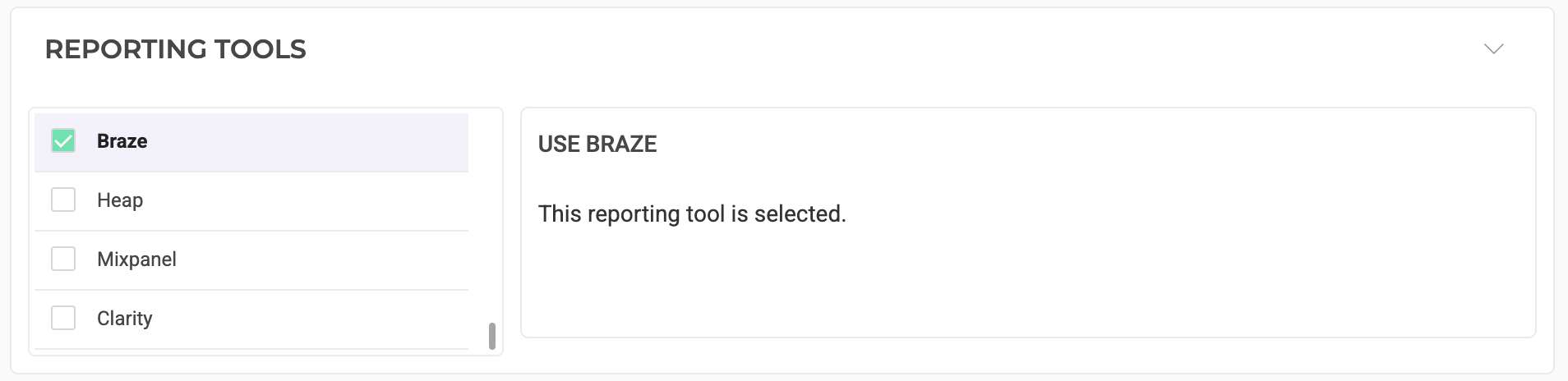
You can select Braze among the reporting tools for a personalization.
## On the feature flag creation page
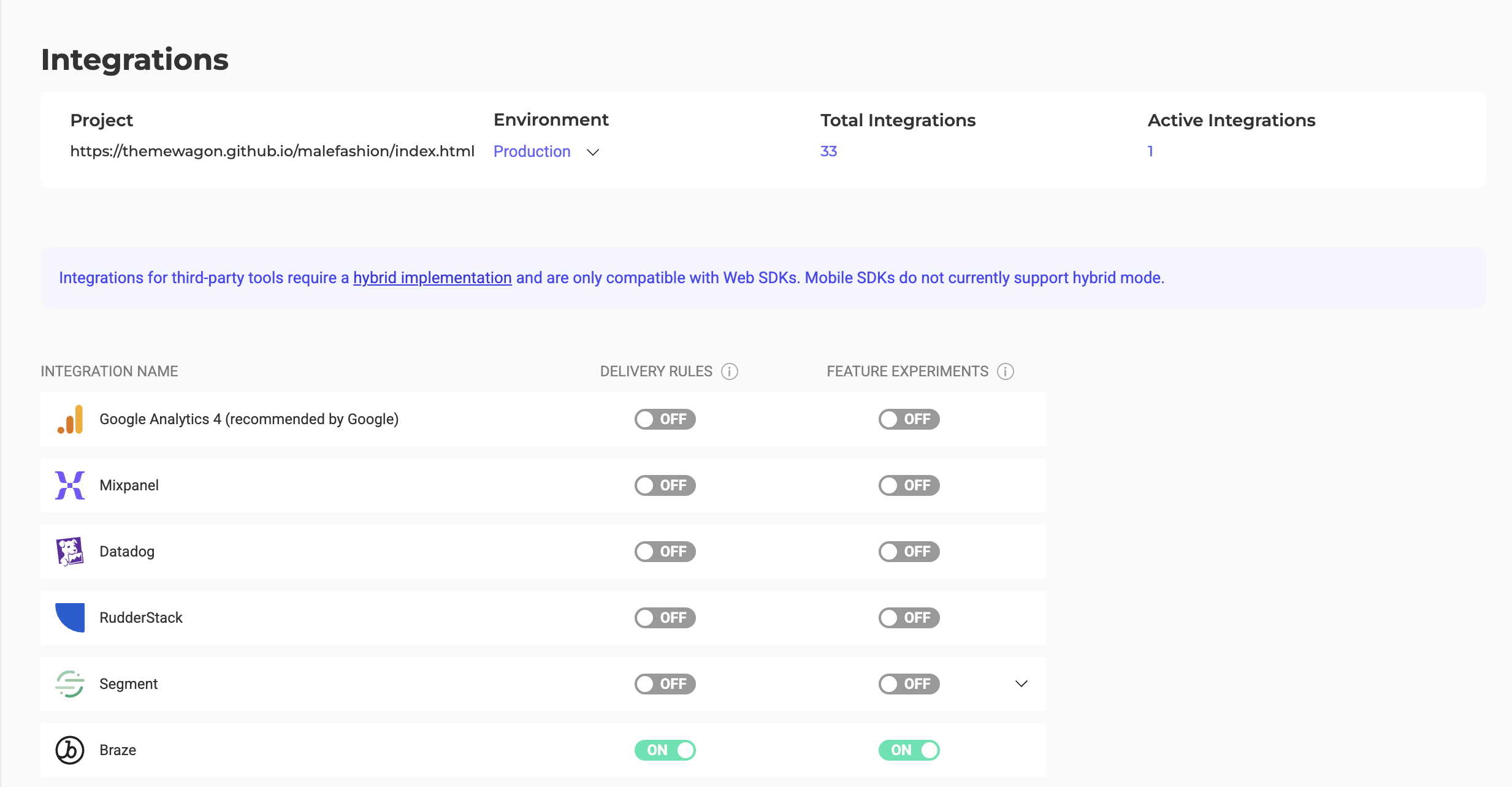
Set up Braze in a feature flag environment in the **Integrations** section. Enable it for the environments where you want it active. Braze requires a [hybrid implementation](../../../../developer-docs/feature-experimentation/get-started/hybrid-experimentation#sending-exposure-events-to-third-party-analytics) and is only compatible with web SDKs.
## On the Results page
Once Braze is set as a reporting tool for an experiment, you can select (or deselect) it via the Kameleoon Results page.
To do so, click the **three-dots menu** in the top right > **Experiment configuration**.
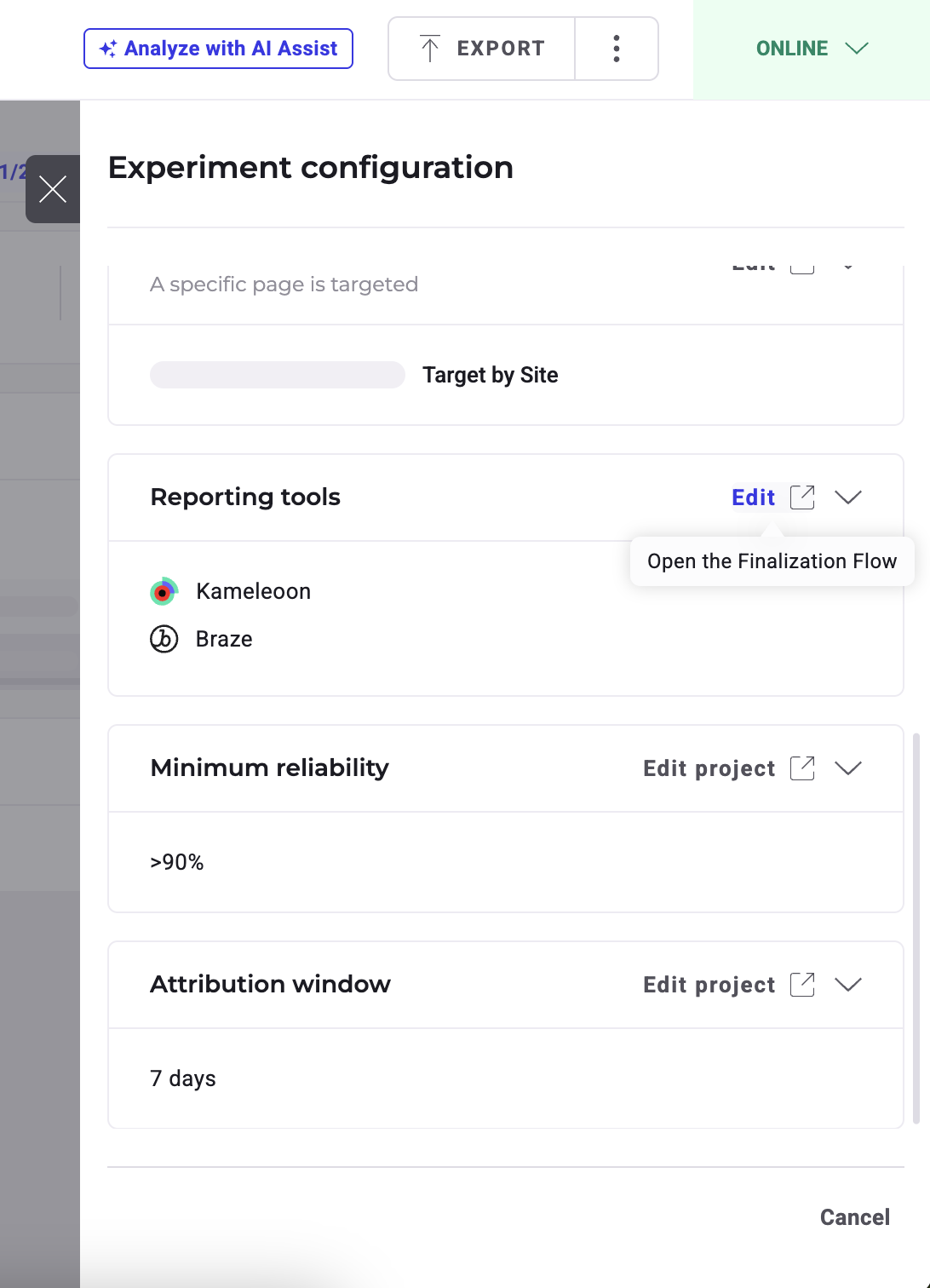
The reporting tools associated with the experiment are displayed. Click **Edit** to change them.
## Boost user engagement based on Kameleoon data
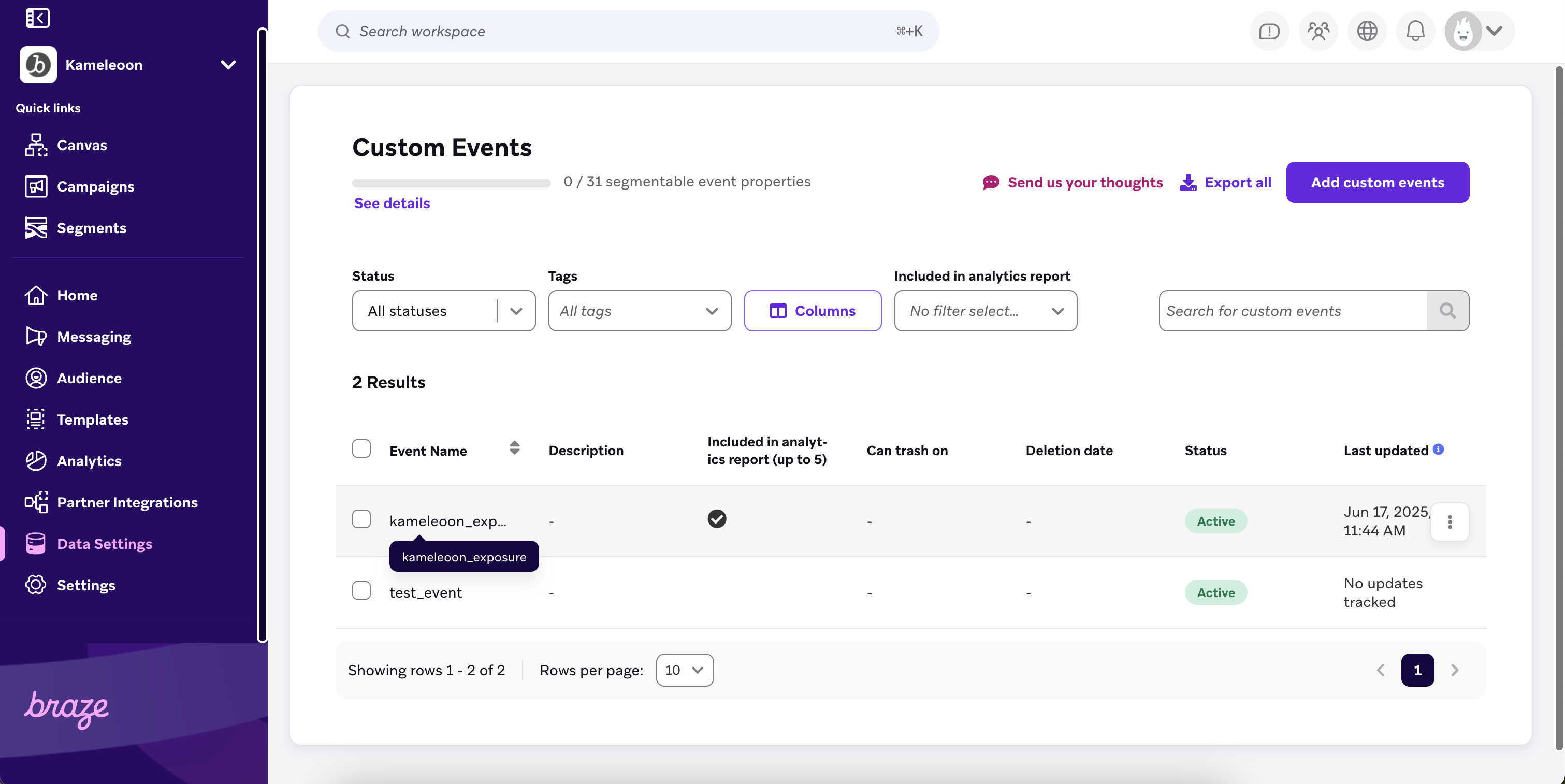
Kameleoon will send custom events with properties, such as experiment name, experiment ID, variation name, and variation ID to Braze.
You can then view this data in the **Custom Events** page. You can also create custom event reports to identify Kameleoon campaign exposure and enable segmentation based on event properties.