> ## Documentation Index
> Fetch the complete documentation index at: https://docs.kameleoon.com/llms.txt
> Use this file to discover all available pages before exploring further.
# Visualize modified/tracked elements on a page
> Highlight added and modified elements in the Graphic editor to track and manage all changes made across your experiment's variations.
Kameleoon allows you to track site changes in web experiments. Tracking changes helps large teams manage multiple modifications.
To use this feature, click the **cog** icon next to the element search bar in the Graphic editor.
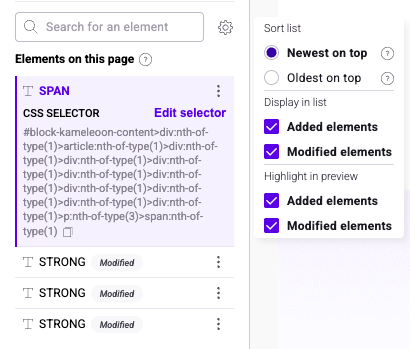
Check **Added elements** and **Modified elements** under **Highlight in preview** to highlight elements that have been added or modified.
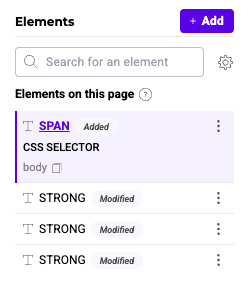
Visualize elements edited throughout the experiment lifecycle. Kameleoon labels modified or added elements as **Modified** or **Added** in the left panel.