> ## Documentation Index
> Fetch the complete documentation index at: https://docs.kameleoon.com/llms.txt
> Use this file to discover all available pages before exploring further.
# Define Progressive Delivery rules
> Configure progressive delivery rules to gradually roll out a feature to an increasing audience using linear or custom ramp-up schedules.
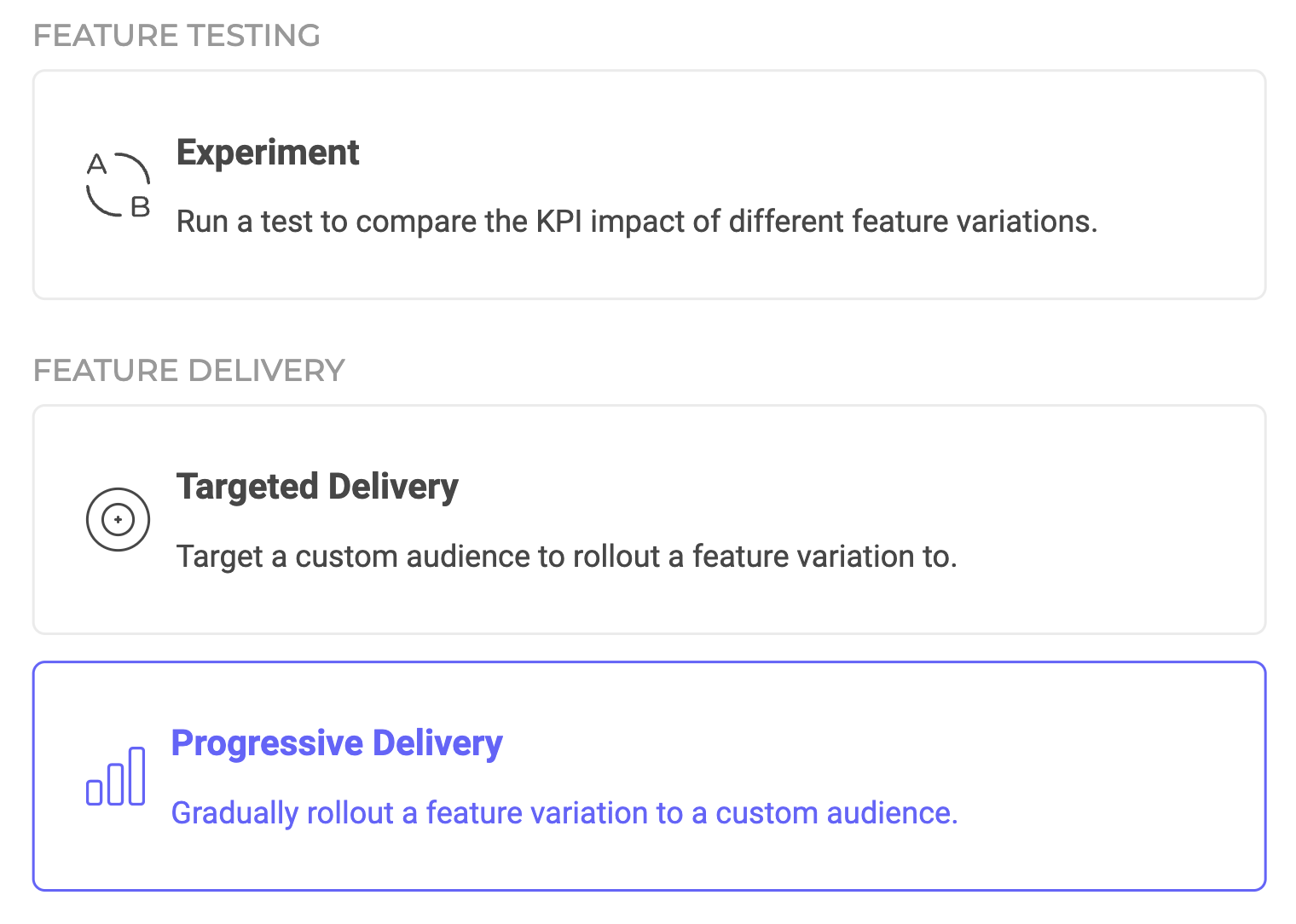
Progressive rollouts let you spread out large feature releases by gradually rolling them out to an increasing audience. You can customize the feature variation you want to roll out, the audience you want to target, and the interval and increment size of the ramp-up.
When setting up the exposure for your Progressive Delivery rule, you can select from two types of ramp-ups: **linear** or **custom**.
## Linear ramp-up
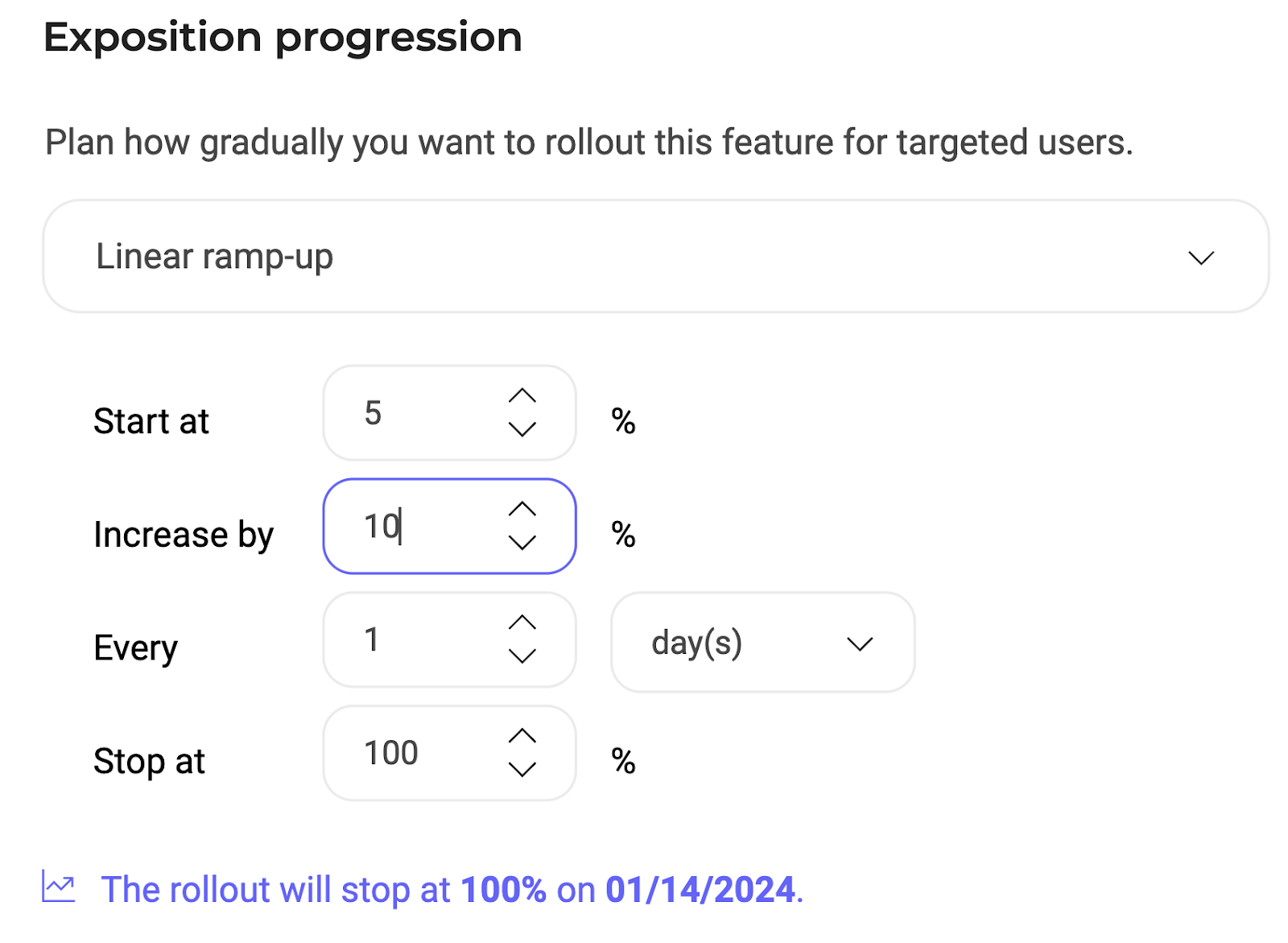
When configuring your linear ramp-up, you must define the following custom parameters:
* The rollout's start date.
* Initial exposure (audience percentage that will be immediately exposed to the feature).
* Increment percentage for rollout audience.
* Time interval between increments.
* Final exposure limit: define the percentage at which you want the rollout to stop. Below this section, you will see a confirmation of when and at what exposure percentage the rollout will stop.
## Custom ramp-up
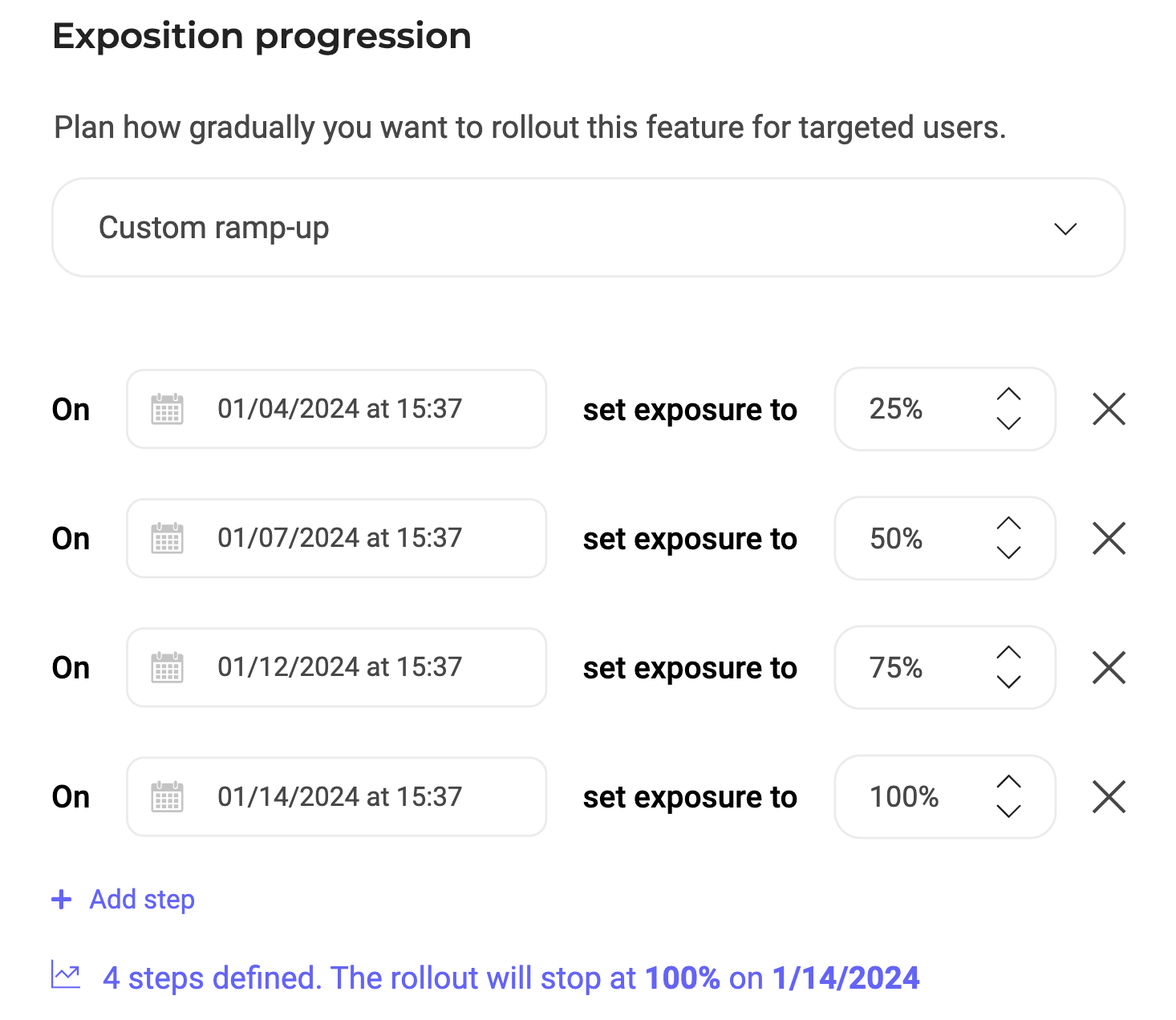
Click **Add step** to add a custom increment. You must select a date/time and an exposure rate for each step you add.