> ## Documentation Index
> Fetch the complete documentation index at: https://docs.kameleoon.com/llms.txt
> Use this file to discover all available pages before exploring further.
# Using the Activity Log
> Monitor and troubleshoot feature releases using the Activity Log's chronological record of actions performed on a feature flag.
The Activity Log is available for each feature flag you create. You can use the Activity Log to monitor and troubleshoot feature releases.
Create or edit a feature flag, and click **Reporting** > **Activity Log**.
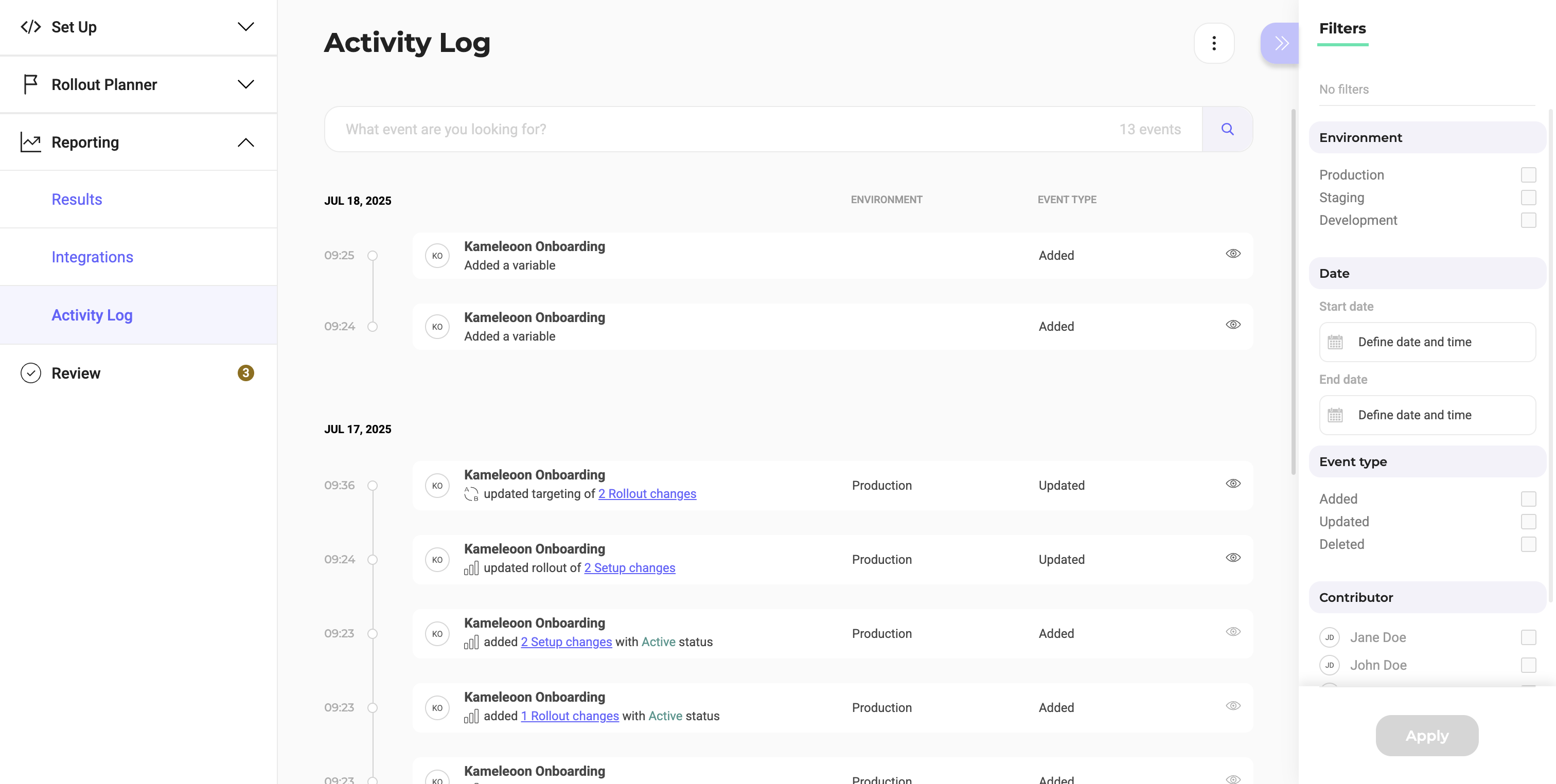
The **Activity Log** menu provides a chronological record of actions performed on this feature flag.

Click the **eye** icon to view changes' details.
## Filters
The available filters are on the right side of the screen:
* Filter by environment
* Filter by date range
* Filter by event type
* Filter by flag contributor