> ## Documentation Index
> Fetch the complete documentation index at: https://docs.kameleoon.com/llms.txt
> Use this file to discover all available pages before exploring further.
# API Credentials
> Retrieve or generate your client_id and client_secret to authenticate calls to Kameleoon's APIs and server-side SDKs.
## What are API Credentials?
API Credentials, specifically the `client_id` and `client_secret` are used to authenticate calls to Kameleoon's APIs (Automation and Data). They are also used in server-side SDKs with our Feature Experimentation solution for authentication to the Kameleoon service.
The authentication is linked to a Kameleoon User Account.
To learn more about how to use API Credentials with the Automation API, please refer to [this](../../../developer-docs/apis/automation-api-rest/get-started/get-started#client-credentials-flow) article.
## Retrieve API Credentials
To retrieve your API Credentials, click your profile icon > **My profile**.
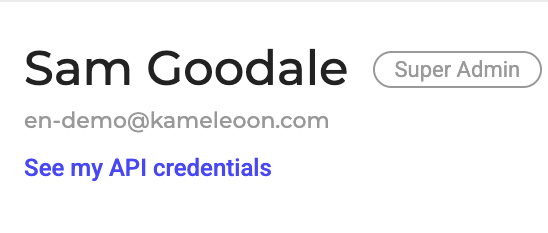
Click **See my API credentials** (or **Generate my API credentials** if you don't have any yet) under your name and email address.
You can copy your `client_id` and/or `client_secret` using the copy function at the end of the line.
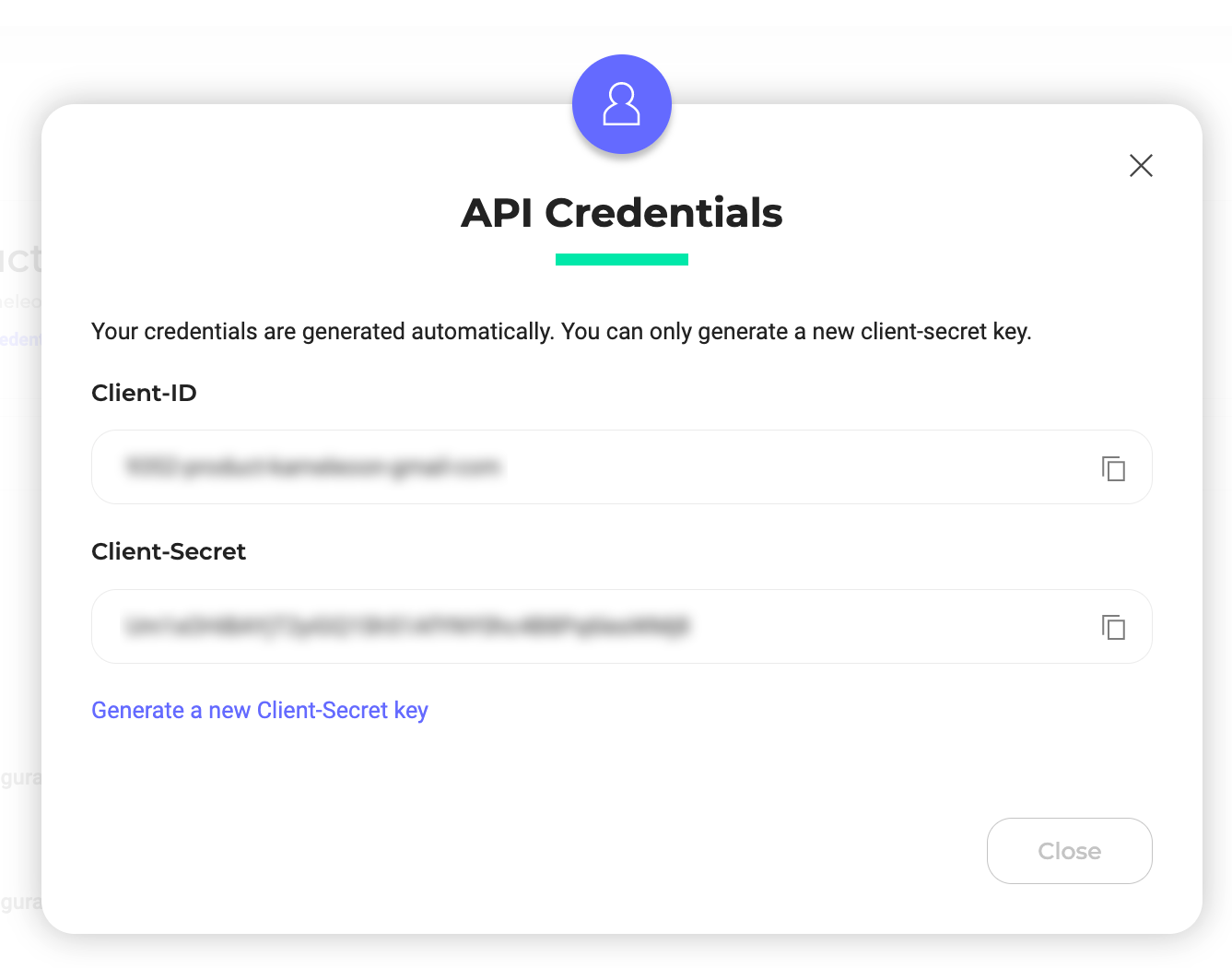
Click **Generate a new Client-Secret key** to generate a new Client-Secret key.
You will also need your Client-Secret when integrating with [third-party integrations](../../integrations/integrations-overview) such as Mixpanel, Segment, Contentsquare, and Amplitude.