> ## Documentation Index
> Fetch the complete documentation index at: https://docs.kameleoon.com/llms.txt
> Use this file to discover all available pages before exploring further.
# API認証情報
> client_idとclient_secretを取得または生成して、KameleoonのAPIおよびサーバーサイドSDKへの呼び出しを認証します。
## API認証情報とは
API認証情報、具体的には`client_id`と`client_secret`は、KameleoonのAPI(AutomationおよびData)への呼び出しを認証するために使用されます。また、Feature Experimentationソリューションを使用してサーバーサイドSDKでKameleoonサービスへの認証にも使用されます。
認証はKameleoonユーザーアカウントにリンクされています。
Automation APIでAPI認証情報を使用する方法の詳細については、[こちら](../../../developer-docs/apis/automation-api-rest/get-started/get-started#client-credentials-フロー)の記事を参照してください。
## API認証情報を取得する
API認証情報を取得するには、プロフィールアイコン > **My profile**をクリックします。
名前とメールアドレスの下にある**See my API credentials**(まだ持っていない場合は**Generate my API credentials**)をクリックします。
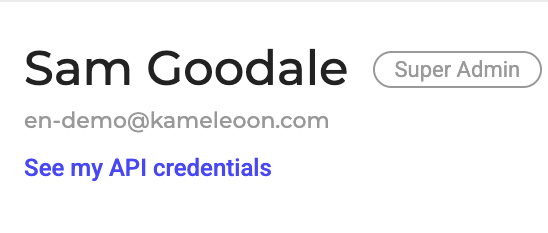
行の末尾にあるコピー機能を使って、`client_id`または`client_secret`をコピーできます。
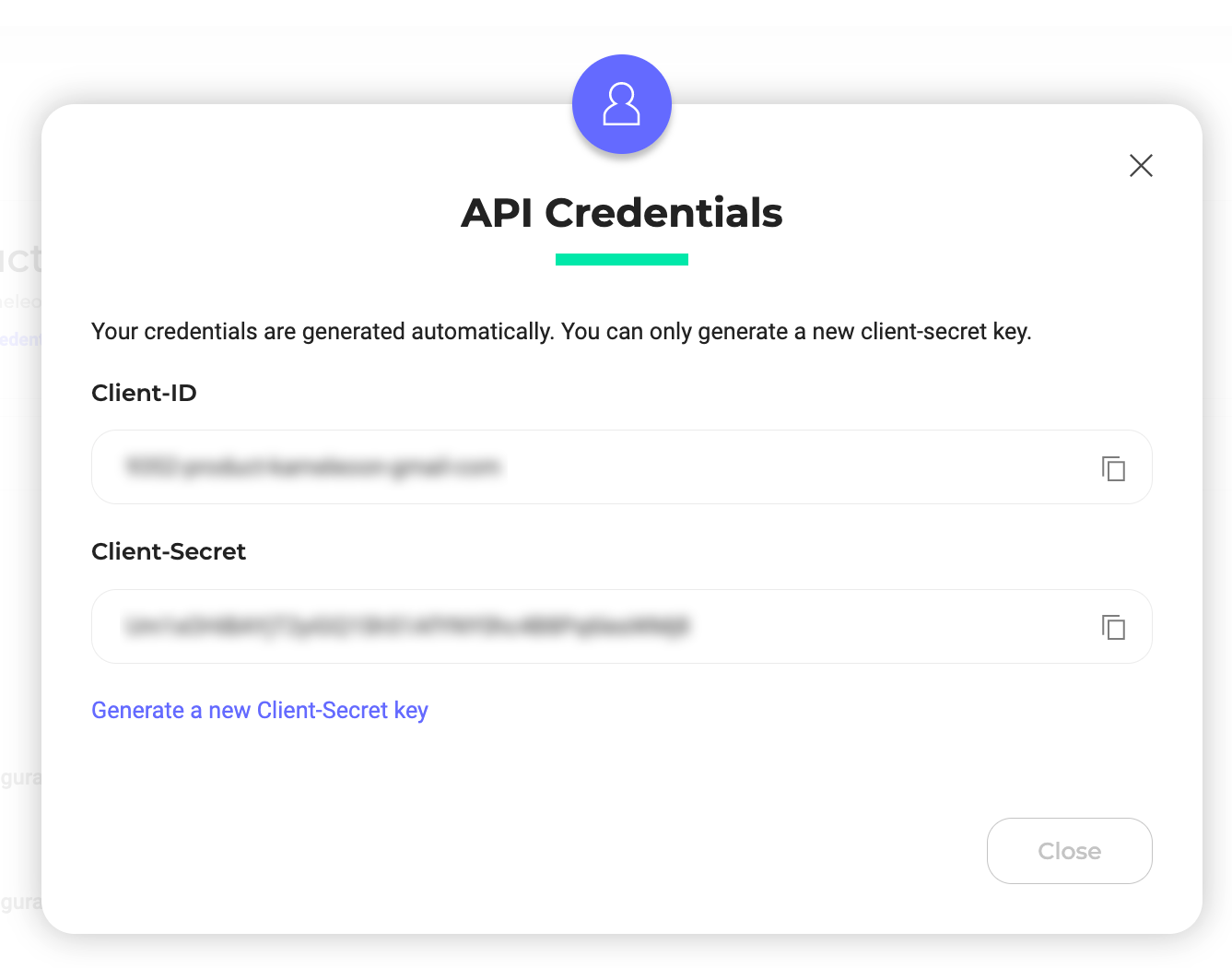
新しいClient-Secretキーを生成するには、**Generate a new Client-Secret key**をクリックします。
Mixpanel、Segment、Contentsquare、Amplitudeなどの[サードパーティ統合](../../integrations/integrations-overview)と統合する場合にもClient-Secretが必要です。