> ## Documentation Index
> Fetch the complete documentation index at: https://docs.kameleoon.com/llms.txt
> Use this file to discover all available pages before exploring further.
# Create a new experiment
> Create a new A/B experiment programmatically using the Automation API Create Experiment endpoint.
## Goal
Create a new experiment, `Experiment_1`, as explained in the [graphic editor guide](/user-manual/experimentation/web-experimentation/graphic-based-experiments/getting-started-with-the-graphic-editor) using the [Automation API Create Experiment endpoint](/api-reference/experiment/create-a-new-experiment).
This tutorial creates a code-based (`DEVELOPER`) experiment. For a multivariate test (`type: MVT`), Kameleoon applies equal traffic allocation to every variation on creation, regardless of any values submitted in `mvtAllocationSettings`. To set custom traffic allocation, follow [Create a multivariate experiment](/developer-docs/apis/automation-api-rest/tutorials/experiments/create-a-multivariate-experiment) instead.
## Requirements
* `access token`
The Automation API requires an [access token](/developer-docs/apis/automation-api-rest/get-started/get-started).
Retrieve the token programmatically by following the instructions in the [obtaining an access token section](/developer-docs/apis/automation-api-rest/get-started/get-started#1-obtain-an-access-token).
* `siteId`
* Retrieve the `siteId` directly in code with the `siteCode` by calling [the get a site by code endpoint](/api-reference/site/get-a-site-by-code).
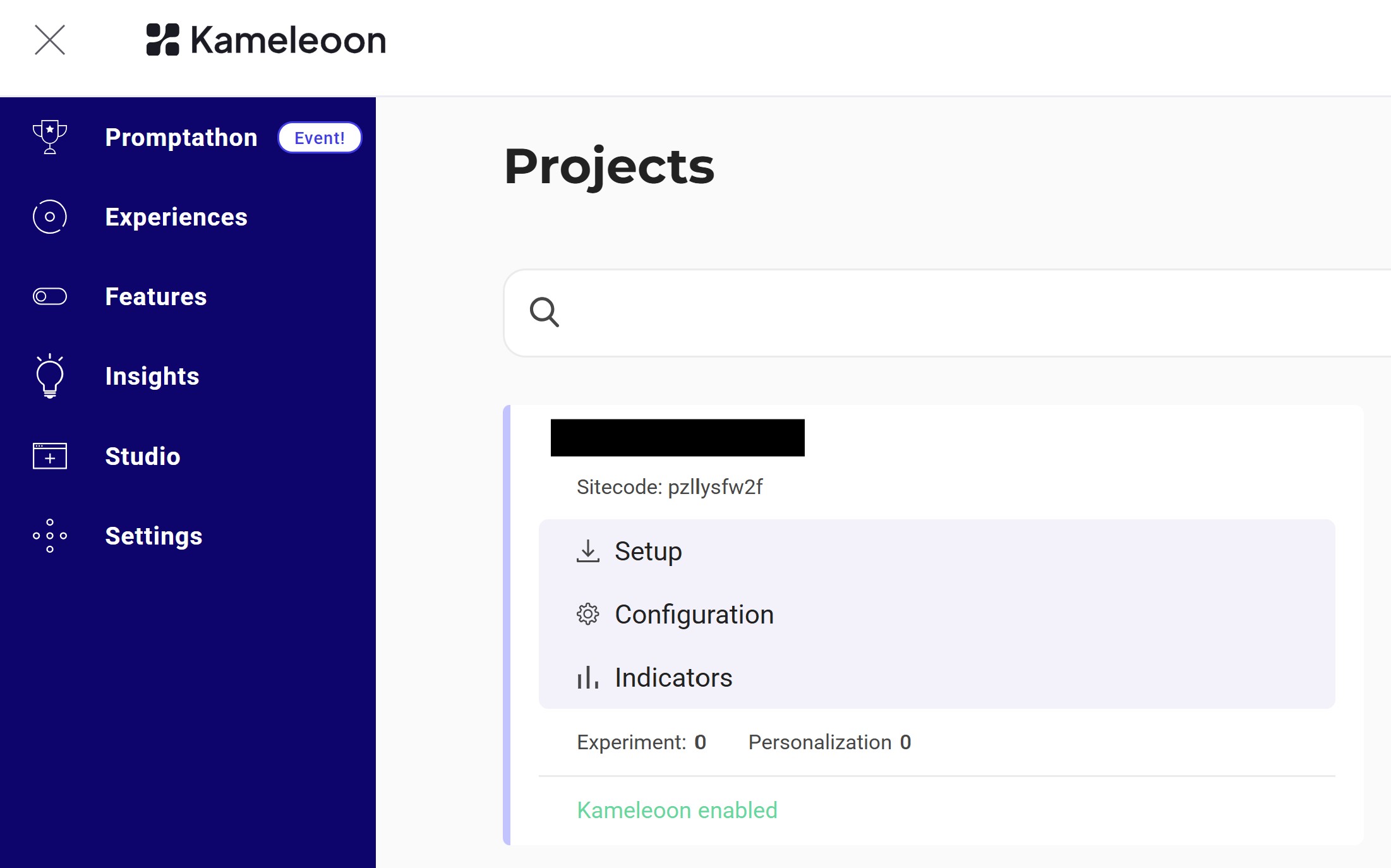
* Alternatively, log into the Kameleoon account, navigate to the bottom-left corner, and select **Projects** under the **Admin** section:
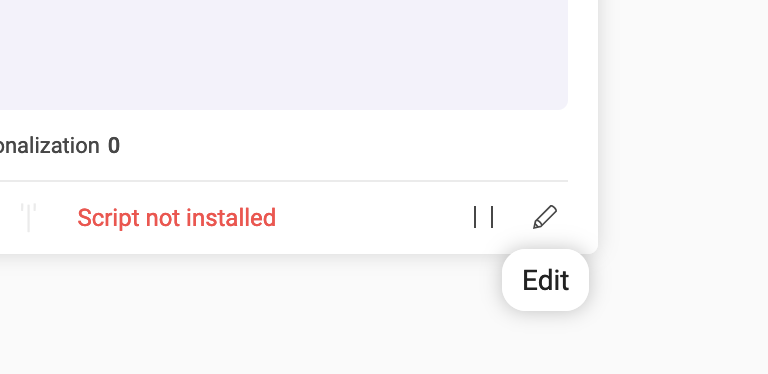
Click **Edit** on the project:
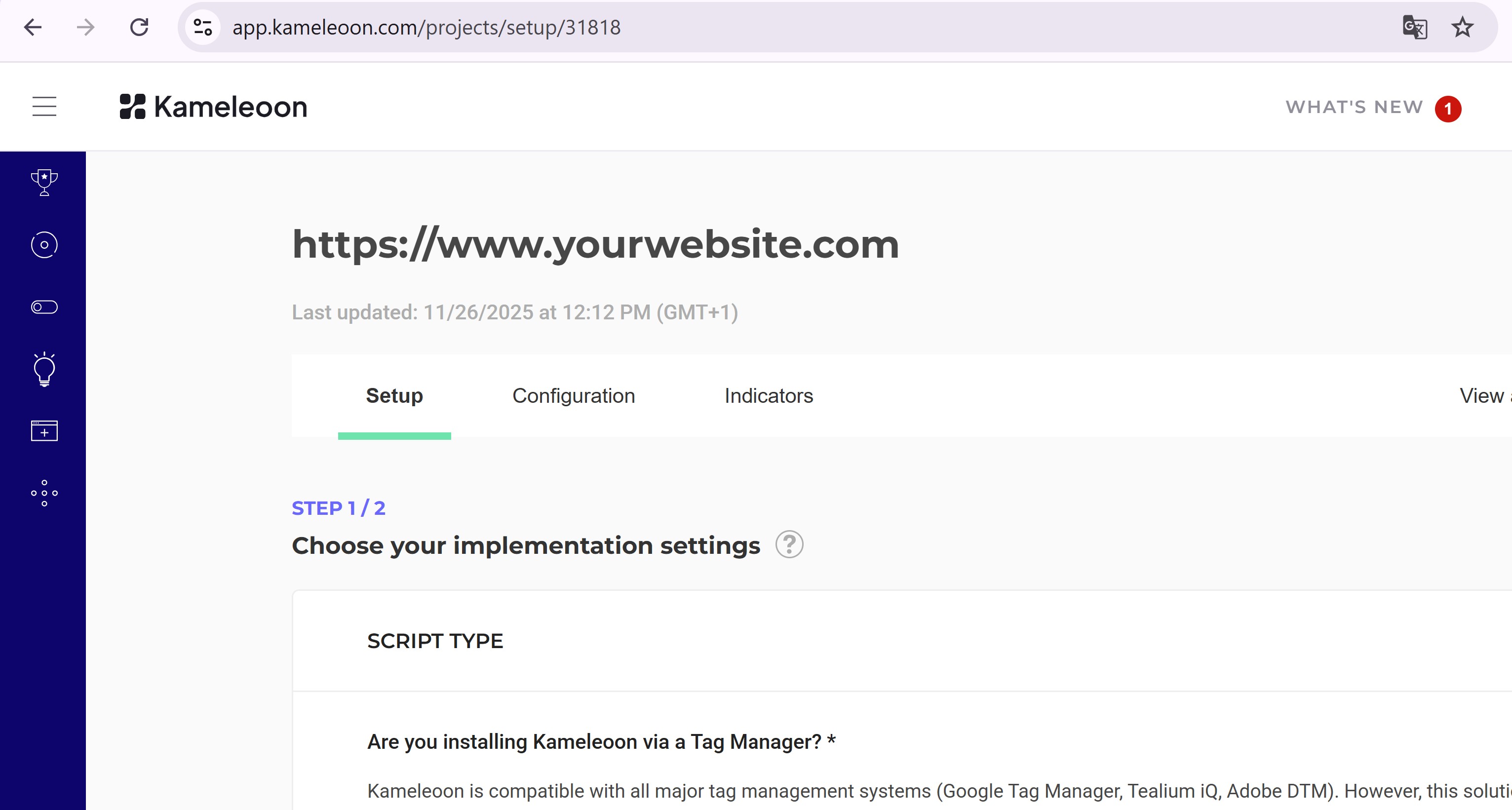
The `siteId` is the five-digit number in the URL (for example, **29353**):
## Steps
### 1. Create the experiment
**Endpoint:**
```
POST https://api.kameleoon.com/experiments
```
| Name | Type | Description |
| ------- | ------ | ---------------------------------------------------------------------------------------------------------------------------------------------------------------- |
| baseURL | String | URL of the page to load in the Graphic Editor. |
| name | String | Experiment name. |
| siteId | String | The project’s `siteId`. |
| type | String | Type of experiment (for example, `DEVELOPER` for code-based experiments). See [API reference](/developer-docs/apis/automation-api-rest/get-started/get-started). |
**Example:**
```bash theme={null}
curl -L -X POST 'https://api.kameleoon.com/experiments' \
-H 'Content-Type: application/json' \
-H 'Accept: */*' \
-H 'Authorization: Bearer ' \
--data-raw '{"baseURL":"https://test-site.fr/","name":"Experiment_1","siteId":29353,"type":"DEVELOPER"}'
```
**Response:**
```json theme={null}
{
"id": 283505,
"siteId": 29353,
"name": "Experiment_1",
"baseURL": "https://test-site.fr/",
"type": "DEVELOPER",
"status": "draft",
"variations": [1053310],
"isArchived": false
}
```
### 2. Verify the experiment
Go to the **Experiments Dashboard** and refresh the page.
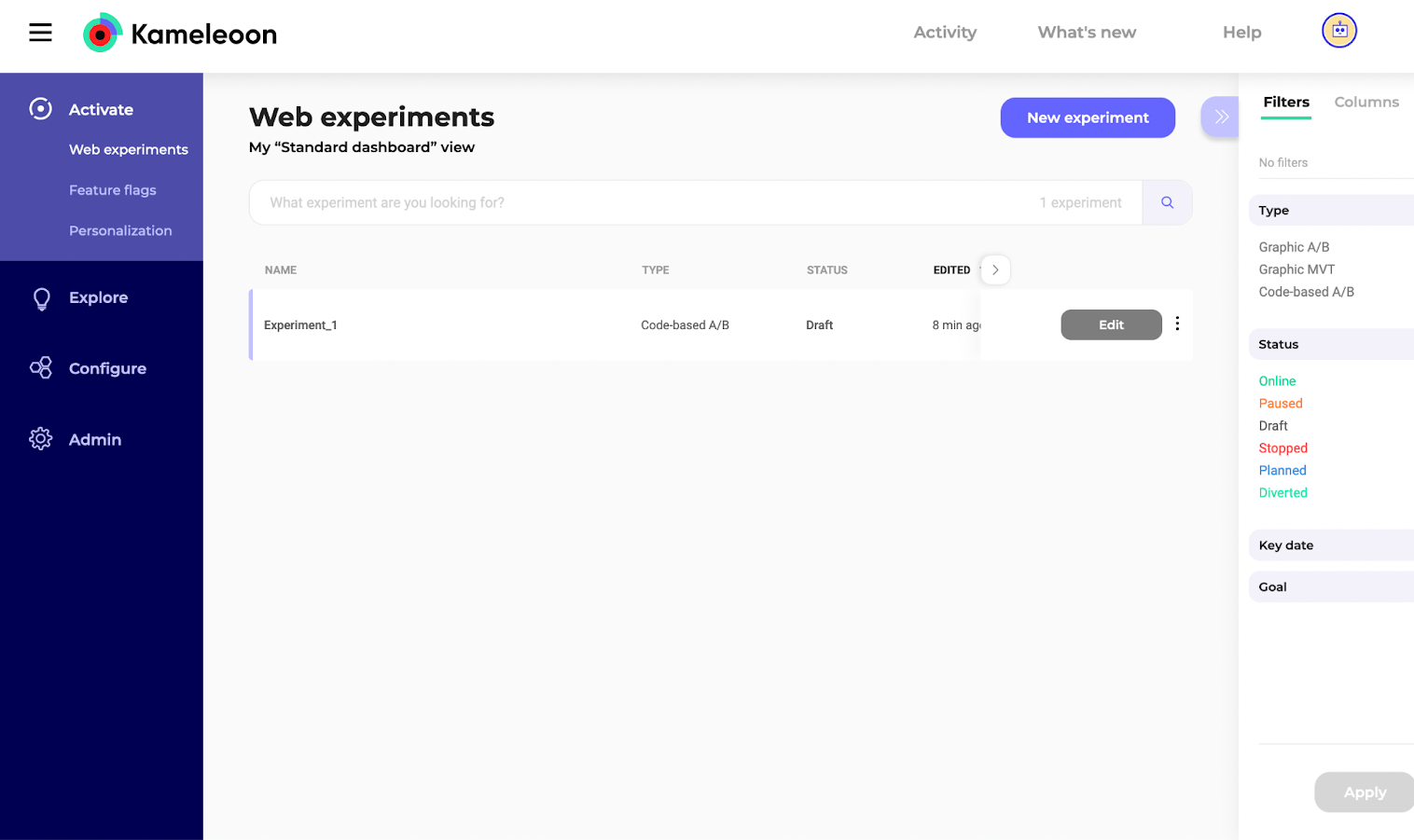
`Experiment_1` should now appear: